
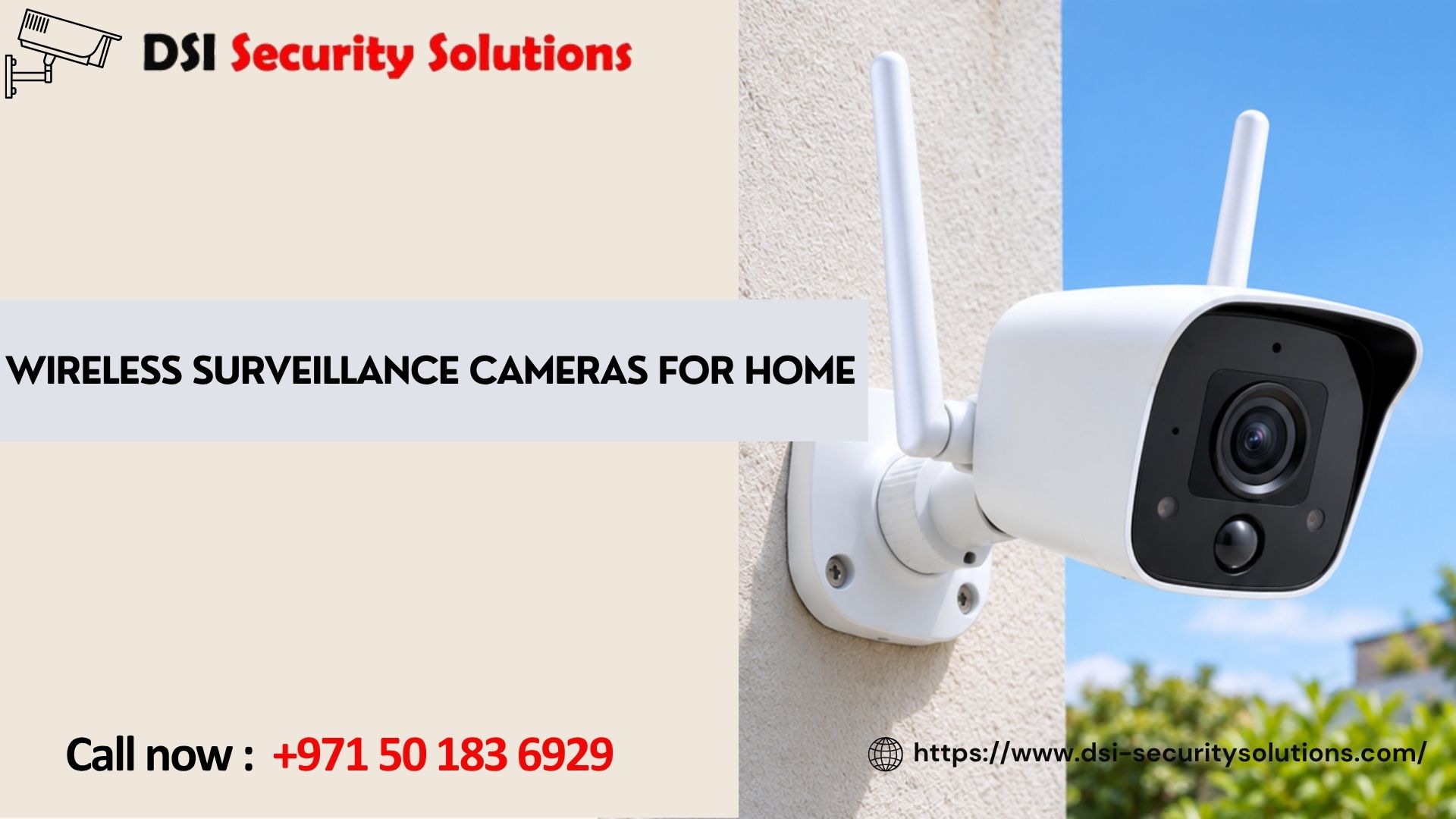
Wireless Surveillance Cameras for Home: A Practical Buyer’s Guide
Most homeowners want the same thing from a security system: to know what’s happening at home, whether they’re in the living room, at the office, or on holiday. Wireless surveillance cameras for home use make that possible without tearing up walls or running cables through the property.
Choosing well takes some care, though. Camera specifications can be confusing, Wi-Fi limits are often ignored, and the cheapest options sometimes come with hidden costs. This guide covers how wireless home surveillance works, the camera types available, which features matter, where to place cameras, and how to keep the system secure and reliable.
What Are Wireless Surveillance Cameras for Home Use?
A wireless surveillance camera sends video over Wi-Fi instead of a video cable. You can watch live footage and recorded clips on your smartphone, tablet, or computer, and receive alerts when the camera detects activity.
“Wireless” refers to the video connection, not the power. Most cameras still need one of three power sources:
- Plug-in power: a cable to a socket, suited to indoor spots and areas near outlets
- Rechargeable batteries: flexible placement, but periodic recharging
- Solar panels: a battery topped up by sunlight, useful for sunny outdoor spots
Footage is saved to a microSD card in the camera, a local recorder, cloud storage, or a mix of these.
Why Families Choose Wireless Home Surveillance
Quick setup. Many cameras can be mounted and connected in under an hour, so protection starts the same day.
Minimal disruption. No drilling through walls or hiding cables, which matters in finished homes and rented apartments.
Flexibility. If your needs change, you can move a camera or add another.
Remote access. Check on children arriving home, pets, deliveries, or tradespeople from anywhere.
Smart alerts. Modern cameras can tell people, vehicles, and packages apart from shadows and insects, so you get fewer pointless notifications.
Scalability. Start with a camera or two at the main entrances and expand over time.
Wireless vs. Wired Home Surveillance
| Factor | Wireless | Wired |
|---|---|---|
| Installation | Fast, little cabling | More labor, cable routing |
| Reliability | Depends on Wi-Fi quality | Very stable |
| Placement | Highly flexible | Limited by cable runs |
| Power | Plug-in, battery, or solar | Single PoE cable or separate power |
| Best for | Apartments, rentals, small to mid-size homes | Large villas, permanent installs |
For many homes, wireless is the sensible choice. For large villas with thick walls, a wired backbone at the main entrances, with wireless cameras filling the gaps, often works best. A professional can advise on the right mix after a site visit.
Types of Wireless Surveillance Cameras for Home
Indoor Cameras
Compact and discreet, these suit hallways, living areas, and entrances. Pan-and-tilt models rotate to cover a whole room, and two-way audio lets you speak to family or pets.
Outdoor Cameras
Built to handle rain, dust, and heat, outdoor models should carry an IP65 or higher weather rating. They cover driveways, gates, gardens, and exterior walls.
Battery-Powered Cameras
These work where there’s no nearby socket, such as side gates or garden walls. Battery life depends on how often the camera records.
Solar-Powered Cameras
Ideal for sunny locations, they cut down on recharging. They work best with a few hours of direct light each day.
Wireless Doorbell Cameras
These show you who’s at the door, record visitors, and let you talk through your phone. They are often the first step into home surveillance.
Floodlight and Spotlight Cameras
These pair bright lighting with a camera, discouraging intruders and improving night footage.
PTZ Cameras
Pan-tilt-zoom cameras cover large gardens and courtyards and can follow moving subjects automatically.
Features That Matter
Resolution
Full HD (1080p) is a solid baseline. 2K and 4K cameras show finer detail, such as faces and number plates, but use more storage and bandwidth.
Night Vision
Infrared night vision gives black-and-white footage in darkness. Color night vision keeps details like clothing and car colors, which can be useful when describing an incident.
Smart Detection
Person, vehicle, and package detection reduces false alerts. Customizable activity zones let you ignore a busy road while monitoring your driveway.
Field of View
A wider angle covers more area, but very wide lenses can distort edges and reduce detail at distance. Match the lens to the location.
Two-Way Audio
Handy for greeting visitors or deterring someone who shouldn’t be there.
Storage Options
Local storage avoids monthly fees. Cloud storage keeps footage safe if the camera is stolen or damaged. Many households use both.
Wi-Fi Compatibility
Dual-band cameras support both 2.4 GHz (better range through walls) and 5 GHz (faster, but shorter range). Check that your router and camera suit each other.
Weather and Heat Tolerance
In hot, dusty climates, check the operating temperature range and the IP rating, not just the marketing claims.
Where to Place Wireless Cameras at Home
Placement is the difference between useful footage and wasted recordings.
- Front door: capture faces and deliveries
- Back door and patio doors: a common weak point
- Driveway and garage: monitor vehicles and stored equipment
- Side gates and passages: often hidden from view
- Garden and perimeter: cover boundaries and approaches
- Indoor common areas: hallways and living rooms, with respect for family privacy
A few tips:
- Mount outdoor cameras around 2.5 to 3 meters high, out of easy reach but low enough to capture faces.
- Avoid pointing cameras straight into the sun or bright lamps.
- Test Wi-Fi strength at the mounting spot before drilling any holes.
- Cover the approach to a door, not just the door itself.
- Keep cameras away from neighbors’ windows and private areas, and avoid placing cameras in bedrooms or bathrooms.
Making Sure Your Wi-Fi Can Handle It
Wireless cameras are only as dependable as the network behind them. Before you buy, consider:
- Router location: a router tucked in a cupboard at one end of the home won’t reach far corners.
- Walls and distance: concrete, metal, and glass weaken signals, especially outdoors.
- Bandwidth: several high-resolution cameras streaming at once can strain a basic router.
- Mesh Wi-Fi: for larger homes, a mesh system provides consistent coverage across floors and the garden.
If a camera keeps disconnecting, the fix is usually better Wi-Fi coverage rather than a different camera.
Keeping Your Wireless Cameras Secure
Wireless cameras are connected devices, so basic cyber hygiene matters:
- Replace default passwords with strong, unique ones.
- Turn on two-factor authentication for camera accounts.
- Install firmware and app updates promptly.
- Use WPA2 or WPA3 encryption on your home Wi-Fi.
- Consider a separate guest or IoT network for cameras.
- Switch off features you don’t use, such as unneeded sharing or remote links.
- Choose reputable brands that publish regular security updates.
Typical Costs
Prices vary widely by brand, features, and number of cameras. Key factors include:
- Camera resolution and build quality
- Indoor or outdoor design
- Plug-in, battery, or solar power
- Storage choice and any cloud subscription
- Number of cameras
- Network upgrades such as mesh Wi-Fi
- Professional installation
Think about total cost of ownership. A cheap camera that needs a monthly subscription or fails after a year can cost more than a better unit bought upfront.
DIY or Professional Installation?
A single indoor camera or video doorbell is an easy DIY task. A professional is worth considering when:
- You need several cameras covering a large home or villa
- Wi-Fi coverage is patchy
- You want wired and wireless cameras working together
- You want integration with alarms, intercoms, or smart locks
- You want correct angles, secure mounting, and safe network setup
Professional installers can also check for blind spots and advise on privacy and local regulations.
Wireless Surveillance Cameras for Home with DSI Security Solutions
At DSI Security Solutions, we help homeowners choose and install wireless surveillance cameras that fit their property and lifestyle. We assess your home, check Wi-Fi coverage, recommend suitable cameras, set up secure remote access on your phone, and show you how everything works.
Our support continues after installation, with maintenance and troubleshooting to keep your system dependable. We give honest advice and a clear quote, and we recommend only what your home actually needs.
Frequently Asked Questions About Wireless Surveillance Cameras for Home
Are wireless surveillance cameras reliable for home use?
Yes, when paired with good Wi-Fi and installed properly. For large properties or critical areas, adding wired cameras can improve reliability.
Do wireless cameras work without internet?
Many can still record to a microSD card or local recorder without internet. However, remote viewing and push alerts need a working connection.
Do wireless cameras need power?
Yes. They use a plug-in adapter, a rechargeable battery, or a solar panel. The wireless part refers to the video connection.
How long do batteries last in wireless cameras?
It depends on how often the camera records, the temperature, and the settings. Recharging every few weeks to a few months is common, and busy locations drain batteries faster.
Can wireless home cameras be hacked?
Any connected device carries some risk. Strong unique passwords, two-factor authentication, regular updates, and a secured Wi-Fi network greatly reduce it.
Is a subscription required?
Not always. Cameras with local storage often work without fees. Some brands charge for cloud storage and advanced features, so check before you buy.
How many cameras does my home need?
Many homes start with two to four cameras covering the front door, back door, and driveway. Larger villas may need more. A site assessment gives the most accurate answer.
Can I use wireless cameras in a rented home?
Usually, yes. They’re easy to install and remove, though you should check your tenancy agreement and get approval before drilling.
Do wireless cameras work at night?
Yes. Most have infrared night vision, and some offer full-color night vision. Quality varies between models.
What’s the best height for outdoor cameras?
About 2.5 to 3 meters is a common starting point, keeping them out of reach while capturing useful detail.
Are wireless cameras better than wired cameras?
Neither is better in every case. Wireless is faster and more flexible to install, while wired is more stable for large or permanent setups.
Can I place cameras inside my home?
Yes, in common areas like entrances, hallways, and living rooms. Avoid private spaces such as bedrooms and bathrooms, and let family members and guests know where cameras are.
Wireless surveillance cameras for home use offer a flexible, affordable way to keep your property and family protected. The best results come from choosing cameras that suit each location, making sure your Wi-Fi is strong, placing cameras thoughtfully, and securing the system against cyber risks. With proper planning, a wireless system gives dependable, everyday peace of mind.