
Security Systems: A Complete Guide to Protecting Your Home and Business
Every property has something worth protecting, whether it’s family, stock, equipment, data, or simply peace of mind. Modern security systems make that protection practical, combining cameras, alarms, access control, and smart monitoring into setups that work around the clock. The challenge is knowing what you actually need. Buy too little and you leave gaps. Buy too much and you pay for features you’ll never use.
This guide explains what security systems are, the main types available, how the parts work together, what affects cost, and how to choose a setup that suits your property.
What Are Security Systems?
A security system is a group of connected devices and services designed to detect threats, deter intruders, record evidence, and alert you when something is wrong. Systems range from a single camera at a front door to fully integrated solutions covering multiple buildings.
A good system does three things well:
- Deters: visible cameras, signage, and lighting discourage opportunists.
- Detects: sensors, cameras, and analytics identify unusual activity quickly.
- Responds: alarms, notifications, and monitoring help you act fast and give you records afterward.
Main Types of Security Systems
CCTV Surveillance Systems
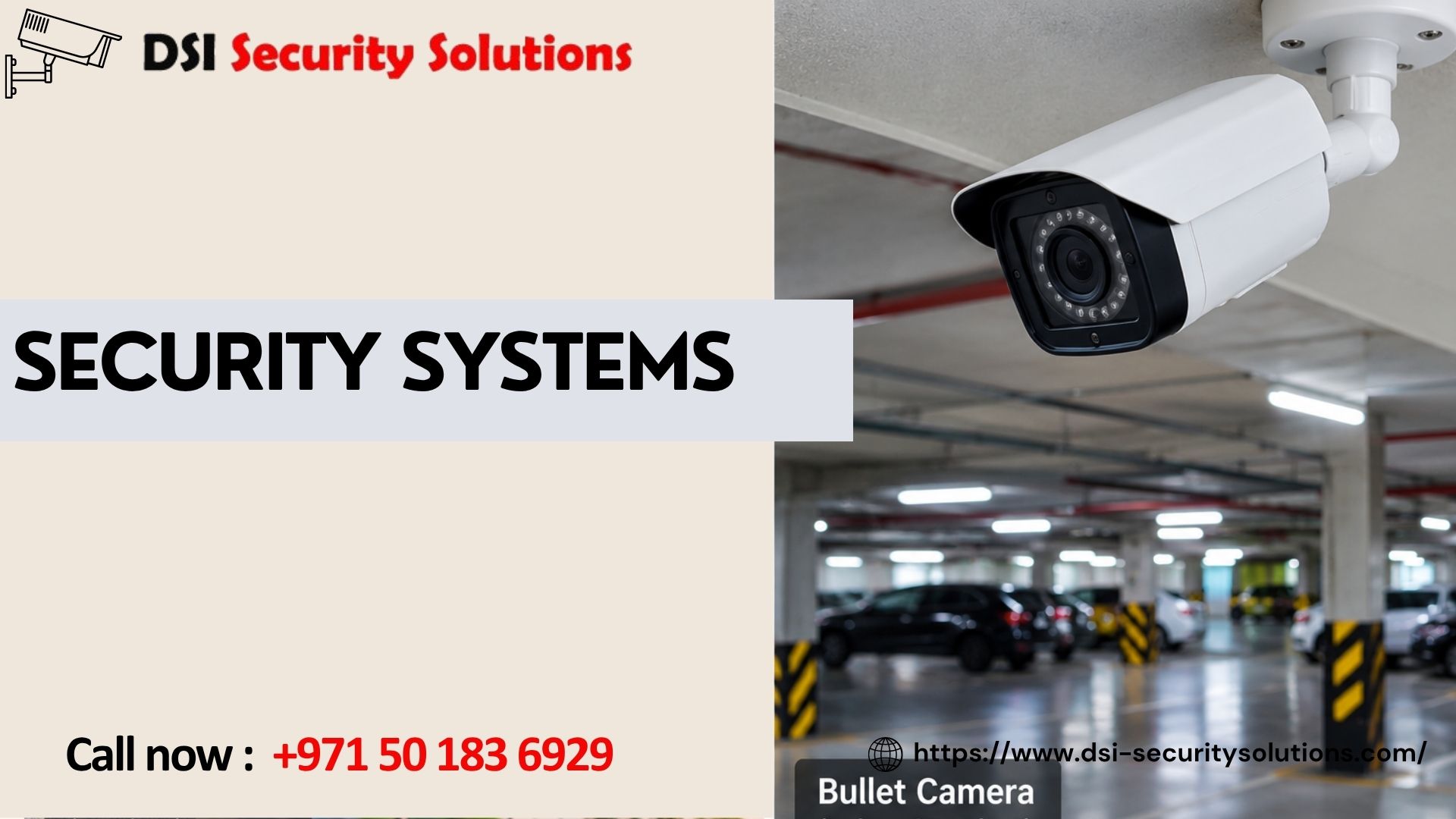
CCTV is the most widely used security system. Cameras capture video that is saved to a DVR, NVR, or cloud storage, and you can watch live or recorded footage on a phone, computer, or monitor. Options include analog HD, IP, wireless, hybrid, and cloud-based setups. Camera styles such as dome, bullet, turret, and PTZ suit different locations.
Best for: nearly every property, as the foundation of a security plan.
Intruder Alarm Systems
Alarms use sensors on doors, windows, and inside rooms to detect forced entry or movement. When triggered, they sound a siren and can send alerts to your phone or a monitoring center. Sensors include door contacts, motion detectors, glass-break detectors, and vibration sensors.
Best for: homes, shops, and offices that need immediate warning of unauthorized entry.
Access Control Systems
Access control manages who can enter which areas and when. Methods include key cards, PIN codes, fingerprint readers, facial recognition, and mobile credentials. The system logs every entry, giving you a record of who went where.
Best for: offices, apartment buildings, warehouses, server rooms, and any site with restricted areas.
Video Door Entry and Intercom Systems
Video intercoms let you see and speak to visitors before opening the door, often from your phone. They add convenience and a layer of screening for homes, apartment blocks, and business entrances.
Best for: villas, residential buildings, and reception areas.
Perimeter Security
Perimeter systems protect the outer edge of a property with automatic gates, barriers, fence sensors, and outdoor detection. Catching a threat at the boundary gives you more time to respond.
Best for: villas, warehouses, industrial yards, and large sites.
Fire and Safety Systems
Smoke detectors, heat sensors, and alarm panels protect against fire, which is a more common risk than burglary. Many commercial premises have legal requirements for fire detection and alarms, so these should be planned alongside security.
Best for: all properties, especially commercial and multi-occupancy buildings.
Smart Home and Integrated Systems
Smart systems connect cameras, locks, lighting, sensors, and alarms through a single app. You can set automations, such as turning on lights when motion is detected at night, and manage everything remotely.
Best for: tech-friendly homeowners and businesses wanting centralized control.
Monitored Security Services
Some providers offer remote monitoring, where a control room watches alarms or camera feeds and contacts you or responders when something happens. This adds human oversight to automated detection.
Best for: businesses with valuable stock, unattended premises, or higher risk levels.
Quick Comparison of Security System Types
| System | Main Purpose | Typical Cost Level | Best For |
|---|---|---|---|
| CCTV | Deter, monitor, record | Medium | All property types |
| Intruder alarm | Detect and alert | Low to medium | Homes, shops, offices |
| Access control | Manage entry | Medium to high | Offices, warehouses, buildings |
| Video intercom | Screen visitors | Low to medium | Villas, apartments |
| Perimeter security | Protect boundaries | Medium to high | Large or exposed sites |
| Integrated smart system | Centralized control | Medium to high | Homes and businesses wanting automation |
How the Parts of a Security System Work Together
The strongest security systems combine layers rather than relying on one device. For example, at a warehouse:
- A perimeter sensor detects someone near the fence.
- A PTZ camera swings toward the alert and records.
- Lighting switches on automatically.
- The alarm panel sends a notification to the manager and monitoring center.
- Access control logs show that no authorized person was on site.
Each layer covers a weakness in the others. Cameras record but can’t physically stop anyone, alarms alert but don’t show what happened, and access control manages entry but doesn’t watch the perimeter. Together, they create real protection.
Key Features to Look For
Remote Access and Mobile Alerts
A good app lets you view live video, receive instant notifications, and manage settings from anywhere.
Scalability
Choose a system that lets you add cameras, sensors, or doors later without replacing everything. Open standards such as ONVIF help avoid lock-in.
Smart Detection
Person and vehicle detection reduces false alarms caused by shadows, animals, or passing headlights.
Reliability and Backup Power
A UPS or battery backup keeps the system working during power cuts, which is exactly when many break-ins happen.
Weather Resistance
In hot, dusty climates, outdoor equipment should have a suitable IP rating and operating temperature range.
Cybersecurity
Because modern security systems connect to networks, they need strong passwords, encrypted connections, and regular firmware updates.
Integration
Systems that work together, such as CCTV linked to access control or alarms, give you more value and simpler management.
How to Choose the Right Security System
1. Assess Your Risks
Think about what you’re protecting and from whom. A home faces different threats than a retail shop, a warehouse, or a clinic.
2. Define Your Priorities
Do you mainly want to deter theft, identify intruders, control access, monitor staff, or check on property remotely? Your goals shape your choices.
3. Walk the Property
Note entry points, blind spots, lighting, valuable areas, and any existing equipment. Consider the less obvious weak points, such as side gates, loading bays, and rear windows.
4. Set a Realistic Budget
Include installation, storage, subscriptions, and maintenance, not just hardware.
5. Plan for Growth
A system that fits you today but can’t expand will soon need replacing.
6. Get a Professional Assessment
A site survey from an experienced provider usually reveals risks and savings you’d miss on your own.
Security Systems for Different Properties
Homes and villas: Cameras at entrances and driveways, an alarm system, video intercom, and mobile alerts.
Retail shops: Cameras covering entrances, tills, and stockrooms, plus alarms and, where useful, people-counting analytics.
Offices: Access control, reception and parking cameras, and alarm systems, ideally integrated.
Warehouses and industrial sites: Perimeter protection, long-range cameras, strong night vision, and rugged weatherproof equipment.
Construction sites: Relocatable cameras, remote monitoring, and guard coordination to protect materials and machinery.
Hotels, schools, and clinics: Discreet indoor cameras, controlled access, and careful privacy and data retention practices.
How Much Do Security Systems Cost?
Costs vary widely, and no honest provider can quote accurately without seeing the property. The main factors are:
- System type and scope: a single camera costs far less than integrated CCTV, alarm, and access control
- Number of devices: each camera, sensor, or door reader adds cost
- Equipment quality: premium hardware costs more but often lasts longer and performs better
- Property size and layout: large buildings, thick walls, and long cable runs raise labor time
- Storage needs: longer retention and higher resolution require larger drives or cloud plans
- Monitoring and subscriptions: remote monitoring, cloud storage, and software licenses add ongoing costs
- Maintenance: service contracts protect your investment over time
Ask for an itemized quote and compare what is included. The cheapest offer often leads to repeat costs when equipment fails early.
Why Professional Installation Matters
Even the best equipment underperforms if it’s installed badly. Professional installation provides:
- Correct placement so cameras and sensors cover real weak points
- Neat, protected cabling that lasts longer and resists tampering
- Proper configuration that cuts false alarms and missed events
- Network security that reduces hacking risk
- Warranty and support so you have someone to call if something fails
DIY kits can work for a single camera or video doorbell. For multi-device or commercial setups, professional work is usually the better investment.
Maintaining Your Security Systems
A system that isn’t maintained can quietly fail. Good habits include:
- Cleaning camera lenses, especially in dusty environments
- Testing alarms, sensors, and panels regularly
- Checking that every camera is online and recording
- Reviewing playback to confirm footage is saved
- Updating firmware and changing passwords periodically
- Checking hard drive health before drives fail
- Arranging an annual maintenance contract
Legal and Privacy Considerations
Rules about security systems vary by country and emirate. They can cover camera placement, signage, audio recording, footage retention, and approved providers, especially for commercial properties. Avoid pointing cameras at neighbors’ windows or private spaces, and confirm current requirements before installing. A reputable provider can advise on compliance.
Security Systems from DSI Security Solutions
At DSI Security Solutions, we design, supply, and install security systems built around your property, risks, and budget. We begin with a site assessment, recommend practical solutions, and handle professional installation, configuration, and training. After handover, we provide maintenance and support so your system keeps performing.
Whether you need a few cameras for a home or an integrated system for a commercial site, we give honest advice, itemized quotations, and only recommend what your property actually needs.
Frequently Asked Questions About Security Systems
What are the main types of security systems?
The main types are CCTV surveillance, intruder alarms, access control, video door entry, perimeter security, fire detection, and integrated smart systems. Many properties combine several for layered protection.
Which security system is best for my home?
Most homes benefit from CCTV at key entrances, an alarm system, and a video intercom. The best mix depends on your property size, location, and budget, and a site assessment helps pinpoint it.
What is the difference between CCTV and an alarm system?
CCTV records video so you can see and review events. An alarm detects intrusion through sensors and triggers a siren or alert. Together they cover both detection and evidence.
Are wireless security systems as good as wired ones?
Wireless systems are quick and flexible to install, and work well for many homes. Wired systems are generally more stable and better for large or critical sites. Many properties use a mix.
How much do security systems cost?
Cost depends on system type, number of devices, equipment quality, property size, and ongoing services. A site survey is the only way to get an accurate quote.
Can I control my security system from my phone?
Yes. Most modern systems offer mobile apps for live video, alerts, arming or disarming alarms, and managing access.
Do security systems work during power cuts?
Only with backup power. A UPS or battery backup keeps recorders, cameras, and alarm panels running for a limited time during outages.
What is access control?
Access control restricts entry to authorized people using cards, PIN codes, biometrics, or mobile credentials, and records who entered and when.
How long does installation take?
A small home system can often be installed in a day. Larger commercial projects with many devices and long cable runs can take several days or more.
Can security systems be hacked?
Any network-connected system carries some risk. Strong passwords, firmware updates, encrypted connections, and proper network setup greatly reduce it.
Do I need a maintenance contract?
It’s strongly recommended. Regular inspections catch failing drives, dirty lenses, and dead sensors before they leave you unprotected.
Can I expand my security system later?
Usually yes, if the system was designed for growth. Ask your installer about expandability and open standards before you buy.
The best security systems are built in layers, matched to your property’s real risks, installed properly, and maintained over time. Start by understanding what you need to protect, choose equipment that suits the environment, and work with a provider who explains your options honestly. Do that, and your system will deliver reliable protection and peace of mind for years.