
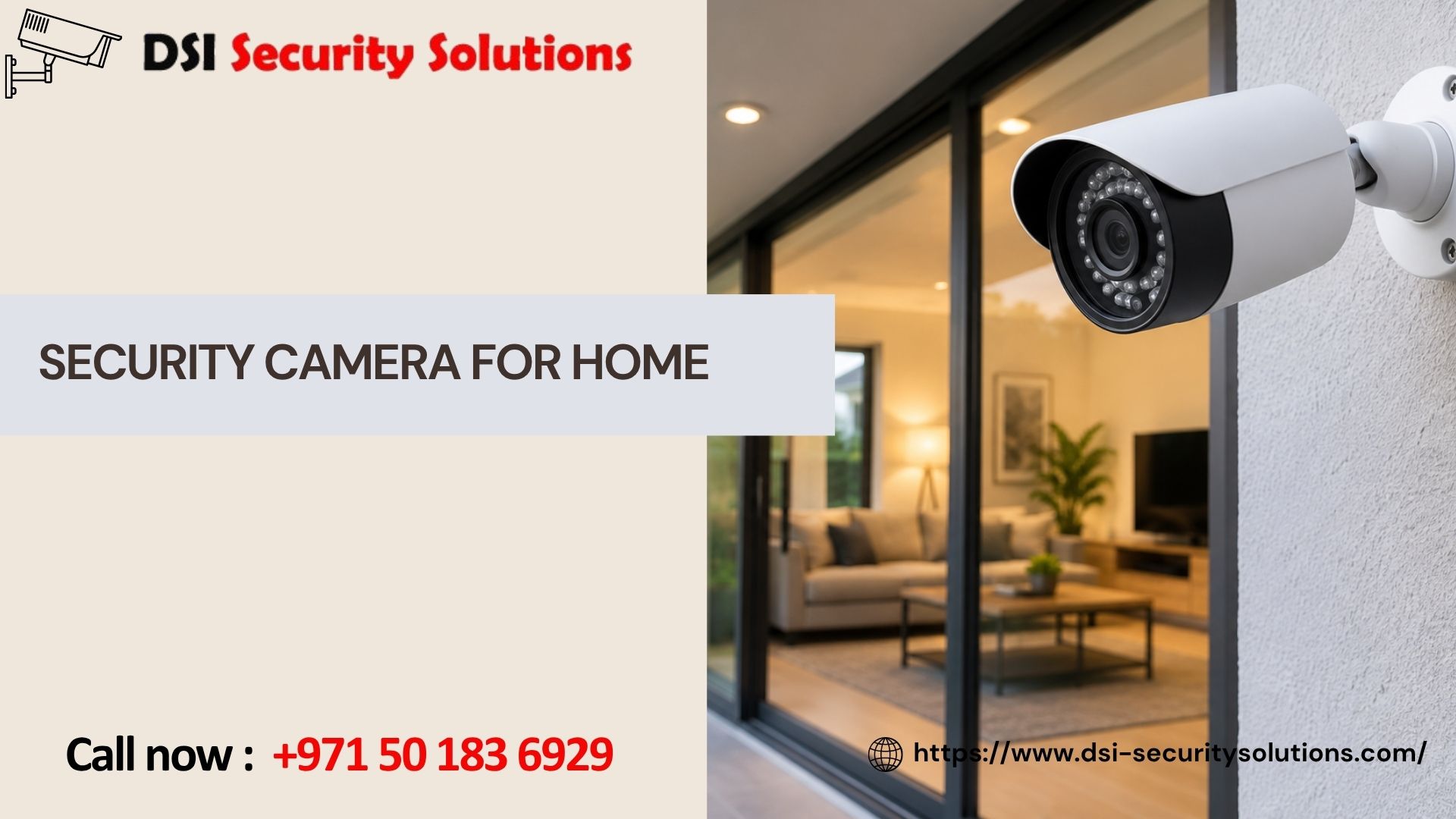
Security Camera for Home
Choosing a security camera for home use is different from setting up cameras for a shop or a warehouse. A home isn’t just a space to protect from theft — it’s where your family sleeps, where your kids play in the yard, and where you want to feel comfortable, not watched. A good home camera system strikes that balance: real protection at the doors and gates that matter, without turning your living room into a surveillance station.
At DSI Security Solutions, we help homeowners choose and install the right security camera for their home, based on the actual layout of the property rather than a generic package. This guide covers what to think about before buying, the different types of home cameras available, and how a proper installation is done.
Why Homeowners Install Security Cameras
The reasons people look for a security camera for their home usually fall into a few common categories, and it’s worth being clear about which ones matter most to you before choosing a system.
For many families, the priority is knowing who’s at the door before opening it — a simple but genuinely useful layer of safety, especially for households with children or elderly family members home alone during the day. For others, it’s about deterring break-ins; a visible camera at the entrance or driveway is one of the simplest ways to make a property a less appealing target. Cameras are also commonly used to keep an eye on deliveries and packages, monitor a nanny, housekeeper, or pet sitter while you’re out, check in on kids or elderly parents remotely, and provide clear video evidence if a break-in, vandalism, or dispute with a neighbor ever does happen.
Once you know which of these matters most, it becomes much easier to decide how many cameras you actually need and where they should go — rather than over-buying equipment that ends up unused.
Types of Security Cameras for Home Use
Outdoor Cameras Weatherproof cameras designed for entrances, driveways, gardens, and perimeters. These are usually the first priority for most homes, since they cover the areas where an intruder would actually approach the property.
Indoor Cameras Compact cameras used inside the home to monitor living areas, hallways, or nurseries. These are often chosen by families who want to check in on kids, pets, or domestic staff during the day.
Doorbell Cameras A camera built into the doorbell itself, letting you see and speak to whoever’s at the door from your phone, even when you’re not home. Popular for package deliveries and simply knowing who’s outside before answering.
Wireless/Wi-Fi Cameras Cameras that connect over your home Wi-Fi network rather than running cables through walls, making them easier to install in existing homes without major rework.
Wired CCTV Cameras A more permanent setup with a dedicated recording unit (NVR/DVR), generally offering more stable footage and fewer connectivity issues than fully wireless systems — a common choice for villas and larger homes.
Night Vision Cameras Since most home break-ins and package thefts happen after dark or early morning, night vision capability is one of the most important features for outdoor home cameras, not an optional extra.
Most homes end up using a mix — wired outdoor cameras for permanent coverage of entrances and the perimeter, paired with a doorbell camera and maybe an indoor camera or two for specific rooms.
Where to Place Cameras Around a Home
Camera placement matters more than the number of cameras you buy. A well-planned setup with four cameras in the right spots will outperform a poorly planned setup with eight cameras in the wrong ones. The areas that typically matter most are the front door and main entrance, the driveway and garage, back doors and side gates, the garden or backyard if it has external access, and any ground-floor windows that aren’t easily visible from the street.
Beyond outdoor coverage, some homeowners also choose to place a camera near the main hallway or staircase to monitor movement inside the home, and occasionally in a nursery or playroom — always with attention to family privacy in personal spaces like bedrooms and bathrooms, where cameras generally should not be installed.
Our Home CCTV Installation Process
1. Free Home Consultation We visit your property to assess entry points, layout, and lighting conditions, and talk through what matters most to you — deterrence, remote monitoring, package security, or all of the above.
2. System Recommendation Based on that walkthrough, we recommend a mix of cameras (wired, wireless, or doorbell) sized to your actual home rather than an off-the-shelf bundle.
3. Professional Installation Our technicians mount cameras, run and conceal cabling where needed, and install the recording unit — all done neatly and with minimal disruption to your home.
4. Configuration and Remote Access We set up night vision, motion detection, and storage settings, then connect everything to a mobile app so you can check live footage or recordings from your phone, wherever you are.
5. Walkthrough and Testing We test every camera angle and notification before we leave, and walk you through daily use — checking footage, adjusting alerts, and managing app access for family members.
6. Ongoing Support We offer maintenance plans covering lens cleaning, firmware updates, and system checks, so your home cameras keep performing the way they did on day one.
What Affects the Cost of a Home Security Camera System
Pricing depends on a handful of factors that vary from home to home:
- Number of cameras – A small apartment may need two to three, while a larger villa can require six or more for full coverage.
- Camera type – Doorbell cameras, standard outdoor cameras, and 4K models vary in price.
- Wired vs. wireless – Wireless setups can reduce installation labor, but wired systems often offer more stable long-term performance.
- Storage needs – Local NVR/DVR storage versus cloud backup subscriptions affects both upfront and ongoing cost.
- Additional features – Two-way audio, motion-activated alerts, and AI-based detection (such as distinguishing people from pets) can add to the price.
A free home consultation is the most accurate way to get a real quote, since it accounts for your home’s actual layout instead of guessing based on square footage alone.
Why Choose DSI Security Solutions for Home Security Cameras
- Free home consultation with no pressure to buy more than you need.
- Cameras chosen for your home, not a fixed package sold to everyone.
- Experienced technicians who understand residential layouts across villas, apartments, and townhouses.
- Clean, careful installation with concealed cabling and weatherproofed outdoor connections.
- Remote access setup so you can check on your home from anywhere.
- After-installation support, including maintenance and troubleshooting whenever you need it.
We focus on giving families practical, reliable protection — cameras that cover the areas that matter, footage you can actually access when you need it, and a setup that respects your home rather than overwhelming it with unnecessary equipment.
Frequently Asked Questions
1. How many security cameras does a typical home need? It depends on the size and layout of the property. A small apartment might need two to three cameras covering the entrance and main living area, while a larger villa may need six or more to cover the perimeter, driveway, and back entrances. A free home consultation gives the most accurate answer.
2. What’s the best type of camera for a home entrance? A doorbell camera combined with a wide-angle outdoor camera is a common choice, since it lets you see who’s approaching before they reach the door and provides a broader view of the entrance area and driveway.
3. Can I view my home cameras when I’m not there? Yes. We set up every home system with mobile app access, so you can check live footage or recorded clips from your phone whether you’re at work, traveling, or anywhere else.
4. Are wireless home security cameras reliable? Wireless cameras are a practical choice for many homes, especially where running cables isn’t easy. They do rely on a stable Wi-Fi connection, so for larger homes or areas with weak signal, we sometimes recommend a mix of wired and wireless cameras for the most reliable coverage.
5. Will security cameras work well at night? Yes, provided cameras with adequate night vision range are chosen, particularly for outdoor areas. Since many home security concerns — break-ins, package theft — happen after dark, night vision is one of the most important features for outdoor home cameras.
6. Is it okay to install cameras inside the house? Yes, many homeowners install indoor cameras in living areas or hallways to check on kids, pets, or household staff. It’s generally best to avoid placing cameras in private spaces like bedrooms and bathrooms, both for family comfort and privacy.
7. How much does a home security camera system cost? Costs vary based on the number of cameras, camera type, and whether you choose wired, wireless, or a mix of both, along with any additional features like cloud storage. A free home consultation is the most reliable way to get an accurate quote.
8. Do you provide support after the cameras are installed? Yes. We offer maintenance plans that include camera checks, firmware updates, and troubleshooting, so your home security system continues to perform reliably over time.