
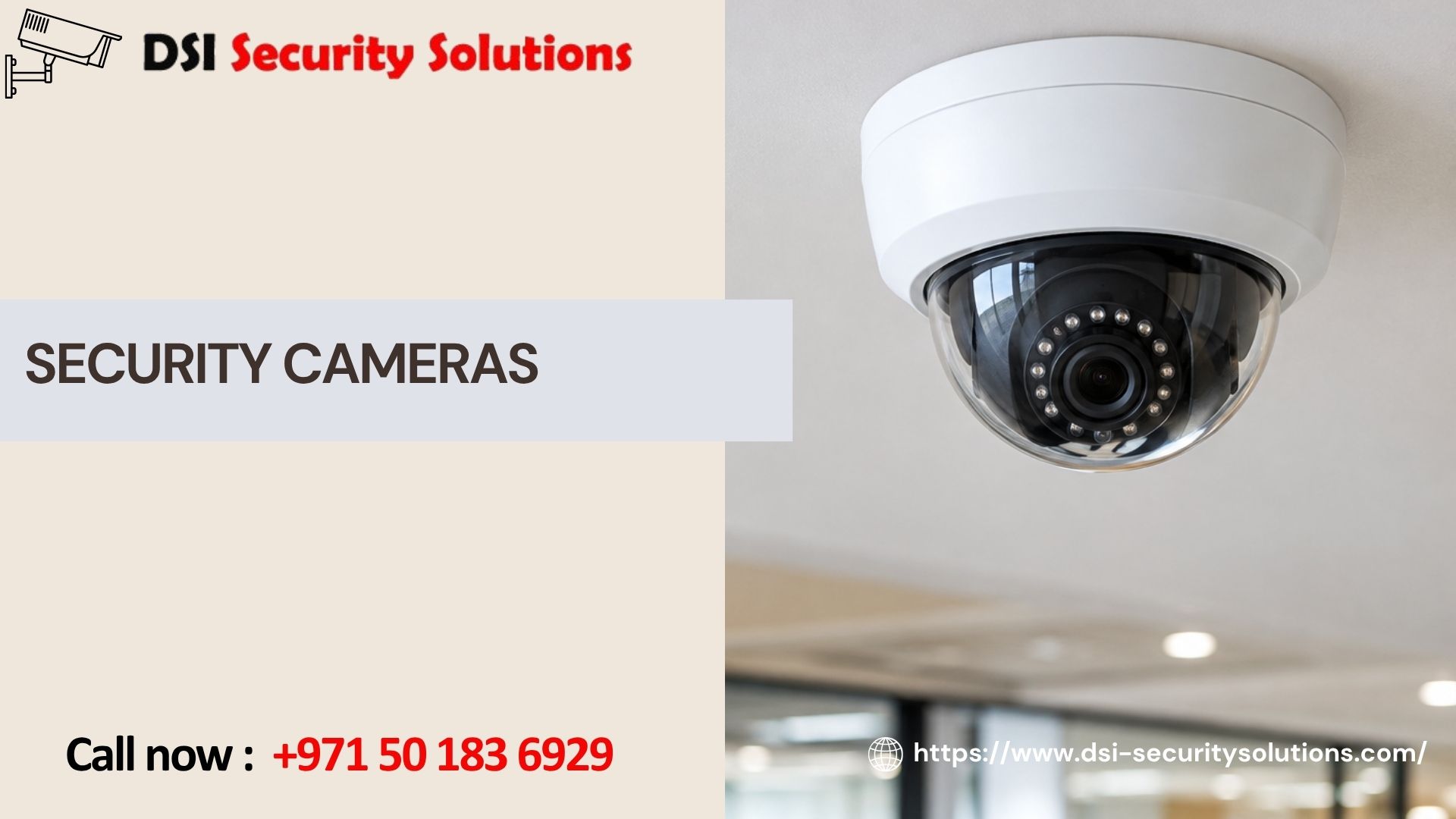
Security Cameras: A Complete Guide to Choosing the Right System
Security cameras have become one of the most common ways people protect their homes, businesses, and property, and for good reason. A well-placed camera can deter theft, provide evidence after an incident, and give property owners the ability to check in on what matters most from anywhere in the world. But with so many types, brands, and features on the market, choosing the right security cameras for your specific situation isn’t always straightforward.
This guide breaks down how security cameras work, the main types available, the features worth paying attention to, and how to think through the buying process, whether you’re protecting a family home, a retail store, or a commercial facility. At DSI Security Solutions, we help property owners cut through the marketing noise and choose systems that actually match their real security needs.
How Security Cameras Work
At a basic level, a security camera captures video of an area and either records it locally, sends it over a network for remote viewing, or does both. Most modern systems include a few core components:
- The camera itself — captures video using a lens and image sensor, with resolution determining how detailed the footage appears
- A recording device — a DVR (digital video recorder) or NVR (network video recorder) that stores footage locally, or a cloud storage service that saves recordings off-site
- A network connection — wired (Ethernet) or wireless (Wi-Fi), used to transmit video for remote viewing and, in IP camera systems, to send data to the recorder itself
- A viewing interface — typically a mobile app or desktop software that lets you view live footage and browse recordings
Understanding these basic building blocks makes it much easier to compare products and providers, since most marketing terms ultimately describe variations on these same core components.
Types of Security Cameras
Security cameras generally fall into a few major categories, each suited to different environments and needs.
Indoor Cameras
Designed for monitoring interior spaces like living rooms, offices, or retail floors. Indoor cameras typically prioritize compact design and features like two-way audio over rugged weatherproofing.
Outdoor Cameras
Built with weatherproof housings to withstand rain, heat, and dust, outdoor cameras are used for entrances, driveways, parking areas, and building perimeters. They often include stronger night vision for low-light conditions.
Wired (IP or Analog) Cameras
Connected via physical cabling to a recorder or network, wired cameras generally offer more stable connections and higher video quality, especially for larger properties or permanent installations.
Wireless Cameras
Transmit video over Wi-Fi rather than a physical cable, offering easier installation and more flexible placement, though performance depends on network strength and, for battery models, regular charging.
Dome Cameras
A rounded, discreet housing style commonly used indoors and in semi-outdoor settings, valued for being tamper-resistant and difficult to tell which direction the camera is facing.
Bullet Cameras
A cylindrical, visible design often used outdoors, where the camera’s visible presence itself acts as a deterrent to potential intruders.
PTZ (Pan-Tilt-Zoom) Cameras
Capable of remotely panning, tilting, and zooming, these cameras are ideal for covering large areas like parking lots or warehouses where active monitoring and detail zoom are valuable.
Video Doorbell Cameras
A specialized category mounted at a front entrance, combining video, two-way audio, and motion alerts specifically for monitoring visitors and deliveries.
Key Features to Consider When Choosing Security Cameras
Beyond camera type, several features significantly affect real-world performance and usability.
Resolution
Higher resolution (1080p, 2K, or 4K) produces clearer, more detailed footage, particularly important for identifying faces or license plates. However, higher resolution also requires more storage space.
Night Vision
Infrared night vision provides black-and-white footage in darkness, while newer color night vision technology captures more usable, true-color footage in low light, often at a higher price point.
Field of View
A wider field of view covers more area but can introduce distortion at the edges. The right balance depends on whether you’re monitoring a wide open space or a specific, narrow point like a doorway.
Motion Detection and Alerts
Modern cameras can send instant alerts when motion is detected, though basic motion sensors are prone to false alerts from pets, shadows, or passing traffic. More advanced systems use AI-based detection to distinguish between people, vehicles, and irrelevant movement.
Two-Way Audio
Allows you to speak through the camera, useful for deterring intruders in real time or communicating with visitors and delivery drivers.
Storage Options
Cameras typically offer local storage (via SD card or a DVR/NVR) or cloud storage (via a subscription service), each with trade-offs between cost, accessibility, and footage retention length.
Remote Access
Most modern systems connect to a mobile app, allowing you to view live and recorded footage from anywhere with an internet connection, a significant advantage for property owners who travel or manage multiple locations.
Security Cameras for Homes vs. Businesses
While the underlying technology is similar, the way security cameras are used often differs significantly between residential and commercial settings.
Home Security Cameras
Homeowners typically prioritize coverage of entry points, driveways, and backyards, often combined with a video doorbell and integration with smart home devices like locks and lighting. The focus tends to be on deterrence, remote peace of mind, and capturing evidence in case of a break-in or package theft.
Business Security Cameras
Businesses generally need broader coverage, entrances, registers, stockrooms, parking areas, and sometimes multiple locations, often for loss prevention, liability protection, and employee safety. Commercial systems more frequently integrate with access control, alarm systems, and centralized monitoring across sites.
Common Mistakes When Choosing Security Cameras
We regularly see property owners run into avoidable issues after purchasing cameras without fully understanding their needs:
- Buying based on price alone — the cheapest cameras often underperform in low light or extreme weather
- Ignoring storage costs — cloud subscription fees can add up significantly over time if not factored into the initial decision
- Poor placement planning — mounting cameras without assessing actual coverage needs, leaving blind spots in critical areas
- Overlooking network requirements — wireless cameras placed too far from a router often suffer from lag or dropped connections
- Skipping professional installation — DIY setups can result in unstable mounting, poor angles, or security vulnerabilities from weak network configuration
Taking time to plan coverage needs and understand ongoing costs before purchasing prevents most of these common frustrations.
DIY Installation vs. Professional Installation
Many security cameras are marketed as simple, plug-and-play devices, and for a single indoor camera, that’s often true. However, professional installation typically delivers better results for:
- Multi-camera systems requiring coordinated placement and cabling
- Outdoor installations needing proper weatherproofing and secure mounting
- Systems requiring network optimization for reliable remote access
- Integration with existing security infrastructure, such as alarms or access control
- Larger properties where coverage planning significantly affects system effectiveness
A professionally installed system also typically comes with ongoing support, something DIY setups lack once something needs troubleshooting months down the line.
Emerging Trends in Security Camera Technology
The security camera market continues to evolve, with several trends becoming increasingly standard:
- AI-powered analytics — smarter motion detection that distinguishes between people, vehicles, and animals to reduce false alerts
- Color night vision — improved low-light performance that captures more usable, identifiable footage after dark
- Cloud-based storage — increasingly common as an alternative or supplement to local recording, though ongoing subscription costs should be factored in
- Smart home integration — cameras working alongside smart locks, lighting, and voice assistants for a more connected security ecosystem
- Facial recognition — being adopted in some commercial and high-security residential systems, though it raises additional privacy considerations worth researching before implementation
How to Get Started With a Security Camera System
If you’re considering installing security cameras for the first time, or upgrading an outdated system, the most effective approach is a professional consultation. This allows you to:
- Identify your property’s actual coverage priorities and vulnerable points
- Choose the right mix of camera types and resolution levels for your budget
- Understand storage options and ongoing costs before committing
- Ensure proper installation for long-term reliability and performance
DSI Security Solutions offers free consultations to help property owners make informed decisions rather than guessing based on online marketing claims alone.
Why Choose DSI Security Solutions
We design and install security camera systems for homes and businesses, backed by honest advice and professional-grade installation. When you work with us, you get:
- Custom system design based on your property’s real needs
- Transparent, itemized pricing with no hidden fees
- Quality equipment recommendations suited to long-term reliability
- Professional installation from technicians specialized in security systems
- Ongoing support and maintenance after installation
Get a Free Security Camera Consultation
Whether you’re installing your first system or upgrading an outdated one, DSI Security Solutions is ready to help you choose and install security cameras that actually fit your property and priorities. Contact us today for a free consultation and a custom, no-obligation quote.
Frequently Asked Questions
What is the difference between IP and analog security cameras?
IP cameras transmit digital video over a network, typically offering higher resolution and more advanced features like remote access and AI-based analytics. Analog cameras send video signals directly to a DVR through coaxial cabling, generally at a lower cost but with more limited resolution and features.
How many security cameras do I need?
It depends on your property’s size and layout. Most homes benefit from four to six cameras covering main entry points, while businesses often need more extensive coverage based on the size of the space and specific security priorities. A professional site assessment provides the most accurate recommendation.
Do security cameras need internet to work?
Not necessarily. Cameras can record locally to a DVR or NVR without an internet connection. However, internet access is required for remote viewing, mobile alerts, and cloud storage features.
Are wireless security cameras as reliable as wired ones?
Wireless cameras have improved significantly, but wired systems generally offer more consistent connectivity and higher sustained video quality, especially in larger properties or areas with weaker Wi-Fi coverage.
How long do security cameras typically last?
With proper installation and maintenance, quality security cameras typically last five to ten years, though outdoor cameras exposed to harsh weather may need replacement sooner depending on build quality and climate conditions.
Can security cameras be hacked?
Any internet-connected device carries some risk. Using strong passwords, enabling two-factor authentication, and keeping firmware updated significantly reduces this risk. Professional installation typically includes setting up these security measures properly.
Should I choose cloud storage or local storage for my security cameras?
It depends on your priorities. Cloud storage offers off-site backup and remote accessibility but involves ongoing subscription costs. Local storage (DVR/NVR or SD card) is typically a one-time cost but is vulnerable if the physical device is damaged or stolen.