
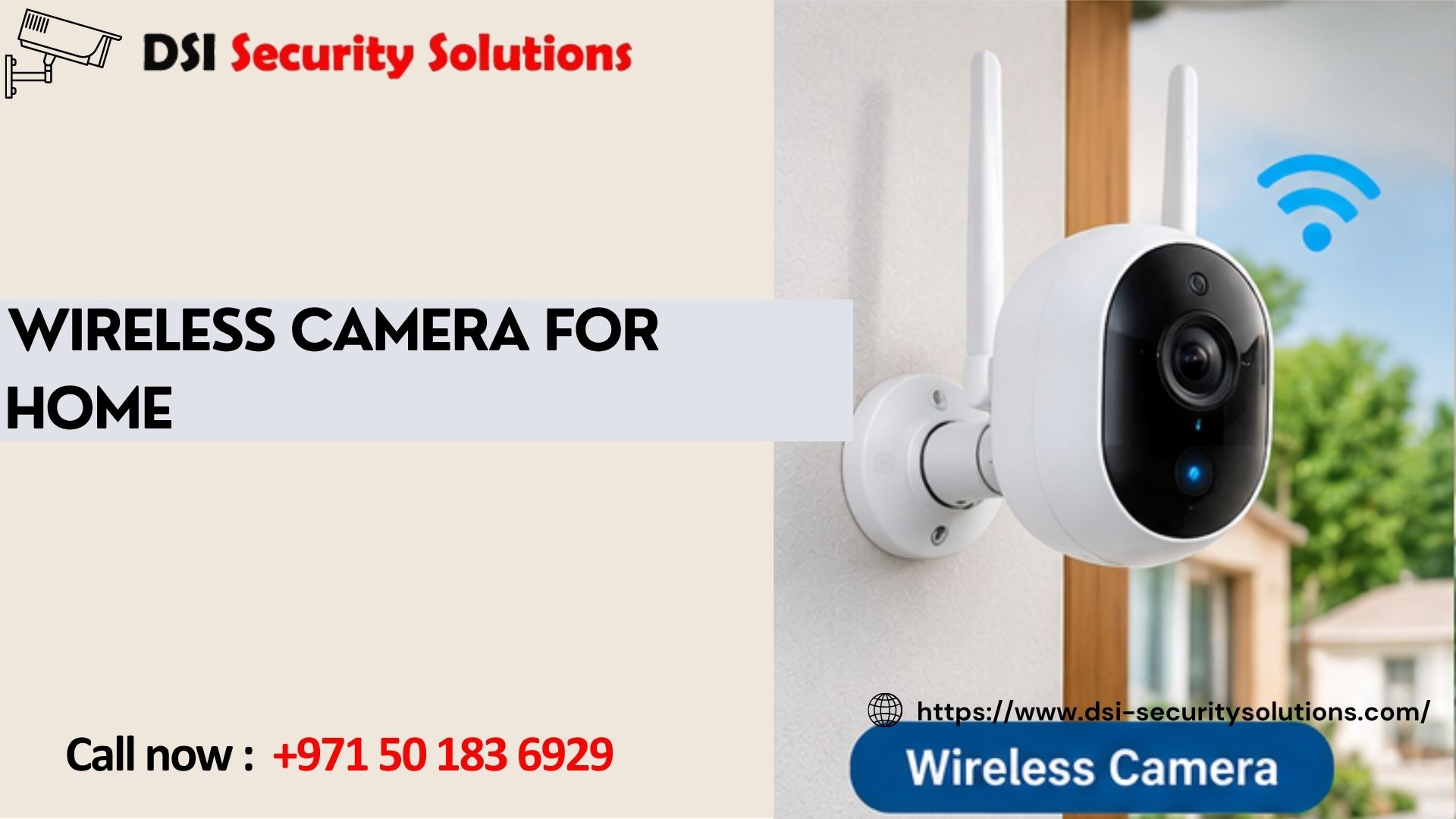
Wireless Camera for Home: Matching the Right Setup to Your Situation
Not everyone buys a wireless camera for home use for the same reason. Some homeowners want to know who’s at the door when they’re not home. Others want to check on an elderly parent, keep an eye on a pet during the day, or simply deter package theft at the front gate. The “best” wireless camera depends heavily on which of these situations actually applies to you, since a setup built for deliveries looks quite different from one built for checking on a family member.
This guide walks through common, real-world reasons people install a wireless camera for home use, and what to prioritise for each one. DSI Security Solutions helps Dubai homeowners match the right camera setup to their actual situation, rather than defaulting to a generic package.
Scenario 1: Monitoring Deliveries and Visitors
If your main concern is seeing who’s at the door or tracking deliveries, prioritise:
- A video doorbell camera positioned at eye level for clear facial detail
- Two-way audio, so you can speak to a delivery driver or visitor remotely
- Package detection or zone alerts, available on some models, which specifically flag activity near your doorstep
- Reliable daytime image quality, since most deliveries happen during daylight hours
A single, well-placed doorbell camera is often enough for this use case, without needing a full multi-camera system.
Scenario 2: Deterring Break-Ins While You’re Away
For homeowners primarily concerned about burglary or unauthorised entry, prioritise:
- Coverage of all entry points, not just the front door, including back doors and side access
- Strong night vision, ideally colour night vision, since break-ins commonly happen after dark
- Smart motion detection that distinguishes people from passing traffic or animals, reducing alert fatigue
- Reliable cloud or local storage, so footage is available as evidence if needed
- Visible camera placement at key points, since visibility itself is a deterrent
This scenario typically calls for a multi-camera system rather than a single unit, covering the full perimeter of the property.
Scenario 3: Checking on an Elderly Parent or Family Member
For homeowners wanting to check in on a relative, the priorities shift toward comfort and practicality rather than security alone:
- Indoor cameras positioned in shared living spaces, never in bedrooms or bathrooms, respecting dignity and privacy
- Two-way audio, allowing a quick check-in conversation rather than just silent observation
- Simple, large-format app controls, especially if the relative themselves may also want to interact with the camera
- Fall or unusual activity alerts, available on some smart camera systems, which can flag a lack of normal movement
This use case often benefits from a conversation with family members about comfort and consent, since indoor monitoring of a loved one raises different considerations than monitoring an empty driveway.
Scenario 4: Watching Pets During the Day
If your main goal is checking on pets while you’re at work, consider:
- A wide field of view to capture more of the room or garden area where pets typically spend time
- Two-way audio, so you can speak to reassure a pet remotely
- Treat dispensing or interactive features, available on some pet-specific camera models
- Pan and tilt functionality, useful for following a pet around a larger indoor or outdoor space
Pet-focused cameras are usually indoor or garden-facing, with less emphasis on security-specific features like tamper detection.
Scenario 5: Protecting a Second Home or Property While Away
For homeowners with a second property, holiday home, or who travel frequently, consider:
- Reliable, consistent power, such as mains or solar power rather than battery alone, since recharging isn’t practical during an extended absence
- Cloud storage, since a local recorder could be inaccessible or at risk if the property is empty for extended periods
- Multiple cameras covering entrances and visible areas, to maximise the chance of detecting any issue promptly
- Consider professional monitoring, given that you won’t be checking the app as frequently as someone living in the home full-time
Scenario 6: Monitoring Household Staff or Contractors
Some homeowners install cameras specifically around periods when domestic staff or contractors are working in or around the home. In this situation:
- Focus coverage on shared and work areas, avoiding private spaces unnecessarily
- Be transparent about camera placement, both for legal and trust reasons
- Use time-stamped, reliable storage, useful if there’s ever a dispute about work completed or an incident during the visit
Scenario 7: Villa Perimeter and Garden Protection
For larger properties with significant outdoor space, priorities shift toward coverage breadth:
- Wide-angle or multiple cameras covering garden walls, pool areas and side access points
- Weatherproof housings rated for Dubai’s heat, dust and occasional rain
- Motion zones specifically tuned to perimeter boundaries, rather than the whole garden, to reduce false alerts from trees or wind
Choosing One Camera vs a Multi-Camera System
If your situation matches just one of the scenarios above, such as monitoring deliveries at a single entrance, a single, well-chosen wireless camera for home use may be sufficient. If your concerns span several scenarios, such as general security plus checking on pets, a small multi-camera system, unified under one app, usually offers better overall value than buying several unrelated standalone devices over time.
Common Technical Features Worth Understanding, Regardless of Scenario
Resolution: 1080p as a reasonable minimum, with 2K or 4K useful where identifying detail matters.
Power source: Battery, mains or solar, chosen based on how practical recharging is for that specific camera’s location and purpose.
Storage: Cloud for accessibility and resilience, local for avoiding ongoing fees, or a combination of both.
Wi-Fi reliability: Especially important for cameras placed further from the router, which may need a mesh network or extender.
Why Professional Guidance Still Helps
Because the “right” wireless camera for home use varies so much by situation, a short conversation with an experienced installer often saves money and frustration compared to guessing from online reviews alone. A professional can help you:
- Match specific camera features to your actual scenario, rather than overpaying for unnecessary ones
- Identify whether one camera or a small system makes more sense for your needs
- Test Wi-Fi coverage at your intended camera locations before you buy
- Set up the system correctly, with appropriate privacy considerations for your specific use case
Our Approach to Wireless Camera Recommendations
Free consultation. We start by understanding your actual reason for wanting a camera, not just assuming a generic security package fits.
Scenario-based recommendations. Whether you’re focused on deliveries, security, elderly care, pets or a second property, we suggest equipment suited to that specific need.
Professional installation. Correct placement and Wi-Fi testing for your exact situation.
Ongoing support. Help adjusting or expanding your setup as your needs change over time.
Frequently Asked Questions
What’s the best wireless camera for home use if I just want to see deliveries?
A video doorbell camera with two-way audio and reliable daytime image quality is usually sufficient for monitoring deliveries and visitors, without needing a full multi-camera system.
Can one wireless camera cover multiple needs, like security and checking on pets?
It depends on placement and features. A camera covering a shared living area might serve both purposes reasonably well, but dedicated security coverage of entrances and a pet-focused indoor camera often work better as separate, purpose-matched devices.
Is it appropriate to use a wireless camera to check on an elderly relative?
Many families do this, but it’s worth having an open conversation about placement and comfort, avoiding private spaces like bedrooms and bathrooms, and respecting the relative’s own preferences wherever possible.
What camera features matter most for protecting a property while traveling?
Reliable power (mains or solar rather than battery alone), cloud storage, and coverage of all entrances matter most, since you won’t be able to recharge batteries or access local storage during an extended absence.
Do I need multiple cameras, or is one enough for my home?
This depends on your specific scenario. A single entrance or delivery concern may only need one camera, while broader security or multiple use cases, such as pets plus security, often justify a small multi-camera system.
Are there legal considerations when using cameras to monitor household staff?
It’s generally advisable to be transparent about camera placement with anyone working in your home, and to avoid pointing cameras at private areas unrelated to their work.
What’s the most overlooked factor when choosing a wireless camera for home use?
Many people focus solely on resolution and overlook Wi-Fi signal strength at the intended camera location, which can cause dropped connections and missed footage regardless of the camera’s quality.
Should I consult a professional before buying a wireless camera, or can I choose one myself?
You can certainly choose and install a camera yourself, but a short consultation often helps match the right features to your specific situation and avoids paying for capabilities you don’t actually need.