
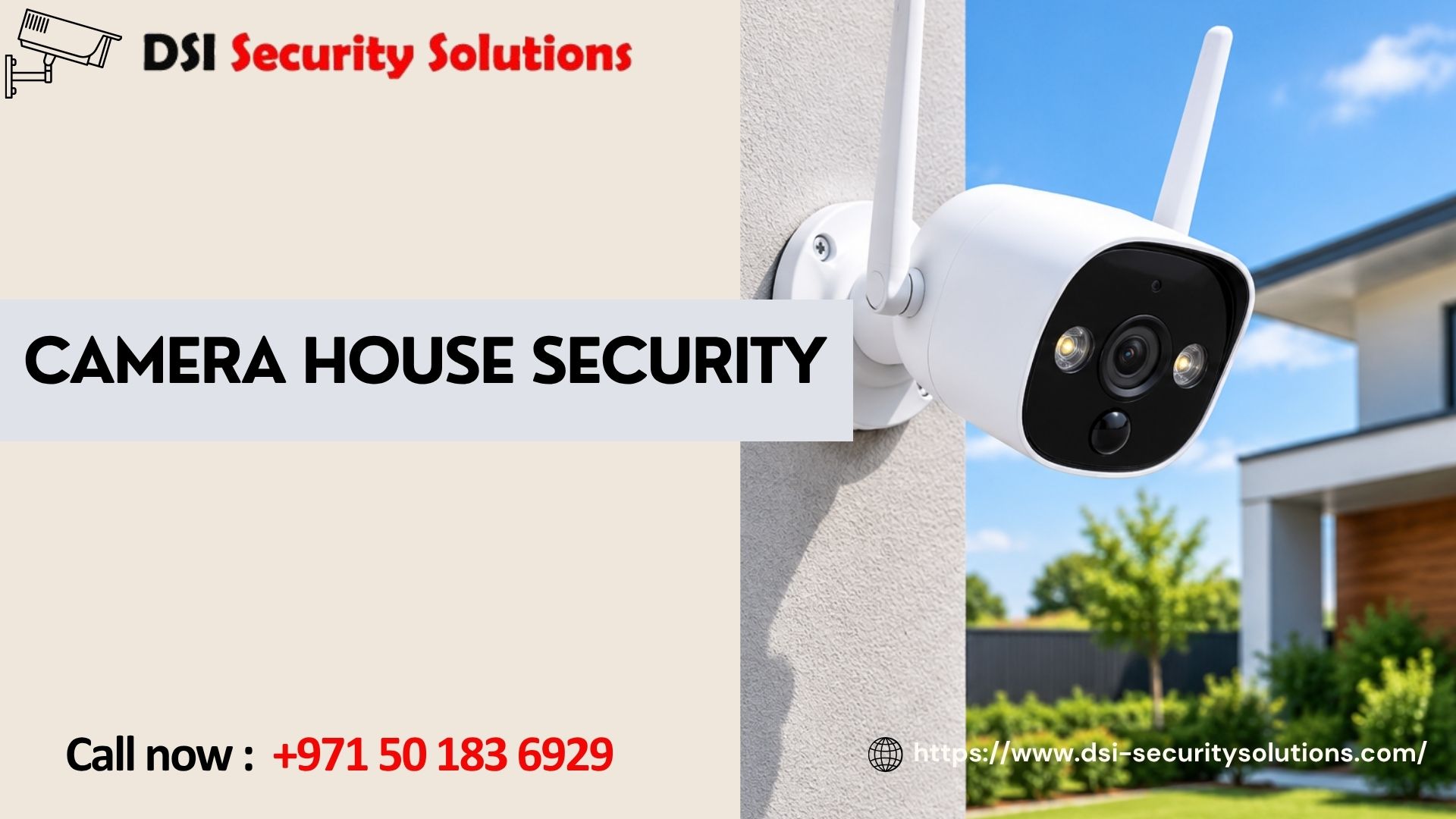
Camera House Security: Complete Protection for Your Dubai Home
Protecting a house properly means more than placing a single camera by the front door and hoping for the best. Camera house security is about covering every meaningful access point around your property, from the main entrance to the garden, garage and back door, so there are no obvious gaps for an intruder to exploit. DSI Security Solutions helps homeowners across Dubai design and install complete house camera security systems suited to villas, townhouses and apartments of every size.
This guide explains how to think about house security holistically, what equipment choices matter most, and how a properly planned system differs from simply buying a camera or two and installing them wherever seems convenient.
What Does Camera House Security Actually Mean?
Rather than treating security cameras as a single product, camera house security is best understood as a coordinated system covering your whole property:
- Entry points, including the front door, back door and any side access
- Perimeter areas, such as garden walls, fences and gates
- Vehicle areas, including the driveway and garage
- Approach routes, giving early warning before someone reaches your door
- Indoor common areas, where appropriate, such as a hallway or living room
A single camera might deter a casual opportunist, but a properly covered house gives you genuine visibility across the property, along with evidence if something does happen.
Why a Whole-House Approach Matters
Reduced blind spots. Many break-ins happen through side or back entrances precisely because homeowners only think to cover the front door.
Better evidence quality. Multiple camera angles increase the chance of capturing a clear, usable image of anyone attempting unauthorised entry.
Early warning. Cameras covering the driveway or gate can alert you before someone reaches the house itself, giving more time to respond.
Deterrence at every angle. Visible cameras around the full perimeter, not just the entrance, send a clearer signal that the property is well protected.
Peace of mind. Knowing your entire home is covered, not just the parts you remembered to protect, reduces everyday worry whether you’re home or away.
Planning Your Camera House Security System
Start With a Walk-Through
Walk around your property and note every entry point, blind spot and area where someone could approach unseen. Pay particular attention to side gates, back doors and any area obscured by trees, walls or parked vehicles.
Prioritise High-Risk Areas First
If budget is a factor, prioritise the main entrance, back door and any ground-floor windows or access points before covering lower-risk areas like a side garden wall.
Consider Lighting Conditions
Areas with poor lighting need cameras with strong night vision, ideally colour night vision for clearer detail, since most break-in attempts happen after dark.
Think About Wi-Fi Coverage
For wireless cameras, check signal strength at each proposed location. Cameras far from the router, especially through thick walls, may need a mesh network or extender to stay reliably connected.
Decide on Wired, Wireless, or a Hybrid Setup
Wired cameras offer stable, uninterrupted performance for fixed, high-priority points, while wireless cameras offer flexibility for harder-to-reach areas. Many houses benefit from combining both.
Essential Camera Types for Whole-House Coverage
Entrance Cameras
Positioned at the front and back door, these should offer clear facial recognition quality, two-way audio if possible, and reliable night vision, since entrances are the highest-priority coverage points.
Driveway and Gate Cameras
Wide-angle cameras with good range help capture vehicle activity and approach routes, giving early visibility before anyone reaches the house.
Perimeter and Garden Cameras
Weatherproof outdoor cameras covering fences, walls and garden areas help detect intrusion attempts before someone reaches a door or window.
Garage Cameras
Protecting vehicles and stored valuables, garage cameras should cover both the entrance and interior if accessible from outside.
Indoor Cameras
Used selectively in shared living spaces, indoor cameras can help monitor general activity, though they should be avoided in private spaces like bedrooms and bathrooms.
Key Features to Prioritise for House Security
Resolution. At least 1080p, with 2K or 4K worth considering for entrances and driveways where identification detail matters most.
Night vision. Essential for a whole-house system, since most incidents occur in low light.
Weatherproofing. Outdoor cameras need a proper IP rating to handle Dubai’s heat, dust and occasional rain without degrading over time.
Smart motion detection. Distinguishing between people, vehicles and general movement reduces false alerts significantly across a multi-camera system.
Centralized app access. With several cameras around the house, a single app showing all feeds and alerts in one place makes day-to-day monitoring far more practical.
Reliable storage. Whether cloud, local, or a combination, storage should be sufficient to retain footage long enough to be useful if you need to review an incident after the fact.
How Many Cameras Does a House Actually Need?
This depends heavily on the size and layout of the property, but general guidance includes:
- Small apartments: One or two cameras, typically covering the front door and a balcony if applicable
- Townhouses: Four to five cameras, covering the front door, back door, driveway and a side access point
- Villas: Six or more cameras, covering all entrances, the garden perimeter, driveway and garage
Rather than guessing, a short site assessment will identify exactly where cameras add real value for your specific property.
Integrating Camera Security With Other Home Protection
A complete house security approach often extends beyond cameras alone:
- Video doorbells, adding a dedicated camera and two-way audio specifically at the front door
- Intruder alarms, which can trigger camera recording automatically when a sensor is activated
- Smart locks, allowing remote locking and access management alongside camera monitoring
- Access control for gates, useful for larger properties with vehicle and pedestrian entry points
Combining these systems under one app or platform gives a more coordinated, genuinely useful security setup than isolated devices.
Common Mistakes When Setting Up House Security Cameras
- Covering only the front door and overlooking back or side entrances, which are common break-in points
- Choosing cheap cameras for outdoor use that fail within a year due to heat and dust exposure
- Ignoring Wi-Fi signal strength at camera locations furthest from the router
- Ignoring Wi-Fi signal strength at camera locations furthest from the router
- Skipping a proper walk-through assessment, leading to gaps in coverage that only become obvious after an incident
- Overlooking storage planning, resulting in important footage being overwritten too quickly
Why Professional Installation Improves House Security Outcomes
While individual cameras can be self-installed, a professionally planned whole-house system tends to perform noticeably better because an installer will:
- Conduct a full property walk-through to identify every meaningful coverage point
- Recommend the right mix of camera types and power sources for each specific area
- Test Wi-Fi signal strength and address weak spots before installation
- Position cameras to avoid glare, obstruction and blind spots
- Configure a single, well-organised app setup covering the entire system
- Integrate cameras with any existing doorbell, alarm or smart lock systems
Our Camera House Security Services in Dubai
Free property walk-through and consultation. We assess your entire property, not just one entrance, to identify genuine priorities.
Tailored system design. We recommend the right number and type of cameras for full, practical coverage of your home.
Professional installation. Clean, correctly positioned installation across every area of your property.
Unified app configuration. One app, properly set up, covering every camera around your house.
Integration services. Connecting your camera system with video doorbells, alarms and smart locks for complete home protection.
Ongoing support. Help with troubleshooting, repositioning or expanding your system as your needs change.
Frequently Asked Questions
What is the best way to plan camera house security for a villa?
Start with a full walk-through of the property to identify every entry point and blind spot, then prioritise coverage of the main entrance, back door, driveway and garden perimeter before adding cameras to lower-risk areas.
How many cameras do I need for complete house security?
This depends on your property size, but villas typically need six or more cameras for full coverage, while smaller townhouses may need four to five, and apartments often need just one or two.
Should I prioritise indoor or outdoor cameras first?
Outdoor cameras covering entrances, the driveway and perimeter areas are generally the highest priority, since most security incidents involve access from outside the home.
Can I add more cameras to my house security system later?
Yes, in most cases, provided your recorder or app-based system has capacity for additional devices and your Wi-Fi network can support them reliably.
What’s the most commonly overlooked area in house camera security?
Back doors and side access points are frequently overlooked, since many homeowners focus primarily on the front entrance, leaving other access points without coverage.
Do outdoor house security cameras need special weatherproofing in Dubai?
Yes. Outdoor cameras should carry an appropriate IP rating to withstand Dubai’s heat, dust and occasional heavy rain without the camera’s performance or housing degrading over time.
Can house security cameras be connected to a video doorbell or smart lock?
Yes. Many systems can integrate with video doorbells, smart locks and intruder alarms, allowing you to manage your entire home security setup from a single app.
Is professional installation necessary for whole-house camera security?
It’s not strictly necessary, but professional installation typically results in better coverage, more reliable connections and correctly configured alerts, particularly for multi-camera systems covering an entire property.