
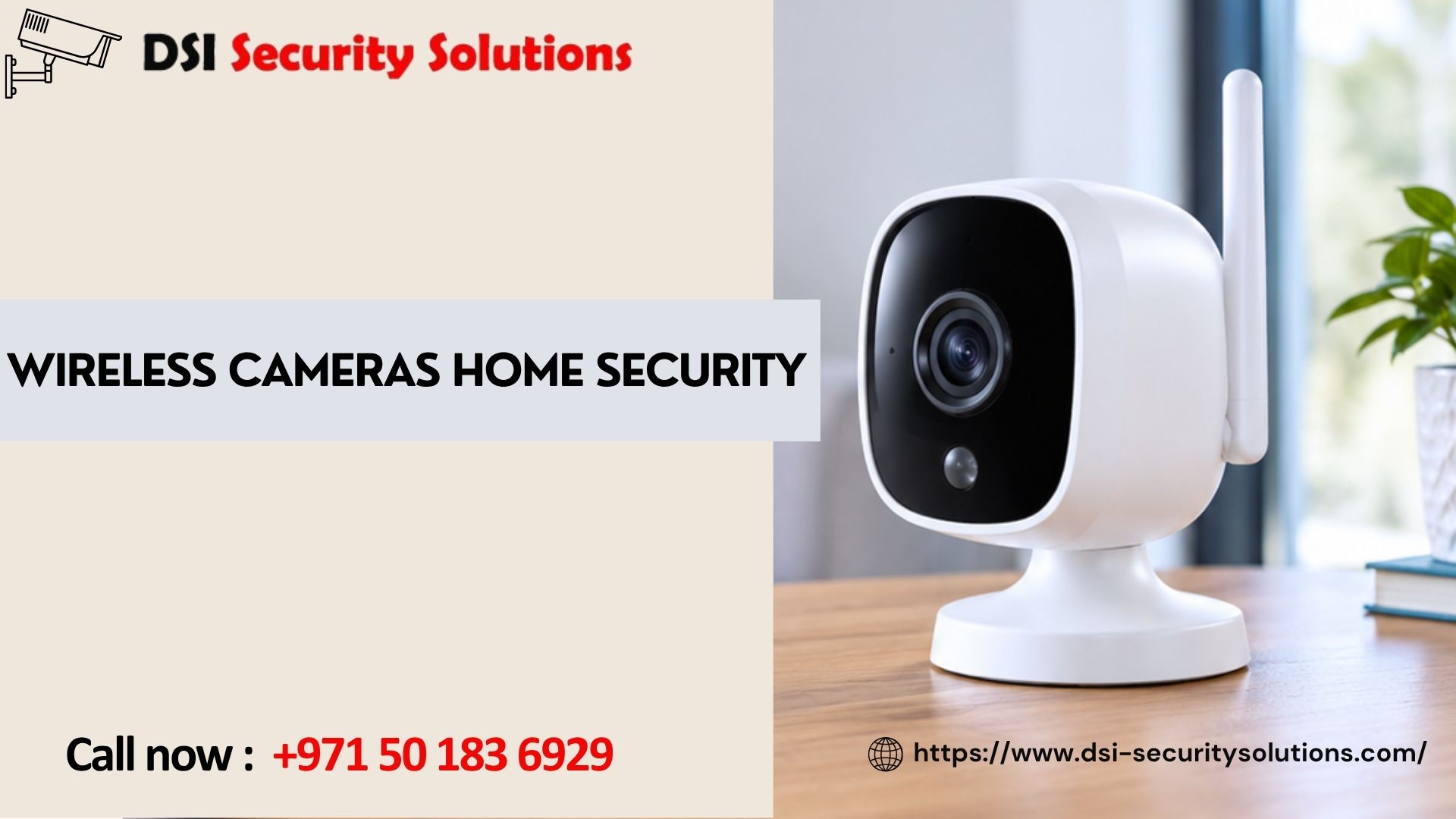
Wireless Cameras Home Security: A Complete Guide to Protecting Your Home
Home security used to mean drilling through walls and running cables across the property. Today, wireless cameras for home security make it possible to watch your front door, garden, or garage from your phone, with far less disruption during setup. They are popular with homeowners, tenants, and families who want practical protection without a major construction job.
But not every wireless camera is a good one, and “wireless” doesn’t mean the same thing on every product page. This guide explains how wireless home security cameras work, the types available, their pros and cons, where to place them, and how to get reliable results.
What Are Wireless Cameras for Home Security?
A wireless security camera sends video to your phone, recorder, or cloud storage over Wi-Fi instead of through a video cable. The term is slightly misleading, because most still need power. There are three common setups:
- Plug-in wireless cameras connect to a power outlet and send video over Wi-Fi.
- Battery-powered cameras run on a rechargeable battery and can be placed almost anywhere.
- Solar-powered cameras pair a battery with a small solar panel to reduce charging.
Footage is stored on a microSD card, a local recorder (NVR), a cloud service, or a combination. Most systems offer a mobile app for live view, playback, and instant alerts.
Why Homeowners Choose Wireless Cameras
Fast, flexible installation. With no long cable runs, many cameras can be mounted in an hour or so.
Easy to relocate. If your needs change, you can move a camera to a new spot.
Good for rentals and apartments. You can avoid drilling or major changes to the property.
Remote access. Check your home from anywhere, receive motion alerts, and talk to visitors through two-way audio.
Scalable. Start with one or two cameras and add more later.
Smart features. Many models detect people, packages, and vehicles, reducing alerts caused by shadows, insects, or passing cars.
Wireless vs. Wired Home Security Cameras
| Feature | Wireless | Wired (PoE/Analog) |
|---|---|---|
| Installation | Quick, minimal cabling | More labor, cables required |
| Reliability | Depends on Wi-Fi strength | Very stable |
| Power | Plug-in, battery, or solar | Single cable (PoE) or separate power |
| Image quality | Good to very good | Good to excellent |
| Best for | Rentals, small homes, flexible setups | Larger homes, long-term installs |
| Maintenance | Battery charging, Wi-Fi checks | Minimal |
Wireless cameras are an excellent fit for many homes, but a wired system is often better for large properties or places where uninterrupted recording is critical. Many homeowners combine both, using wired cameras at main entrances and wireless cameras in harder-to-reach spots.
Types of Wireless Security Cameras
Indoor Wireless Cameras
Compact and discreet, indoor models suit living rooms, hallways, and entrances. Pan-and-tilt versions can rotate to cover a whole room, and many include two-way audio for talking to family, pets, or visitors.
Outdoor Wireless Cameras
Built for rain, dust, and heat, outdoor cameras need a proper weatherproof rating, typically IP65 or higher. They suit driveways, gardens, gates, and building exteriors.
Battery-Powered Cameras
Ideal where there’s no nearby outlet. Battery life varies with how often the camera records, so busy areas drain batteries faster.
Solar-Powered Cameras
A good option for sunny locations, reducing the need to recharge. They work best when the panel gets steady daylight.
Wireless Doorbell Cameras
These show who’s at your door, record visitors, and let you speak to them from your phone. They’re a common first step into home security.
Floodlight and Spotlight Cameras
These combine lighting with a camera, adding a visible deterrent and improving night footage.
Pan-Tilt-Zoom (PTZ) Wireless Cameras
These cameras follow movement and cover wide areas, useful for larger gardens or courtyards.
Key Features to Look For
Video Resolution
Full HD (1080p) is a good baseline, while 2K and 4K cameras show clearer faces and finer detail. Higher resolution also uses more storage and bandwidth.
Night Vision
Look for infrared night vision or full-color night vision. Color night vision helps you identify clothing and vehicle colors after dark.
Motion Detection and Smart Alerts
Person and vehicle detection reduces false notifications. Adjustable detection zones also help, for example ignoring a busy road while watching your driveway.
Two-Way Audio
Lets you speak through the camera, useful for greeting delivery staff or warning off unwanted visitors.
Storage Options
Local storage (microSD or NVR) avoids monthly fees. Cloud storage keeps footage safe if the camera is stolen. Many homes use both.
Weather Resistance
For outdoor use, check the IP rating and operating temperature range. In hot, dusty climates, durability matters.
Wi-Fi Standards
Dual-band cameras that support 5 GHz can offer faster, more stable video where the network allows, while 2.4 GHz offers better range through walls.
Cybersecurity Features
Look for encrypted video, two-factor authentication, and regular firmware updates.
Where to Place Wireless Cameras for Best Results
Placement determines how useful your footage is. Start with the most common entry points:
- Front door and entrance: capture faces and deliveries
- Back door and patio doors: a frequent route for intruders
- Driveway and garage: monitor vehicles and tools
- Ground-floor windows: especially those that are hidden from the street
- Garden and perimeter: cover gates and side access
- Main indoor areas: hallways and living spaces, while respecting family privacy
A few practical tips:
- Mount outdoor cameras roughly 2.5 to 3 meters high, out of easy reach but low enough to capture faces.
- Avoid pointing cameras directly at the sun or bright lights, which can wash out the image.
- Angle cameras to cover approaches to the door, not just the door itself.
- Place cameras within good Wi-Fi range. Test signal strength before mounting.
- Avoid aiming cameras at neighbors’ windows or private spaces.
Common Problems With Wireless Cameras and How to Avoid Them
Weak Wi-Fi signal. Walls, distance, and interference can cause lag or dropouts. Fix this with a mesh Wi-Fi system, a range extender, or better camera placement.
Battery drain. Reduce unnecessary recordings with detection zones and sensitivity settings, and choose solar-assisted models for busy areas.
False alerts. Use person detection, activity zones, and proper camera angles rather than turning off notifications.
Security risks. Weak passwords and outdated firmware can expose cameras to unauthorized access. Always change default passwords, enable two-factor authentication, and install updates.
Hidden subscription costs. Some brands lock core features behind monthly fees. Check what’s included before buying.
How to Secure Your Wireless Cameras
Because wireless cameras connect to your network, protect them like any internet-connected device:
- Use a strong, unique password for each camera account.
- Turn on two-factor authentication.
- Keep firmware and apps updated.
- Secure your Wi-Fi with WPA2 or WPA3 encryption and a strong router password.
- Consider placing cameras on a separate guest or IoT network.
- Disable features you don’t use, such as remote sharing or unneeded cloud links.
- Buy from reputable brands that publish security updates.
How Much Do Wireless Home Security Cameras Cost?
Prices vary widely depending on the brand, features, and quantity. Factors that influence cost include:
- Camera quality and resolution
- Indoor vs. outdoor models
- Battery, solar, or plug-in power
- Storage choice and any cloud subscription
- Number of cameras
- Professional installation and Wi-Fi improvements
Keep the total cost of ownership in mind. A low-priced camera with mandatory subscriptions or poor reliability can cost more over time than a better system purchased upfront.
DIY vs. Professional Installation
Wireless cameras are among the easiest security products to install yourself, and a single indoor camera or doorbell is a reasonable DIY project. Professional help is worth considering when:
- You need several cameras covering a large home or villa
- Wi-Fi coverage is patchy and needs fixing
- You want a hybrid system with both wired and wireless cameras
- You want cameras integrated with alarms, video intercoms, or smart locks
- You want correct angles, secure mounting, and a proper network setup
A professional can also recommend where wireless is appropriate and where a wired connection is the better choice.
Wireless Camera Home Security with DSI Security Solutions
At DSI Security Solutions, we help homeowners choose, install, and configure security systems that fit their property and lifestyle. Our team starts with a site assessment, checks Wi-Fi coverage, recommends suitable cameras, and sets up secure remote access on your phone. We also provide training, maintenance, and support, so your system keeps working reliably.
Whether you want one camera for the front door or a complete home security setup, we’ll give you honest advice and a clear quote.
Frequently Asked Questions About Wireless Cameras Home Security
Are wireless cameras good for home security?
Yes, when chosen and installed well. They offer easy setup, remote viewing, and smart alerts. For critical areas or large properties, pairing them with wired cameras can improve reliability.
Do wireless security cameras need Wi-Fi?
Most do, and they need a stable signal to stream and send alerts. Some models record to a microSD card even if Wi-Fi drops, but remote viewing needs an internet connection.
Do wireless cameras need electricity?
Usually. They need either a plug-in power supply, a rechargeable battery, or solar power. “Wireless” refers to the video connection, not power.
How long do battery-powered cameras last?
It depends on activity, temperature, and settings. Busy areas drain batteries faster, and recharging every few weeks to a few months is typical.
Can wireless cameras be hacked?
Any internet-connected device can be at risk. You can reduce it with strong unique passwords, two-factor authentication, firmware updates, and a secured Wi-Fi network.
Do wireless cameras work without a subscription?
Many do, if they support local storage such as a microSD card or NVR. Some brands require a subscription for cloud storage and advanced features, so check before buying.
Can wireless cameras record when the internet is down?
Models with local storage can keep recording, but you may not receive alerts or watch remotely until the connection returns.
Where should I put wireless cameras at home?
Prioritize the front door, back door, driveway, garage, and vulnerable windows. Add garden or perimeter coverage next, then indoor cameras where appropriate.
How many wireless cameras does a home need?
Many homes start with two to four cameras covering main entrances. Larger villas may need more. A site survey gives the most accurate recommendation.
Do wireless cameras work at night?
Yes. Most include infrared night vision, and some offer full-color night vision. Quality varies, so check the specifications.
Are wireless cameras better than wired cameras?
Neither is universally better. Wireless is faster and more flexible to install, while wired is more stable and often better for large or permanent setups.
Wireless cameras for home security give homeowners a flexible, affordable way to protect their property and keep an eye on it from anywhere. Success comes down to choosing the right type of camera, ensuring strong Wi-Fi coverage, placing cameras thoughtfully, and securing the system against cyber risks. With the right planning, a wireless system can offer dependable, everyday peace of mind.