
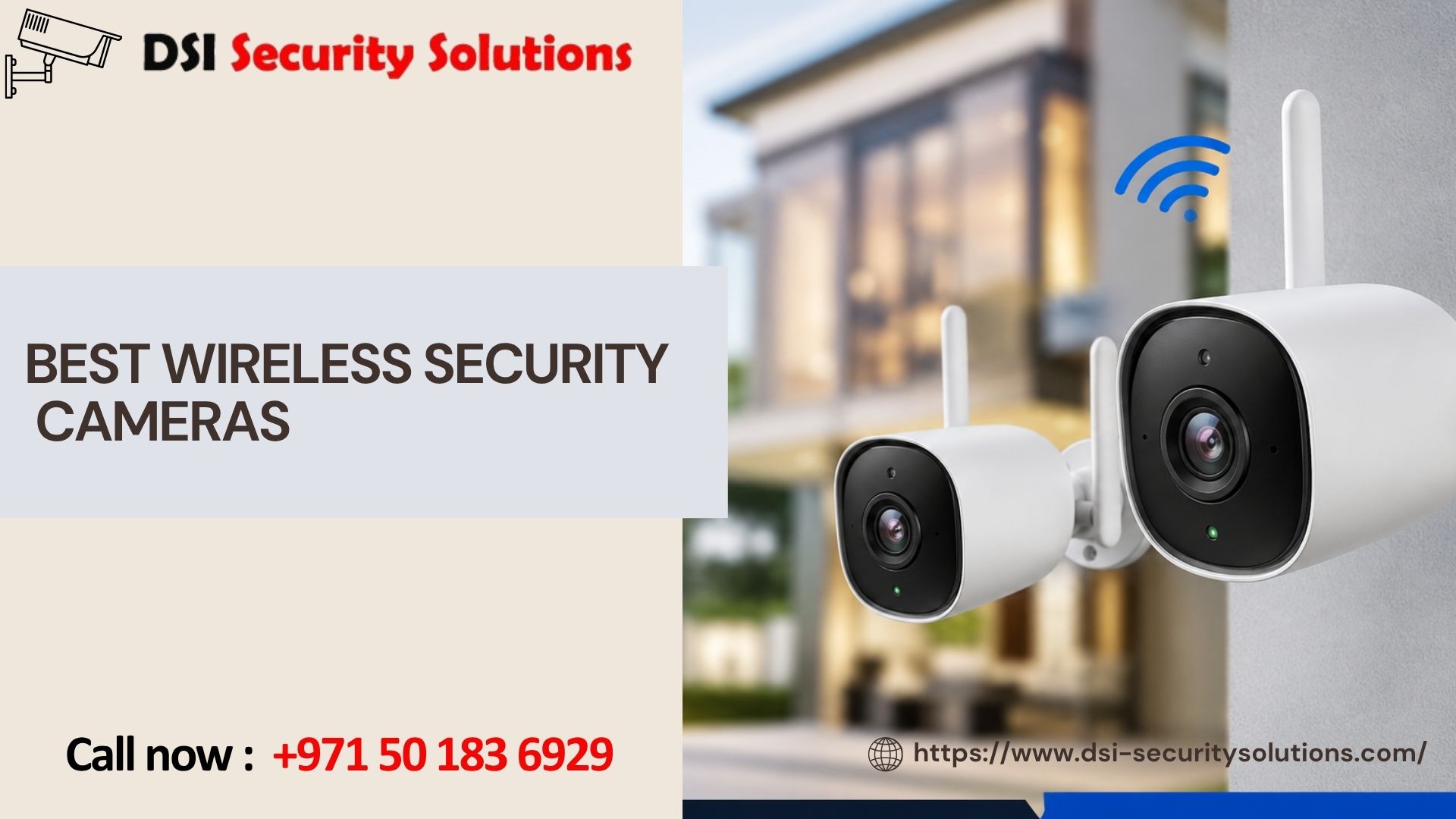
Wireless security cameras have become increasingly popular due to their ease of installation, flexibility, and advanced features. As security concerns rise among homeowners and businesses alike, investing in the best wireless security cameras has never been more critical. This guide will explore the various aspects of wireless security cameras, including their key features, benefits, top models available, installation tips, maintenance, and how to choose the right system for your needs.
Understanding Wireless Security Cameras
What Are Wireless Security Cameras?
Wireless security cameras are surveillance devices designed to monitor your property without the need for extensive wiring. They connect to your Wi-Fi network, allowing you to access live video feeds and recorded footage remotely through mobile apps or web interfaces. This technology provides significant advantages over traditional wired systems, including flexibility in placement and ease of installation.
Key Features of the Best Wireless Security Cameras
When selecting the best wireless security cameras, several key factors should be considered:
- Video Resolution
- High-definition video resolution is crucial for capturing clear and detailed footage. Look for cameras that offer at least 1080p resolution, with many high-end models providing 4K resolution for even sharper images. High-quality video is essential for identifying faces or license plates in recorded footage.
- Night Vision Capabilities
- Night vision is a vital feature that ensures your camera can capture clear images in low-light conditions. Look for cameras equipped with infrared (IR) night vision or color night vision, which allows visibility even in complete darkness.
- Motion Detection and Alerts
- Motion detection is a critical feature that enables the camera to monitor activity in its field of view. Many models come equipped with customizable motion detection zones, allowing you to focus on specific areas and reduce false alarms. Real-time notifications can alert you when motion is detected, enabling quick responses to potential threats.
- Storage Options
- Consider cameras that offer both cloud storage and local storage for recorded footage. Cloud storage allows for secure off-site storage, while local storage via microSD cards provides easy access to your footage without ongoing fees.
- Integration with Smart Home Systems
- Many of the best wireless security cameras offer compatibility with smart home systems like Amazon Alexa, Google Assistant, and Apple HomeKit. This integration allows for voice commands, automation, and seamless control of your security system.
- Two-Way Audio
- This feature allows you to communicate through the camera using a built-in microphone and speaker. Two-way audio is particularly useful for interacting with visitors or deterring intruders.
- Weather Resistance
- Since these cameras are designed for outdoor use, they must withstand various weather conditions. Check the IP (Ingress Protection) rating of the camera, which indicates its resistance to dust and water. An IP66 or higher rating is ideal for ensuring durability against rain, snow, and extreme temperatures.
- Wide Viewing Angles
- A camera with a wide field of view can cover more area, reducing the number of cameras needed for comprehensive surveillance. Look for models with at least 120 degrees of viewing angle.
Benefits of Wireless Security Cameras
Investing in high-quality wireless security cameras offers numerous advantages:
1. Enhanced Security
The best wireless security cameras provide a robust layer of protection for your home or business. By continuously monitoring your property, they deter potential intruders and help ensure the safety of your family and belongings.
2. Remote Monitoring
One of the most significant benefits of wireless security cameras is the ability to monitor your property remotely. With mobile apps, you can access live video feeds, receive alerts, and review recorded footage from anywhere, providing peace of mind whether you’re at home or away.
3. Cost-Effective Solutions
While traditional wired security systems can be expensive to install and maintain, wireless security cameras often come at a lower cost. Their ease of installation eliminates the need for professional installation services, making them a budget-friendly option for homeowners.
4. Flexibility and Scalability
Wireless security cameras offer flexibility in terms of placement. You can easily reposition them as needed, allowing you to adapt your security system to changing circumstances. Additionally, it’s simple to expand your system by adding more cameras without the hassle of running cables.
5. Advanced Features
Many of the best wireless security cameras come equipped with advanced features such as AI-powered person detection, facial recognition, and smart alerts. These technologies enhance the overall effectiveness of your security system, providing valuable insights and reducing the likelihood of false alarms.
Top Wireless Security Cameras
When choosing the best wireless security cameras, several models stand out for their performance, reliability, and user-friendly features. Here are some popular options from trusted brands:
1. Arlo Pro 4
The Arlo Pro 4 is a highly rated wireless security camera known for its exceptional video quality and advanced features. Key features include:
- Video Quality: 2K HDR video resolution for clear and detailed footage.
- Night Vision: Color night vision technology for enhanced visibility in low-light conditions.
- Weather Resistance: IP65-rated for durability against rain and snow.
- Two-Way Audio: Built-in microphone and speaker for communication.
- Smart Home Integration: Compatible with Alexa, Google Assistant, and Apple HomeKit.
2. Google Nest Cam (Battery)
The Google Nest Cam (Battery) is a versatile wireless security camera that offers a range of features. Key features include:
- Video Quality: 1080p HD video resolution with HDR support.
- Night Vision: Infrared night vision for clear visibility in low-light conditions.
- Smart Alerts: Intelligent alerts that differentiate between people, animals, and vehicles.
- Two-Way Audio: Built-in microphone and speaker for communication.
- Cloud Storage: Offers cloud storage options for recorded footage.
3. Ring Stick Up Cam
The Ring Stick Up Cam is a versatile option that can be used both indoors and outdoors. Key features include:
- Video Quality: 1080p HD video resolution for clear images.
- Motion Detection: Customizable motion zones and real-time alerts.
- Two-Way Audio: Communicate with visitors or deter intruders.
- Smart Home Integration: Works seamlessly with Ring devices and other smart home systems.
- Weather Resistance: Designed for outdoor use with a durable build.
4. Eufy Security SoloCam E40
The Eufy Security SoloCam E40 is a budget-friendly option with impressive features. Key features include:
- Video Quality: 2K resolution for high-quality footage.
- Night Vision: Infrared night vision for low-light conditions.
- Weather Resistance: IP67-rated for protection against dust and water.
- Two-Way Audio: Allows for communication through the camera.
- Local Storage: Offers local storage options, eliminating subscription fees.
5. Wyze Cam Outdoor
The Wyze Cam Outdoor is an affordable option that doesn’t compromise on features. Key features include:
- Video Quality: 1080p HD video resolution.
- Night Vision: Infrared night vision for improved visibility after dark.
- Motion Detection: Real-time alerts and customizable detection zones.
- Battery-Powered: Wireless design for easy installation and placement.
- Affordable Pricing: Offers great value for budget-conscious consumers.
Installation Tips for the Best Wireless Security Cameras
Installing the best wireless security cameras is typically straightforward, but following these tips can ensure optimal performance:
1. Choose the Right Location
Select locations that provide a clear view of entry points, driveways, and other vulnerable areas. Avoid placing cameras near obstructions that could block the view.
2. Ensure Adequate Wi-Fi Coverage
Wireless security cameras rely on a stable Wi-Fi connection for optimal performance. Ensure that your Wi-Fi signal reaches the installation location. If necessary, consider using Wi-Fi extenders to boost coverage.
3. Mount at the Right Height
Install cameras at a height that allows for a clear view while preventing tampering. A height of 8 to 10 feet is generally recommended for optimal visibility and protection.
4. Secure and Protect Cables
If your camera requires power cables, ensure they are securely fastened and protected from the elements. Use weatherproof cable covers if necessary.
5. Test Before Finalizing Installation
Before permanently mounting the camera, test its position and angle. Use the mobile app to check the live feed and make adjustments as needed.
Maintenance Tips for the Best Wireless Security Cameras
To ensure your wireless security cameras continue to function optimally, regular maintenance is essential. Here are some tips:
1. Clean the Lenses
Dust, dirt, and debris can obstruct the camera lens, affecting video quality. Regularly clean the lenses with a soft, lint-free cloth.
2. Check Battery Levels
If your camera is battery-powered, regularly check the battery levels and recharge or replace batteries as needed to ensure continuous operation.
3. Update Firmware
Keep your camera’s firmware up to date to benefit from the latest features and security enhancements. Most manufacturers provide notifications for available updates.
4. Review Recorded Footage
Periodically review recorded footage to ensure everything is functioning correctly. This also allows you to familiarize yourself with your camera’s capabilities and settings.
5. Test Motion Detection Settings
Regularly test and adjust motion detection settings to minimize false alarms while ensuring effective monitoring of your property.
Advanced Features of the Best Wireless Security Cameras
1. AI-Powered Person Detection
Many of the best wireless security cameras now feature AI-powered person detection, which can differentiate between people and objects. This reduces false alarms triggered by pets or moving branches, providing more accurate alerts.
2. Smart Alerts
Smart alerts can notify you of specific events, such as when a person is detected, rather than general motion. This feature enhances the efficiency of your surveillance system, allowing you to respond quickly to potential threats.
3. Wide Viewing Angles
Cameras with wide viewing angles (120 degrees or more) can cover larger areas, reducing the number of cameras needed for complete surveillance. This feature is particularly beneficial for monitoring large yards or driveways.
4. Integration with Smart Home Devices
The best wireless security cameras often integrate seamlessly with other smart home devices, allowing for automation and enhanced security. For example, you can set up your camera to turn on lights when motion is detected, or receive notifications on your smart speaker.
5. Cloud and Local Storage Options
Having both cloud and local storage options is a significant advantage. Cloud storage typically comes with a subscription fee but offers off-site data protection. Local storage via microSD cards allows for easy access to footage without ongoing costs.
Best wireless security cameras are essential investments for homeowners and businesses looking to enhance their security. By offering features such as high-definition video, night vision capabilities, motion detection, and smart integrations, these cameras provide a comprehensive solution for modern security needs.
When selecting the best wireless security cameras, consider factors such as video quality, durability, ease of installation, and compatibility with smart home systems. Popular models like the Arlo Pro 4, Google Nest Cam, Ring Stick Up Cam, Eufy Security SoloCam E40, and Wyze Cam Outdoor deliver reliable performance and user-friendly interfaces.
By investing in high-quality wireless security cameras, you can significantly enhance your property’s safety while enjoying the convenience of remote monitoring. With the right setup and maintenance, your wireless security cameras will provide peace of mind and protection for your home or business for years to come.