
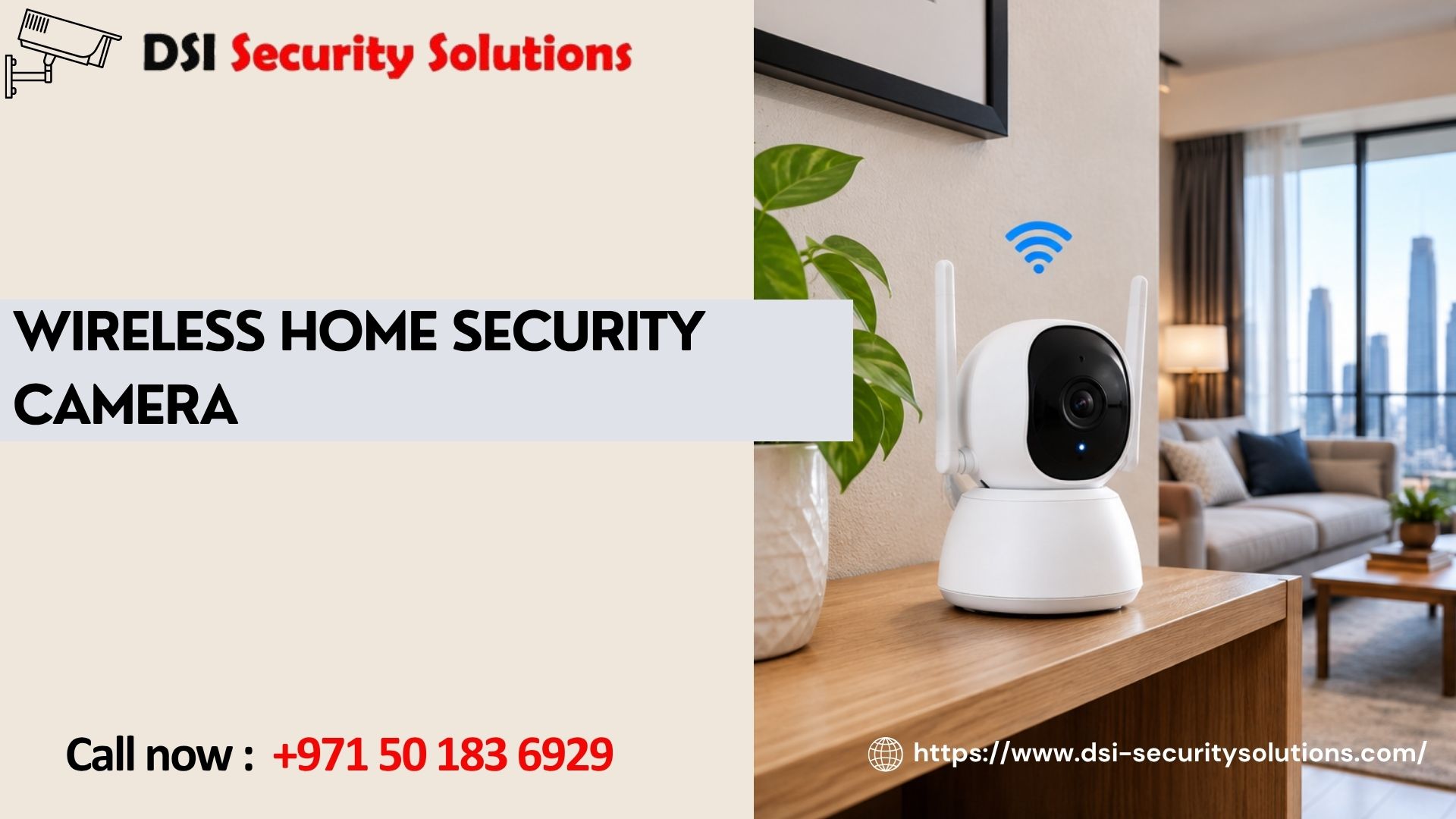
Wireless Home Security Camera: Everything You Need to Know Before You Buy
A wireless home security camera gives you a way to keep an eye on your property without running data cables through walls, ceilings or gardens. For many Dubai homeowners, that simplicity is exactly why wireless has become the default choice over traditional wired CCTV, especially for villas, rented apartments and properties where cabling would be disruptive or impractical.
This page covers how wireless home security cameras actually work, what separates a good system from a disappointing one, and how DSI Security Solutions helps homeowners across Dubai choose and install the right setup for their property.
How a Wireless Home Security Camera Works
A wireless home security camera captures video and sends it over your home Wi-Fi network rather than through a physical data cable. Most models still require a power source, either a rechargeable battery, a plug-in adapter, or solar charging, so “wireless” generally refers to the data connection rather than a completely cable-free device. Footage is typically stored in the cloud, on a local hub, or on a memory card inside the camera, and accessed through a smartphone app for live viewing, alerts and playback.
Why Homeowners in Dubai Choose Wireless Cameras
Quick, low-disruption installation. Without the need for cable runs, a wireless camera can often be mounted and connected within minutes, rather than requiring structural work.
Flexible placement. Cameras can go almost anywhere with power and a Wi-Fi signal, including garden walls, gates and balconies where cabling would be impractical.
Renter-friendly. Tenants who can’t modify a property’s structure can still install a wireless system and take it with them when they move.
Easy to expand. Start with one camera at the front door and add more later, without rewiring anything.
Remote monitoring. Check in on your home from anywhere using a smartphone, with live video, motion alerts and often two-way audio.
What a Complete Wireless Home Security Camera System Looks Like
A single camera is useful, but most homes benefit from a small, coordinated system rather than one isolated device. A typical setup includes:
- A camera covering the main entrance, to see visitors and deliveries
- A camera covering the driveway or gate, to monitor vehicles and approach routes
- One or two cameras covering the garden or perimeter, to detect intrusion attempts
- A camera at the back door or side access, a common entry point for break-ins
- Optionally, a camera in the garage, to protect vehicles and stored valuables
Each camera connects to the same app, giving you a single place to view live feeds, review recordings and manage alerts across your entire property.
Choosing the Right Wireless Home Security Camera
Resolution and Image Quality
1080p is a reasonable minimum for most homes, while 2K or 4K cameras are worth considering for areas like a driveway or gate, where identifying a face or number plate matters.
Night Vision
Standard infrared night vision works well for basic detection, but colour night vision technology captures noticeably more detail after dark, which is useful for outdoor areas.
Power Source
Battery-powered cameras are the simplest to install but need periodic recharging. Mains-powered or solar cameras run continuously, which tends to suit high-traffic entrances better than relying on battery life alone.
Storage
Cloud storage is accessible from anywhere but usually involves a subscription. Local storage, via a memory card or hub, avoids ongoing fees but has limited capacity and is vulnerable if the camera itself is taken. Many homeowners use a mix of both for added peace of mind.
Weatherproofing
Outdoor cameras need a proper weatherproof and dust-resistant rating to handle Dubai’s heat and sandy conditions without the lens or housing degrading over time.
Motion Detection
Smart motion detection that distinguishes between people, vehicles and general movement reduces false alerts significantly compared to basic motion sensors.
Wi-Fi Coverage
A wireless home security camera still depends on a stable Wi-Fi connection. Larger villas may need a mesh network or extenders to maintain reliable coverage for cameras positioned further from the router.
Wireless vs Wired: Making the Right Call for Your Home
Wireless systems install faster, reposition easily and suit rented properties or awkward locations. Wired systems offer constant power and a stable connection that doesn’t depend on Wi-Fi bandwidth, which can matter for mission-critical coverage points. Many Dubai homes use a hybrid approach: a wired camera at the main entrance for guaranteed uptime, combined with wireless cameras covering more flexible areas like the garden or garage.
Setting Up Your Wireless Home Security Camera Correctly
Getting genuine value from a wireless system depends on more than just unboxing the camera. Key steps include:
- Testing Wi-Fi signal strength at each intended camera location before mounting
- Positioning cameras to avoid glare, direct sunlight and backlighting, which can wash out footage
- Setting motion zones so alerts focus on relevant areas, not passing traffic or trees
- Securing the app account with a strong password and two-factor authentication where available
- Deciding on a storage approach that matches how long you want to retain footage
Skipping these steps is the most common reason homeowners end up disappointed with a system that looked great in reviews but performs poorly in practice.
Why Professional Setup Still Matters
Wireless cameras are marketed as simple, self-install products, but a professionally configured system consistently performs better in real conditions. A qualified installer will:
- Survey your property to identify genuine coverage priorities and blind spots
- Confirm Wi-Fi strength at each camera location and recommend extenders if needed
- Position cameras to avoid common issues like glare and obstructed views
- Configure motion zones and alerts so notifications are meaningful, not constant
- Set up secure remote access correctly from the start
- Integrate your cameras with a video doorbell, alarm system or smart locks, if relevant
Our Wireless Home Security Camera Services
Free consultation and site assessment. We review your home’s layout and discuss your specific concerns.
Unbiased equipment recommendations. We suggest cameras suited to your property and budget, not a generic package.
Professional installation. Correct mounting, Wi-Fi testing and configuration at every camera point.
App setup and training. We make sure you’re confident managing live feeds, alerts and recordings.
Ongoing support. Help with repositioning, troubleshooting or expanding your system over time.
Integration. Combining your cameras with a video doorbell, intruder alarm or smart home system for more complete protection.
Common Mistakes Homeowners Make
- Buying cameras before checking Wi-Fi signal strength at planned locations
- Relying on battery cameras for high-traffic entrances, leading to coverage gaps when batteries run low
- Choosing cameras without proper weatherproofing for Dubai’s climate
- Mounting cameras facing direct sunlight or reflective surfaces
- Using weak or reused passwords on the camera app, creating a security risk
Frequently Asked Questions
Does a wireless home security camera still need power?
Yes, in almost all cases. “Wireless” typically refers to the data connection over Wi-Fi, while the camera itself still needs a battery, mains power, or solar charging to operate.
How far can a wireless home security camera be from my router?
This depends on your home’s construction and the camera itself, but signal generally weakens beyond 10 to 15 metres or through thick walls. A mesh Wi-Fi system can help maintain a reliable connection for cameras placed further away.
Can a wireless home security camera work without internet?
Most core functions, including remote viewing and cloud storage, require an internet connection. Some cameras can still record locally to a memory card without internet access, though you won’t be able to view footage remotely.
How many cameras do I need for my home?
This depends on your property’s size and layout. Most villas benefit from four to six cameras covering entrances, the garden and the garage, while apartments often need just one or two, subject to building regulations.
Is professional installation worth it for a wireless system?
Often, yes. While basic self-installation is possible, professional setup typically results in better camera placement, more reliable Wi-Fi connections and properly configured alerts, which makes a noticeable difference in daily use.
Are wireless home security cameras secure from being hacked?
Reputable brands use encryption and secure cloud storage, but overall security also depends on using strong, unique passwords and enabling two-factor authentication on the camera’s app.
Can I connect my wireless camera to a smart home system?
Many wireless cameras integrate with smart home platforms, video doorbells and voice assistants, allowing you to manage your home security alongside other smart devices from a single app.
Do wireless cameras perform well in Dubai’s heat and dust?
Yes, as long as you choose cameras with an appropriate weatherproof and dust-resistant rating intended for outdoor use in hot, dusty conditions.