
Choosing the Right Security Camera for Home Wireless Protection
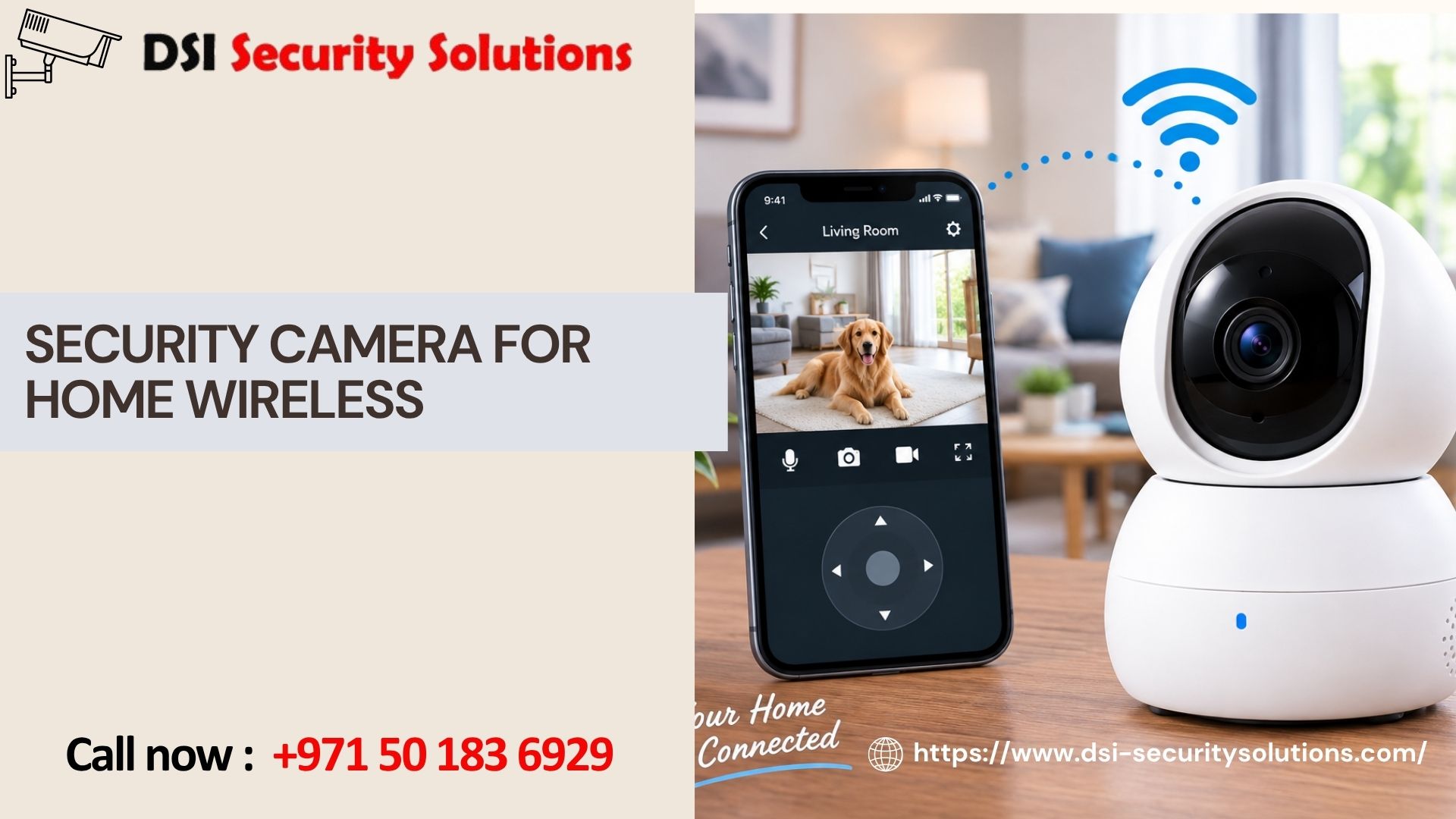
Finding the right security camera for home wireless protection means balancing coverage, ease of installation, and reliability — without the cost and disruption of a wired system. Today’s wireless home security cameras are more capable than ever, offering crisp video, instant smartphone alerts, and flexible placement that fits almost any property, from apartments to large single-family homes.
At DSI Security Solutions, we help homeowners cut through the noise of endless product options and build a wireless camera setup that actually matches how they live. This guide breaks down what to consider, how wireless cameras compare to older systems, and how to design a setup that covers your entire home without gaps.
What Makes a Good Wireless Home Security Camera Setup?
A strong wireless home security camera setup isn’t just about buying the highest-rated single camera — it’s about designing coverage around your property’s specific risk points. Before comparing brands or specs, it helps to think through three questions:
- What are you trying to protect? Entry points, packages, a driveway, or the interior of your home?
- How much coverage do you need? A single front-door camera versus a full-perimeter system changes your equipment list significantly.
- How reliable is your home Wi-Fi? Since wireless cameras depend on a stable signal, weak spots in your network can undermine even the best camera.
Once you’ve answered these, choosing the right security camera for home wireless protection becomes much more straightforward.
Core Features That Separate Good Cameras From Great Ones
Not every wireless security camera on the market delivers the same performance. Here’s what actually matters when evaluating options for your home:
Video Quality
Look for at least 1080p resolution, though 2K and 4K options are increasingly affordable and provide much clearer detail for identifying faces or license plates.
Field of View
A wider field of view (130–160 degrees) reduces blind spots, which is especially important for cameras covering driveways, yards, or wide entryways.
Night Vision Performance
Since a large share of break-ins happen after dark, strong infrared or color night vision is one of the most important features in any home wireless camera.
Smart Motion Detection
Advanced cameras use AI-based detection to distinguish between people, vehicles, and animals — cutting down on unnecessary notifications and helping you focus on real threats.
Weather Resistance
Any outdoor-rated camera should carry at least an IP65 rating to withstand rain, dust, and temperature swings throughout the year.
Storage Flexibility
Some systems rely solely on cloud subscriptions, while others allow local storage via SD card or a home hub. A mix of both often provides the best balance of cost and reliability.
Power Options
Battery-powered and solar-compatible cameras add resilience during power outages, while plug-in models eliminate the need for regular recharging.
Wireless vs. Traditional Wired Home Security Cameras
Homeowners comparing options often want to know whether a wireless setup can truly replace a wired system. In most residential situations, the answer is yes.
| Consideration | Wireless System | Wired System |
|---|---|---|
| Setup Time | Minutes to a few hours | Often a full day or more |
| Structural Impact | Minimal to none | Requires drilling and cable runs |
| Mobility | Cameras can be relocated easily | Fixed once installed |
| Power Outage Resilience | Yes, with battery/solar backup | Typically none |
| Long-Term Cost | Lower installation cost, possible subscription fees | Higher installation cost, no subscription needed |
| Best Fit | Most homes, renters, flexible needs | Large properties needing permanent, uninterrupted feeds |
For the vast majority of homeowners, a wireless security camera system offers the right mix of affordability, flexibility, and modern features.
Where to Place Your Wireless Security Cameras
Proper placement is just as important as the camera itself. A well-planned layout typically includes:
- Front door — to monitor visitors, deliveries, and the most common point of entry
- Back door and side entrances — often overlooked but frequently targeted by intruders
- Driveway and garage — protects vehicles and catches activity before someone reaches your home
- Backyard — especially important for homes with fences, pools, or secondary structures
- Key interior areas — such as a living room, hallway, or home office, particularly useful for monitoring pets, deliveries, or valuables
A layered approach — covering the perimeter first, then key interior spaces — creates the most complete protection without unnecessary camera overlap.
How Many Cameras Does Your Home Actually Need?
There’s no single answer, but a helpful starting framework looks like this:
- Small homes or apartments: 2–3 cameras (front door, back door, one interior)
- Mid-sized single-family homes: 4–6 cameras (front, back, side entry, driveway, backyard, interior)
- Larger properties: 6+ cameras, often paired with a professional monitoring plan to manage multiple zones effectively
If you’re unsure, a professional walkthrough can identify blind spots you might not notice on your own — something DSI Security Solutions offers as part of every consultation.
Setting Up Your Wireless Camera System for Success
Even the best security camera for home wireless use won’t perform well without a solid foundation. Keep these setup essentials in mind:
- Check your router’s range. Cameras placed far from your router or outside your home’s Wi-Fi range may need a mesh extender.
- Mount cameras at the right height. Around 8–10 feet is often ideal for outdoor cameras — high enough to avoid tampering, low enough for clear facial detail.
- Angle cameras to avoid glare. Direct sunlight or reflective surfaces can wash out footage during parts of the day.
- Test night vision before finalizing placement. Streetlights, motion-activated lights, or shadows can all affect nighttime clarity.
- Set up smart alerts thoughtfully. Fine-tune motion zones and sensitivity to avoid alert fatigue from cars, trees, or pets.
The Benefits of Professional Installation
While many home wireless cameras are designed for self-installation, a professionally installed system typically performs better and lasts longer. Working with a security provider like DSI Security Solutions means:
- A property-specific assessment instead of guesswork
- Optimized camera angles and mounting for maximum coverage
- Wi-Fi network evaluation, including mesh extenders where needed
- Integration with existing alarms, smart locks, or lighting systems
- Ongoing support for firmware updates, troubleshooting, and future expansion
This is especially valuable for larger homes or properties with multiple entry points, where a poorly planned DIY setup often leaves gaps in coverage.
Why Homeowners Trust DSI Security Solutions
DSI Security Solutions specializes in designing wireless home security systems around the way real families actually live — not a generic, one-size-fits-all package. Our process includes:
- A free property assessment, in person or virtual
- Customized camera recommendations based on your home’s layout and risk points
- Professional installation with clean, secure mounting
- Ongoing technical support and system monitoring options
- Straightforward, transparent pricing
Whether you’re starting with a single wireless camera for your front door or building out a full-property system, our team can help you design a setup that actually works for your home.
Frequently Asked Questions
What is the best type of security camera for a home with wireless setup? The best option depends on your goals, but most homeowners benefit from a mix of outdoor cameras with strong night vision and wide fields of view, paired with one or two indoor cameras for added coverage. A professional assessment helps match specific models to your property’s layout.
Do wireless home security cameras require a monthly subscription? Some do, particularly for cloud video storage and advanced AI features, while others offer free local storage via SD card or hub. Many homeowners choose a hybrid approach to balance cost and convenience.
Can a wireless security camera system work without internet? Cameras can typically still record locally without an internet connection, but live remote viewing, cloud backup, and mobile alerts require an active Wi-Fi connection.
How far can a wireless security camera be from the router? Most home Wi-Fi routers reliably support cameras within 100–150 feet indoors, though walls, floors, and interference can reduce this range. Mesh Wi-Fi systems or extenders can help maintain a strong signal for cameras placed farther away.
Are wireless security cameras easy to hack? Like any connected device, wireless cameras carry some risk, but strong passwords, two-factor authentication, and regular firmware updates significantly reduce vulnerability. Choosing a reputable brand with a track record of security updates is essential.
Is professional installation worth it for a wireless camera system? For single-camera setups, DIY installation is often sufficient. For multi-camera systems covering an entire property, professional installation typically results in better coverage, fewer blind spots, and more reliable long-term performance.
Ready to Upgrade Your Home’s Security?
A well-designed security camera for home wireless system gives you constant visibility, instant alerts, and lasting peace of mind — all without the cost and disruption of traditional wiring. Contact DSI Security Solutions today for a free consultation and let our team build the right wireless security system for your home.