
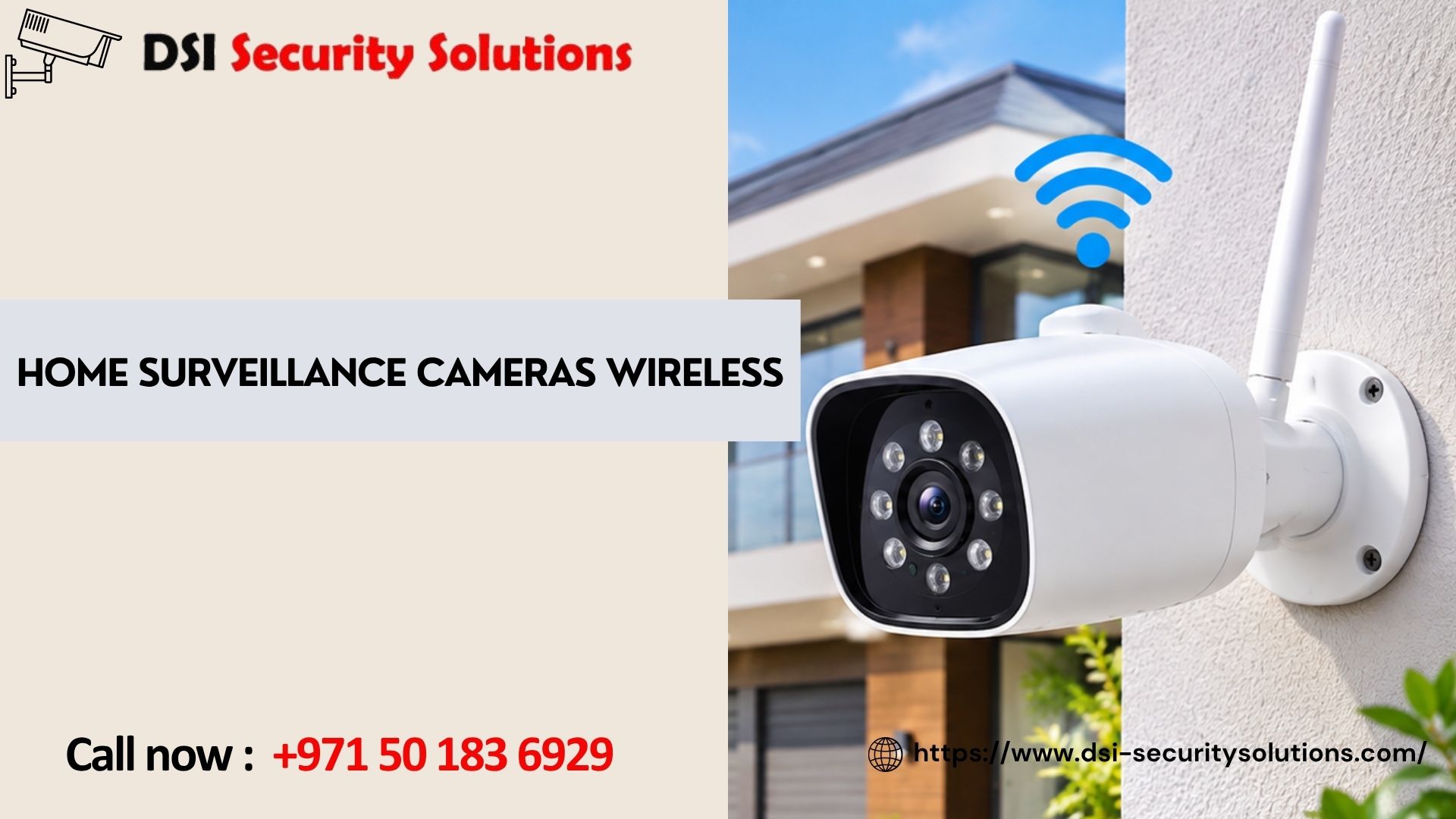
Home Surveillance Cameras Wireless: Smart, Simple Protection for Every Property
Your home should be the place where you feel safest. Today, home surveillance cameras wireless systems make that easier than ever: there are no long cables to run through walls, no complicated wiring, and no need to be home to see what is happening. With a phone in your hand, you can check your front door, driveway, or garden from anywhere.
At DSI Security Solutions, we help homeowners choose and set up wireless security cameras that suit their property, budget, and daily routine. This guide explains how wireless cameras work, which features really matter, and how to pick a system you can trust for years.
What Are Wireless Home Surveillance Cameras?
A wireless home surveillance camera sends video to your phone, tablet, or recorder without a video cable. Most connect over Wi-Fi, while others use a cellular network or a dedicated wireless hub. The word “wireless” usually describes the video connection, not the power supply. Some cameras run on rechargeable batteries or solar panels, while many others plug into an outlet for continuous power. Knowing this difference helps you set realistic expectations before you buy.
The most common types include:
- Wi-Fi security cameras: connect to your home router and are the easiest to set up.
- Battery-powered cameras: fully cable-free, ideal for spots without a nearby outlet.
- Solar-powered cameras: pair a battery with a small solar panel for low-maintenance outdoor monitoring.
- Wireless camera kits with an NVR: several cameras linked to a local recorder for stable, private storage.
- 4G/LTE cameras: work without Wi-Fi, which suits villas, farms, garages, and remote properties.
Why Choose Wireless Over Wired Cameras?
Wired systems are reliable, but they take time and planning to install. Wireless cameras remove most of that effort. Here is why many families now prefer them:
- Quick, clean installation: most cameras can be mounted in under an hour with no drilling for cable runs.
- Flexible placement: move a camera later if your needs change, or add new ones as you go.
- Remote viewing: watch live video and review recorded clips from the mobile app, wherever you are.
- Smart alerts: get notified when the camera detects a person, vehicle, or package instead of every passing shadow.
- Scalable: start with one camera at the entrance and expand to a full home security camera system over time.
To be fair, wireless cameras do depend on a stable internet connection, and battery models need occasional recharging. The good news is that both issues are easy to manage with the right equipment and setup, which we cover below.
Key Features to Look For
Not all wireless security cameras are equal. When comparing models, focus on the features that affect real-world performance.
- Video resolution: 2K or 4K cameras capture sharper detail, such as faces and number plates. Full HD (1080p) is a good starting point for smaller areas.
- Night vision: infrared night vision shows clear black-and-white footage in the dark, while color night vision with a built-in spotlight adds more detail.
- Motion detection and AI alerts: person, vehicle, and pet detection cut down on false alarms and help you react to what matters.
- Two-way audio: speak to a delivery driver, a visitor, or a family member through the camera.
- Weather resistance: for outdoor use, look for an IP65 or IP66 rating so the camera handles rain, dust, and high heat.
- Storage options: choose between cloud storage, a microSD card, or a local recorder. Many homeowners combine two options for backup.
- Wide field of view: a wider angle, or a pan-and-tilt camera, covers more ground with fewer devices.
- Built-in siren and spotlight: an active deterrent that can scare off intruders before damage is done.
- Data security: look for encrypted video, two-factor login, and regular firmware updates to keep your footage private.
Indoor vs. Outdoor Wireless Cameras
Outdoor wireless security cameras protect the first line of defense: doors, driveways, gates, garages, and gardens. They need weatherproof housings, strong night vision, and a secure mount. Battery and solar models are popular outdoors because they avoid exposed power cables.
Indoor wireless cameras are smaller and usually plug in. They are useful for monitoring living areas, entryways, nurseries, or pets. Look for privacy features such as a lens cover or scheduled “off” mode so you can pause recording when the family is at home.
Where Should You Place Your Cameras?
Smart placement matters as much as the camera itself. Start with the places intruders are most likely to use:
- Front door and entrance: the most common point of entry and package theft.
- Back door and side gates: often less visible from the street.
- Driveway and garage: to monitor vehicles and tools stored there.
- Ground-floor windows: especially those hidden from neighbors.
- Main living areas indoors: for an extra layer of awareness while you are away.
Mount outdoor cameras about 2.5 to 3 meters above the ground, angled slightly downward. This keeps them out of easy reach while still capturing faces. Avoid pointing cameras directly at the sun or bright lights, which can wash out the image.
How to Keep Your Wireless Cameras Reliable
A wireless camera is only as dependable as its connection. A few simple steps make a big difference:
- Check your Wi-Fi signal at each camera location before mounting. If it is weak, add a mesh node or range extender.
- Use the 2.4 GHz band for greater range through walls, or 5 GHz for faster speeds at shorter distances.
- Keep firmware updated and use a strong, unique password for your router and camera app.
- Add a backup: local storage such as a microSD card or NVR keeps recording even if the internet drops.
How to Choose the Right Wireless Camera System
Follow these steps to match the system to your home:
- Define your goal. Are you deterring theft, watching deliveries, checking on children, or keeping an eye on a holiday home?
- Map your property. List the entry points and areas you want covered, then count how many cameras you need.
- Test your connectivity. Confirm Wi-Fi strength, or consider 4G cameras where there is no network.
- Pick your storage. Decide between subscription cloud storage and local storage, based on privacy and budget.
DIY Setup or Professional Installation?
Many wireless cameras are designed for simple self-installation, and that works well for a single indoor camera or doorbell. But when you need several cameras, full-property coverage, a wireless NVR, or reliable performance across a large home, professional help saves time and avoids blind spots.
A trained installer will assess your layout, test signal strength, choose the best mounting positions, secure your network, and configure alerts so the system works properly from day one. You also get guidance on privacy settings and on keeping cameras focused on your own property.
Why Choose DSI Security Solutions?
Security is personal, and no two homes are the same. At DSI Security Solutions, we focus on practical, reliable protection that fits the way you live. We can help you:
- Compare wireless camera options and recommend the right fit for your property.
- Plan camera positions for complete coverage and fewer blind spots.
- Set up your system, mobile app, and alerts so everything is ready to use.
- Combine cameras with other security solutions for stronger, layered protection.
Frequently Asked Questions
Do wireless home surveillance cameras work without Wi-Fi?
Some do. 4G/LTE cameras use a mobile data SIM, and certain wireless kits record locally to a hub or recorder. However, remote viewing from your phone normally needs an internet connection of some kind.
Are wireless security cameras as reliable as wired cameras?
Modern wireless cameras are very dependable when the Wi-Fi signal is strong and the system is set up correctly. Wired cameras can still offer the most stable connection for large or high-risk sites, so the best choice depends on your property.
How long do battery-powered wireless cameras last?
Battery life varies by model, video quality, and how often the camera detects motion. Many last from a few weeks to several months per charge. Busy entrances drain batteries faster than quiet areas, and solar panels can extend run time.
Can wireless cameras be hacked?
Any internet-connected device carries some risk, but you can reduce it significantly. Use strong, unique passwords, turn on two-factor authentication, keep firmware updated, and secure your router with encryption.
Do wireless cameras record all the time?
It depends on the model and your settings. Many record only when motion is detected to save storage and battery. Plugged-in cameras and NVR systems can record continuously.
Where is the best place to install a wireless security camera?
Start with the front door, back door, driveway, and garage, then add ground-floor windows and main indoor areas. Mount cameras high enough to stay out of reach but low enough to capture faces clearly.