
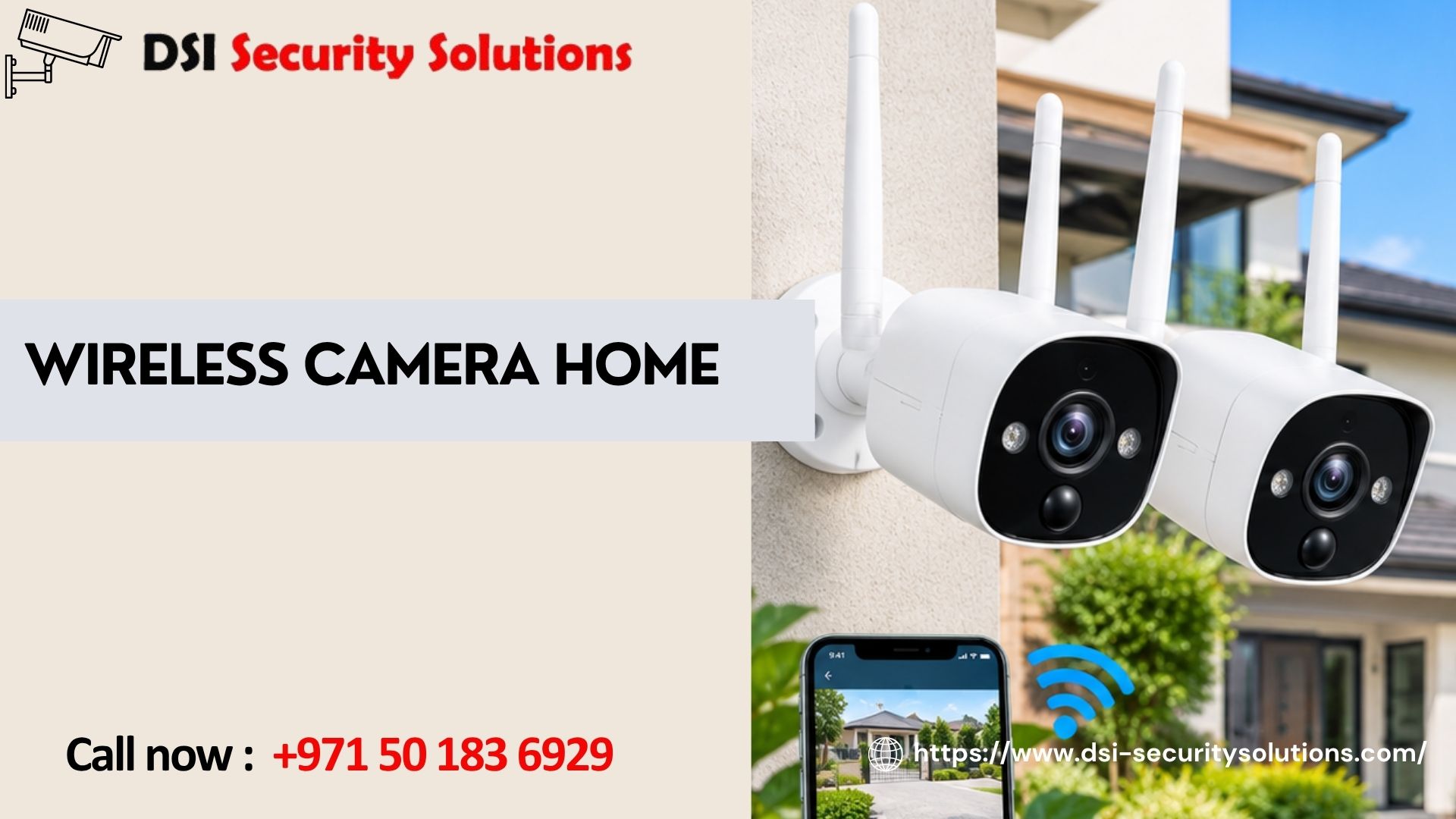
Wireless Camera Home Security: The Complete Guide to Protecting Your Property
A wireless camera home setup is one of the fastest ways to see what is happening around your property, whether you are in the living room or on the other side of the world. There are no long cable runs to drill through walls, and modern systems stream sharp video straight to your phone. With so many options available, though, choosing the right one can feel overwhelming.
This guide explains how a wireless home security camera works, which features matter, where to place each camera, and which mistakes to avoid. At DSI Security Solutions, we help homeowners choose and install systems that fit their property, so you can use this advice whether you install yourself or call a professional.
What Is a Wireless Camera for the Home?
A wireless camera home system uses Wi-Fi to send video from the camera to your phone, tablet, or recorder. The word “wireless” mostly describes the video connection. Many cameras still need power from a socket or low-voltage cable, while others run on rechargeable batteries or solar panels.
The camera captures video, compresses it, and sends it over your home network. You watch live footage in a mobile app, and recordings are saved to a memory card, a local recorder (NVR), or the cloud. Compared with traditional wired CCTV, a wireless home surveillance camera is quicker to install, easier to move, and better suited to rented homes or properties where running cable is difficult.
Key Benefits of Wireless Home Security Cameras
- Easy installation: Most cameras can be mounted in under an hour, and repositioned later if your needs change.
- Remote viewing: Live video, instant alerts, and recorded clips are available anywhere you have an internet connection.
- Deterrence: Visible cameras make opportunists think twice, and two-way audio lets you speak to anyone at the door.
- Smart detection: Many cameras tell the difference between people, vehicles, pets, and passing shadows, which cuts false alarms.
- Scalability: Start with one camera at the front door and add more as your budget allows.
Types of Wireless Cameras for Your Home
Choosing the right type starts with knowing where the camera will live and how it will be powered.
Indoor cameras are compact and discreet, ideal for living rooms, hallways, and home offices. Many include pan-and-tilt motors so one camera covers a whole room.
Outdoor wireless cameras are built to handle heat, dust, and rain. Look for a weatherproof rating, strong night vision, and a wide viewing angle to protect driveways, gardens, and gates.
Battery-powered cameras need no nearby socket, which gives you freedom of placement. The trade-off is periodic recharging, though motion-triggered recording extends battery life.
Solar-powered cameras use a small panel to keep the battery topped up, which suits remote corners of a villa garden or farm with good sun exposure.
Video doorbells show who is at the door and let you talk to them from your phone. They are a popular first step because they cover the busiest entry point.
Floodlight cameras combine a camera with bright lighting, adding a strong visual deterrent and clearer colour footage after dark.
Wi-Fi vs. PoE: Wi-Fi cameras are the easiest to install, while Power over Ethernet cameras use a single cable for power and data, which is more stable across larger properties. Many homes use a mix of both.
Features to Look for Before You Buy
Focus on the features that improve everyday security:
- Resolution: 2K or 4K cameras capture faces and number plates more clearly than basic HD models.
- Night vision: Infrared or colour night vision keeps your property visible after dark.
- Motion and person detection: Smart alerts reduce notification fatigue.
- Two-way audio: Useful for talking with visitors, delivery staff, or family.
- Storage: A microSD card or local recorder avoids monthly fees, while cloud storage protects footage if a camera is stolen.
- App quality: A fast, reliable app matters as much as the camera itself.
- Weather resistance: Essential for any outdoor installation.
- Privacy and encryption: Look for encrypted video, two-factor authentication, and adjustable privacy zones.
Where to Place a Wireless Camera at Home
Good placement matters as much as good hardware. Cover these areas first:
- Front and back doors: Most break-ins start at an entrance.
- Driveway and garage: Protect vehicles and monitor arrivals.
- Garden and side access: Hidden side passages are common entry routes.
- Ground-floor windows: Cover any that are easy to reach.
- Indoor common areas: Use hallways and shared spaces rather than private rooms.
Mount cameras roughly 2.5 to 3 metres high, angled down, so they are hard to tamper with but still capture faces. Avoid pointing them at direct sunlight or street lamps, and keep them aimed at your own property to respect neighbours’ privacy.
Wireless Camera Home Installation: Step by Step
- Check Wi-Fi coverage. Test signal strength where each camera will go. Weak signal is the top cause of lagging video, and a mesh system or extender can fix it.
- Plan locations. Note entry points, blind spots, and nearby power sources.
- Mount the camera. Use the supplied bracket and secure it firmly, angled slightly downward.
- Power it up. Plug in, connect the battery, or position the solar panel.
- Connect to the app. Create a strong, unique password and follow the pairing steps.
- Adjust settings. Set motion zones, alert sensitivity, and recording schedules.
- Test everything. Walk through the camera’s view and review the recorded clip.
DIY or Professional Installation?
Many homeowners can install one or two cameras themselves, especially in apartments with simple layouts. Professional installation is worth considering for larger villas, multi-storey homes, hidden wiring, or integrated systems with alarms, access control, and a central recorder. A specialist also helps you avoid poor placement, weak Wi-Fi, and misconfigured security settings.
Common Mistakes to Avoid
- Buying on price alone, which often means a weak app and poor night vision
- Ignoring Wi-Fi strength
- Leaving default passwords in place
- Skipping firmware updates
- Mounting cameras too low or facing glare
- Overlooking storage limits
- Missing blind spots beyond the front door
Keeping Your Wireless Camera Secure
A security camera should never become a security risk. Use a strong, unique Wi-Fi password, enable two-factor authentication, keep firmware current, and place cameras on a separate or guest network where possible. Buy from reputable brands that publish regular security updates, and review who has access to your account from time to time.
Why Choose DSI Security Solutions?
Reliable security depends on the right design, quality equipment, and proper installation. DSI Security Solutions builds systems around how you live, from a single entrance camera to full-property surveillance. We help you assess your property, select cameras that suit your budget, install and configure the system, and show you how to use it from your phone.
Ready to protect your home? Request your free home security quote and we will tailor a solution to your property.
Frequently Asked Questions About Wireless Cameras for the Home
How does a wireless camera for the home work?
It connects to your Wi-Fi and streams video to your phone or recorder. Footage can be saved to a memory card, local recorder, or cloud, and you receive alerts when motion is detected.
Do wireless cameras need electricity and Wi-Fi?
Most need both: Wi-Fi to transmit video, and power from a plug, rechargeable battery, or solar panel.
Are wireless home security cameras reliable?
Yes, when installed properly. Reliability depends mainly on Wi-Fi strength, camera quality, and correct setup.
Can wireless cameras be hacked?
Any connected device carries some risk, but you can reduce it greatly with strong passwords, two-factor authentication, prompt updates, and a trusted brand.
Do wireless cameras work without internet?
Some record locally to a memory card or recorder, but remote viewing and cloud features need a connection.
How long do camera batteries last?
It varies with usage, settings, and weather. Motion-only recording lasts far longer than constant recording, and solar charging extends it further.
Where is the best place to put a wireless camera at home?
Start with the front door, back door, driveway, and ground-floor windows, mounted high and angled to avoid glare.
Is it legal to install cameras at home?
Rules differ by country. Generally you may record your own property, but avoid filming neighbours’ private spaces and check local rules on audio recording.
A wireless camera home system gives you visibility, control, and peace of mind without traditional wiring. Choose the right camera type, place it well, secure your network, and keep it updated. For expert help, contact DSI Security Solutions today.