
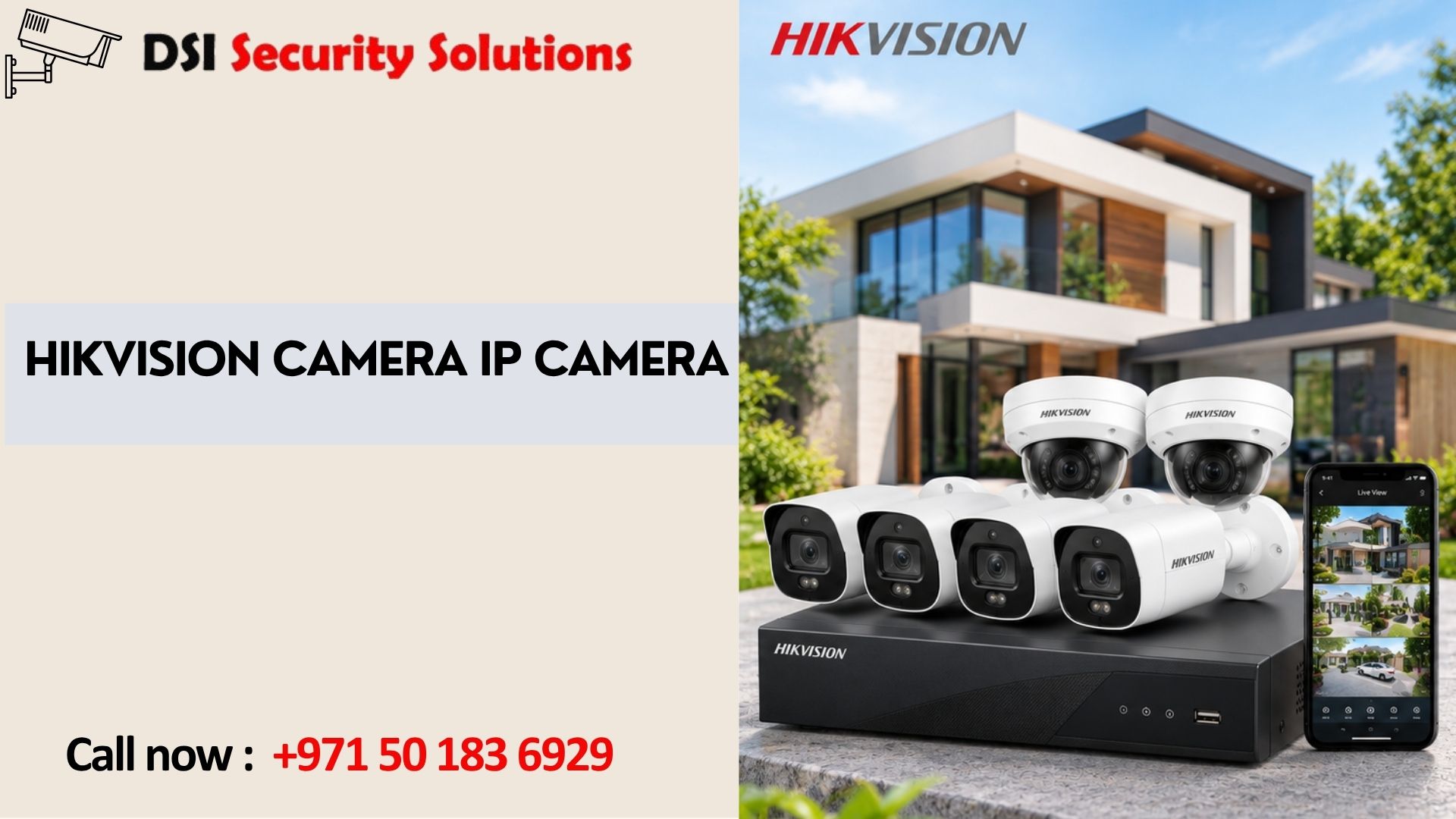
Hikvision Camera IP Camera: Models, Features, and How to Choose the Right One
Hikvision is one of the most recognized names in video surveillance, and its IP cameras appear in homes, shops, offices, warehouses, and large commercial projects around the world. If you are researching a Hikvision camera IP camera setup, you are likely trying to answer a few practical questions: which model suits my property, what do the specifications mean, how is it installed, and what else do I need to make it work?
This guide covers how Hikvision IP cameras work, the main camera types and series, the features that matter, what a complete system includes, and how to get reliable results.
What Is a Hikvision IP Camera?
An IP camera captures video and sends it as digital data over a network, using an Ethernet cable or Wi-Fi, to a Network Video Recorder (NVR), a computer, or cloud storage. Each camera has its own processor and network address, which is why IP cameras can offer higher resolution and smarter features than traditional analog cameras.
Hikvision is a major manufacturer in this space, with a broad catalog ranging from entry-level cameras for small shops to advanced models with AI analytics for large sites. Product lines, model names, and availability change over time, so always confirm current specifications before buying.
Why People Choose Hikvision IP Cameras
Wide product range. Dome, bullet, turret, PTZ, panoramic, and specialty cameras are available, so there is usually a model for each location.
Range of price points. Options span budget-friendly to professional-grade, which makes it easier to match cameras to different areas of the same property.
Strong resolution options. Resolutions commonly run from 2MP (Full HD) to 4MP, 8MP (4K), and beyond.
ONVIF support. Many models support ONVIF, an industry standard that helps cameras work with recorders and software from other manufacturers.
Ecosystem. Cameras, NVRs, PoE switches, and mobile apps are designed to work together, which simplifies setup and management.
Types of Hikvision IP Cameras
Dome Cameras
Discreet and often vandal-resistant, domes suit indoor areas, entrances, lobbies, and ceilings. Viewers cannot easily tell where the lens points.
Bullet Cameras
Visible and weatherproof with good range, bullet cameras suit building exteriors, driveways, gates, and perimeters. Their visibility also acts as a deterrent.
Turret Cameras
Easy to aim and without a dome cover, turret cameras avoid infrared glare, so night footage is often cleaner.
PTZ Cameras
Pan-tilt-zoom cameras rotate and zoom, often with automatic tracking. They suit car parks, yards, warehouses, and other large open areas.
Panoramic and Fisheye Cameras
These capture a very wide or full 360-degree view, removing blind spots in showrooms, reception areas, and open-plan offices.
Specialty Cameras
Depending on the series, options may include thermal cameras, license plate capture cameras, and models built for harsh conditions.
Understanding Hikvision Series and Features
Hikvision organizes its cameras into product series aimed at different budgets and needs, and also offers AI-focused lines with deeper analytics and better low-light performance. Naming and series structures change regularly, so rather than relying on a series name alone, compare actual specifications: resolution, sensor size, lens, low-light performance, weather rating, and supported features. A reliable installer can match the current range to your requirements.
Key Features to Look For
Resolution
2MP is a sensible baseline for general monitoring. 4MP offers clearer detail. 8MP (4K) suits entrances, gates, and tills where identifying faces or number plates matters. Higher resolution also needs more storage and bandwidth.
Low-Light and Night Performance
Look at sensor size, lens aperture, and night vision type. Infrared gives black-and-white footage in darkness, while color night vision models preserve more detail, such as clothing and vehicle colors.
Smart Detection
Many models offer person and vehicle detection, line crossing, intrusion alerts, and in some cases facial or number plate recognition. These cut false alerts and speed up searching footage.
Wide Dynamic Range (WDR)
WDR balances very bright and very dark areas in the same image, which helps near windows, gates, and sun-facing entrances.
Power over Ethernet (PoE)
PoE sends power and data over one network cable, which simplifies installation and cuts wiring costs. Confirm your switch or NVR supports the camera’s power requirements.
Compression Technology
Efficient video compression, such as H.265 and newer variants, reduces storage and bandwidth use. This helps when running many high-resolution cameras.
Weather and Vandal Rating
Outdoor cameras should have an IP66 or IP67 rating, and vandal-resistant housings (IK10) are worth considering for exposed locations.
Built-In Audio and Storage
Some models include a microphone, speaker, or microSD slot for local backup recording.
What Else Do You Need Besides the Camera?
A working IP camera system is more than the camera itself:
- NVR: records and manages video from IP cameras
- Hard drives: sized to camera count, resolution, and retention period
- PoE switch or NVR with built-in PoE ports: powers and connects the cameras
- Network cabling: quality Cat6 or Cat5e cable and proper termination
- UPS: keeps the system running during short power cuts
- Viewing tools: monitor, desktop software, and mobile app
Hikvision IP Camera Installation: What to Expect
A professional installation typically follows these steps:
- Consultation and site survey: identify goals, entry points, blind spots, and cable routes.
- System design and quotation: choose camera types, NVR, storage, and network layout.
- Cabling: run and protect network cables, concealed where possible.
- Mounting and alignment: fix cameras at the right height and angle, with sealed junction boxes outdoors.
- NVR and network setup: configure recording schedules, IP addresses, and storage.
- Security configuration: change default passwords, update firmware, and secure remote access.
- Testing and tuning: check focus, field of view, night performance, and detection settings.
- Training and handover: set up the mobile app and explain footage review and export.
Where to Place IP Cameras
- Main entrances and gates: to identify everyone who enters
- Rear and side access points: often less visible and more vulnerable
- Driveways, car parks, and garages: to monitor vehicles and equipment
- Reception, tills, and stockrooms: for commercial premises
- Perimeters and loading areas: for warehouses and industrial sites
Mount outdoor cameras around 2.5 to 3 meters high, out of easy reach but low enough to capture faces. Avoid pointing them at direct sun, and cover the approach to a door rather than only the door itself.
Cybersecurity for IP Cameras
Network cameras need the same care as any connected device. Good practice includes:
- Replacing default passwords with strong, unique ones
- Updating camera and NVR firmware regularly
- Keeping cameras on a separate VLAN or network where possible
- Avoiding direct exposure of cameras to the internet, and using secure remote access instead
- Disabling unused services and features
- Buying from authorized suppliers so firmware and support are genuine
Before purchasing, also check whether any regional rules or restrictions affect Hikvision equipment for your type of project. Some government and public-sector settings in certain countries limit its use, so confirm current requirements for your situation.
Hikvision IP Camera Cost Factors
Exact prices change with model, market, and supplier, so a site survey and itemized quote is the reliable way to price your project. The main cost factors are:
- Number of cameras
- Camera type, resolution, and smart features
- NVR size and hard drive capacity
- PoE switches and network equipment
- Cabling and installation difficulty
- Weather and vandal-resistant requirements
- Maintenance and warranty
Mid-range models often give the best balance for homes and small businesses, while advanced AI models make sense where analytics add real value.
Choosing Between Hikvision and Other Brands
Hikvision is a strong option, but it is not the only one. When comparing brands, look at image quality in your lighting conditions, warranty and local support, firmware update history, compatibility with your existing equipment, regulatory requirements, and total cost of ownership. A good installer will explain the trade-offs honestly instead of pushing one brand.
Maintaining Your IP Camera System
- Clean lenses regularly, especially in dusty environments
- Check that every camera is online and recording
- Test playback to confirm footage is saved
- Update firmware and review passwords periodically
- Monitor hard drive health and replace drives before they fail
- Arrange a maintenance contract for regular inspections
Hikvision IP Cameras with DSI Security Solutions
At DSI Security Solutions, we help homes and businesses choose, install, and configure IP camera systems that fit their property and budget. We start with a free site assessment, recommend suitable cameras and recorders, and handle neat professional installation, secure configuration, and hands-on training. After handover, we provide maintenance and support so your system keeps performing.
We explain options plainly, provide itemized quotations, and recommend only what your property needs.
Frequently Asked Questions About Hikvision Camera IP Camera
What is a Hikvision IP camera?
It is a network camera made by Hikvision that sends digital video over Ethernet or Wi-Fi to an NVR, computer, or cloud service. IP cameras offer higher resolution and smarter features than traditional analog cameras.
What is the difference between a Hikvision IP camera and an analog camera?
Analog cameras send video over coaxial cable to a DVR. IP cameras send digital video over a network to an NVR. IP cameras generally provide better resolution, analytics, and easier expansion.
Do Hikvision IP cameras need an NVR?
Not always, but an NVR is the most common way to record and manage multiple cameras. Some cameras can record to a microSD card or to cloud services, though this is less suited to larger systems.
What is PoE and do I need it?
Power over Ethernet delivers power and data through one network cable. It simplifies installation and is recommended for most IP camera systems, provided your switch or NVR supports it.
Can I mix Hikvision cameras with other brands?
Often yes, if the equipment supports ONVIF or is confirmed compatible. Some advanced features may work fully only when the camera and recorder are from the same brand.
Can I view Hikvision cameras on my phone?
Yes. Most systems support mobile apps for live view, playback, and alerts, provided the system is connected to the internet and configured securely.
How many Hikvision cameras do I need?
Many homes need two to four cameras covering main entrances, while villas and commercial sites need more. A site survey gives the most accurate recommendation.
Do Hikvision IP cameras work at night?
Yes. Most models include infrared night vision, and some offer color night vision. Performance varies by model, so check specifications.
Are Hikvision cameras secure?
Security depends on configuration as much as the brand. Change default passwords, keep firmware updated, avoid direct internet exposure, and buy from authorized suppliers.
Are there restrictions on Hikvision equipment?
Some countries restrict Hikvision equipment in certain government or public-sector settings. Check the rules that apply to your location and project type before buying.
How long is footage stored?
It depends on storage capacity, resolution, compression, and recording settings. Many properties keep 15 to 30 days, though requirements vary.
Should I install Hikvision cameras myself?
A single camera can be a DIY job. For multi-camera, outdoor, or commercial setups, professional installation gives better coverage, security, and reliability.
A good Hikvision camera IP camera setup comes down to choosing the right model for each location, pairing it with a suitable NVR, storage, and PoE network, and having it installed and secured properly. Match resolution and features to real needs, buy from authorized sources, and keep the system maintained, and it will deliver dependable protection for years.