
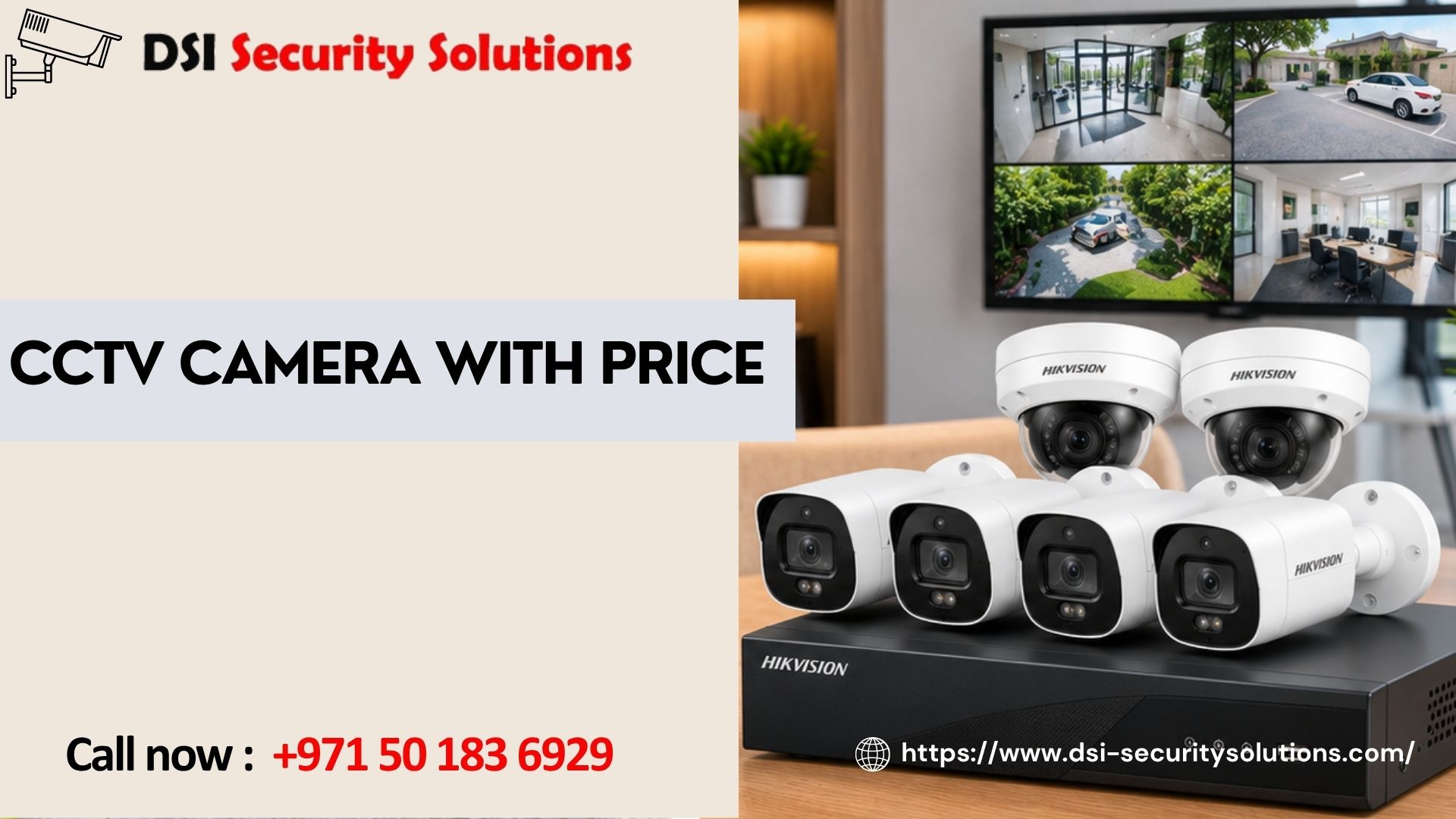
CCTV Camera with Price: How to Compare Options and Get the Best Value
When you search for a CCTV camera with price, you probably want two things: a clear idea of what you will pay, and confidence that the camera will do the job. The challenge is that two cameras with the same price tag can perform very differently, and two with very different prices can look almost identical on a product page.
This guide explains what shapes the price of a CCTV camera, how the main camera types compare, what is and is not included in a typical quote, and how to choose a camera that gives real value for your home or business.
Why a CCTV Camera’s Price Is Never Just One Number
The price you see on a listing is usually the price of the camera body alone. The real cost of a working surveillance setup includes:
- The camera itself: sensor, lens, housing, and features
- A recorder or cloud plan: DVR, NVR, or subscription storage
- Storage: hard drives sized to your camera count and retention period
- Cabling and power: coaxial or Ethernet cable, PoE switch, power supplies
- Installation labor: mounting, wiring, configuration, and testing
- Support: warranty, maintenance, and updates
A camera that looks cheap on its own can become expensive once everything needed to run it is added. That is why a complete, itemized quote is more useful than a single headline price.
What Determines the Price of a CCTV Camera?
Sensor and Lens Quality
Larger sensors and better lenses capture more light, which means cleaner night footage and less grain. This is often the biggest hidden difference between budget and quality cameras.
Resolution
Common options are 2MP (Full HD), 4MP, and 8MP (4K). Higher resolution costs more and also needs more storage and bandwidth. It matters most where you need to identify faces or number plates, such as gates and entrances.
Build Quality and Weather Rating
Outdoor cameras should carry an IP66 or IP67 rating for dust and water protection. Vandal-resistant housings and wide operating temperature ranges add cost but matter in hot, dusty conditions.
Smart Features
AI functions such as person and vehicle detection, line crossing, and number plate recognition raise the price, but they cut false alerts and save time searching footage.
Night Vision Type
Standard infrared gives black-and-white night images. Full-color night vision costs more but preserves details like clothing and vehicle colors.
Brand, Warranty, and Support
Established brands typically offer firmware updates, warranty service, and local support. Unbranded cameras may be cheaper upfront but risk poor security and no after-sales help.
CCTV Camera Types and How They Compare on Price
Exact prices change with brand, model, and market conditions, so the comparison below uses relative cost. For a firm figure on your project, a site survey and itemized quote is the reliable route.
| Camera Type | Relative Price | Best For |
|---|---|---|
| Dome | Low to mid | Indoor areas, entrances, ceilings |
| Bullet | Low to mid | Outdoor walls, driveways, perimeters |
| Turret | Mid | Entrances, small businesses, clean night footage |
| PTZ | High | Car parks, yards, large open areas |
| 360° panoramic | Mid to high | Showrooms, lobbies, open-plan spaces |
| Wireless / battery | Low to mid, plus extras | Rentals, apartments, hard-to-wire spots |
| AI-enabled | Mid to high | Busy or high-risk locations |
Dome Cameras
Discreet and often vandal-resistant, domes are among the most common professional cameras and offer good value for indoor and entrance coverage.
Bullet Cameras
Visible and weatherproof with good range, bullets act as a visual deterrent and suit building exteriors.
Turret Cameras
Easy to aim, and without a dome cover they avoid infrared glare, so night footage is often cleaner.
PTZ Cameras
Motors, optical zoom, and tracking raise the price, but one PTZ can cover an area that would otherwise need several fixed cameras.
Wireless and Battery Cameras
Lower installation cost thanks to minimal cabling, though they may need Wi-Fi upgrades, battery charging, or cloud subscriptions.
Analog vs. IP: The Price Difference
| System | Equipment Cost | Image Quality | Best For |
|---|---|---|---|
| Analog HD (AHD, TVI, CVI) | Lower | Good | Budget upgrades, reusing coaxial cable |
| IP with PoE | Medium to higher | Excellent | New installs, expansion, smart features |
| Hybrid | Medium | Good to excellent | Upgrading in stages |
| Cloud-based | Subscription | Excellent | Multi-site, off-site storage |
IP cameras cost more upfront, but they offer better image quality, easier expansion, and simpler cabling with PoE. For most new projects, that makes them better value over time.
Choosing the Right Resolution for Your Budget
More megapixels are not always necessary.
- 2MP: a sensible baseline for general monitoring
- 4MP: a strong middle ground with clearer faces and detail
- 8MP (4K): best reserved for entrances, gates, and tills where identification matters
Using higher resolution at critical points and standard resolution elsewhere is one of the easiest ways to control cost without weakening security.
Budget, Mid-Range, and Premium Cameras
Budget Cameras
Suitable for small, low-risk spaces. They often have weaker night vision, shorter lifespans, limited updates, and minimal warranty. Footage that is too dark or blurry to identify anyone has little value.
Mid-Range Cameras
For most homes and small businesses, this tier offers the best balance of image quality, durability, features, and price, with reliable warranty and regular firmware updates.
Premium Cameras
Superior low-light performance, advanced analytics, strong cybersecurity, and long-term support. They suit high-risk sites, large commercial projects, and critical infrastructure.
Think in terms of total cost of ownership over several years, including purchase, installation, storage, maintenance, and replacement. A well-installed mid-range system often costs less over time than a cheap one that fails early.
Costs Beyond the Camera
Recorder and Storage
Your DVR or NVR must handle your camera count and resolution. Many properties keep 15 to 30 days of footage, though requirements vary. Cloud storage reduces hardware but adds subscription fees.
Installation Labor
Long cable runs, thick walls, multi-floor buildings, concealed wiring, and high mounting points all increase labor time.
Network Equipment
IP systems may need PoE switches, routers, or Wi-Fi improvements.
Power Backup
A UPS keeps the system recording during short power cuts.
Maintenance
A service contract adds a recurring cost but helps catch failing drives, dirty lenses, and faults early.
What a Good CCTV Quote Should Include
- Camera brand, model, and resolution
- Recorder type and storage capacity
- Switches, power supplies, and backup power
- Cabling, conduits, and mounting hardware
- Installation labor
- Configuration, mobile app setup, and training
- Warranty terms for equipment and workmanship
If any item is missing, ask whether it is included or charged separately.
Hidden Costs to Watch For
- Cloud subscriptions for storage or smart features
- Extra hard drives if the quoted storage is too small
- Additional cabling or access work on complex sites
- Network upgrades to support IP cameras
- Annual maintenance fees after the warranty ends
- Compliance work for commercial premises
Camera Needs by Property Type
Apartments and small homes: Usually two to four cameras covering the entrance and key areas.
Villas: More cameras for the front, rear, driveway, garden, and perimeter, with longer cable runs.
Shops and retail: Entrances, tills, aisles, and stockrooms, with higher resolution where identification matters.
Offices: Reception, corridors, and parking, often with access control.
Warehouses and industrial sites: Long-range or PTZ cameras, strong night vision, and rugged housings built for heat and dust.
How to Get the Best Value
- Define your goal: deterrence, identification, or remote monitoring.
- Spend more at entrances and gates, less in low-risk areas.
- Match resolution to purpose.
- Right-size storage to real retention needs.
- Choose quality for outdoor cameras.
- Plan for growth with IP or hybrid systems.
- Compare itemized quotes on brand, resolution, storage, and warranty.
- Book a site survey, since no one can price a project accurately without seeing it.
CCTV Cameras with DSI Security Solutions
At DSI Security Solutions, we keep pricing clear. We begin with a free site assessment, recommend cameras that fit your property and budget, and provide an itemized quotation so you can see exactly what you are paying for. Our team handles supply, installation, configuration, and training, and we provide maintenance and support after handover.
We recommend only what your property needs, whether that is a few cameras for a home or a multi-camera system for a commercial site.
Frequently Asked Questions About CCTV Camera with Price
How much does a CCTV camera cost?
It depends on type, resolution, brand, and features. Basic fixed cameras cost the least, while PTZ, 4K, and AI-enabled models cost more. A site survey gives an accurate price for your project.
Is installation included in the CCTV camera price?
Not always. Many listings show the camera only. Ask whether the quote covers cabling, labor, configuration, and training.
Why are some CCTV cameras much cheaper than others?
Cheaper cameras often use smaller sensors, simpler lenses, and weaker housings, and may lack firmware updates and warranty. Pricier models generally offer better night performance, durability, and security.
Does higher resolution mean a better camera?
Not necessarily. Sensor quality, lens, and low-light performance matter too. Higher resolution also needs more storage.
Are wireless cameras cheaper than wired ones?
They often cost less to install, but may need Wi-Fi upgrades, battery charging, or subscriptions. Wired systems are usually more reliable for large or critical sites.
Are there monthly fees for CCTV?
Local recording systems usually have none. Cloud storage and some smart features require subscriptions.
How many cameras do I need?
Many homes need two to four cameras covering main entrances. Larger villas and commercial sites need more. A site survey gives the best answer.
What is the price difference between analog and IP cameras?
Analog HD usually costs less upfront and can reuse existing cable. IP costs more but offers better image quality, smarter features, and easier expansion.
Is a cheap CCTV camera worth buying?
It may suit a small, low-risk need, but a mid-range camera usually offers better value over time.
Can I add cameras to my system later?
Often yes, if the recorder has spare channels and storage. IP and hybrid systems are easier to expand.
Does CCTV need maintenance?
Yes. Lens cleaning, connection checks, firmware updates, and hard drive checks keep the system recording reliably.
How can I get an accurate CCTV quote?
Book a site survey, request an itemized quotation, and compare brand, resolution, storage, and warranty across providers.
Looking at a CCTV camera with price is not just about finding the lowest figure. The right choice balances camera type, resolution, build quality, storage, installation, and long-term support. Spend where it matters, save where it does not, and insist on an itemized quote so you know exactly what you are paying for.