
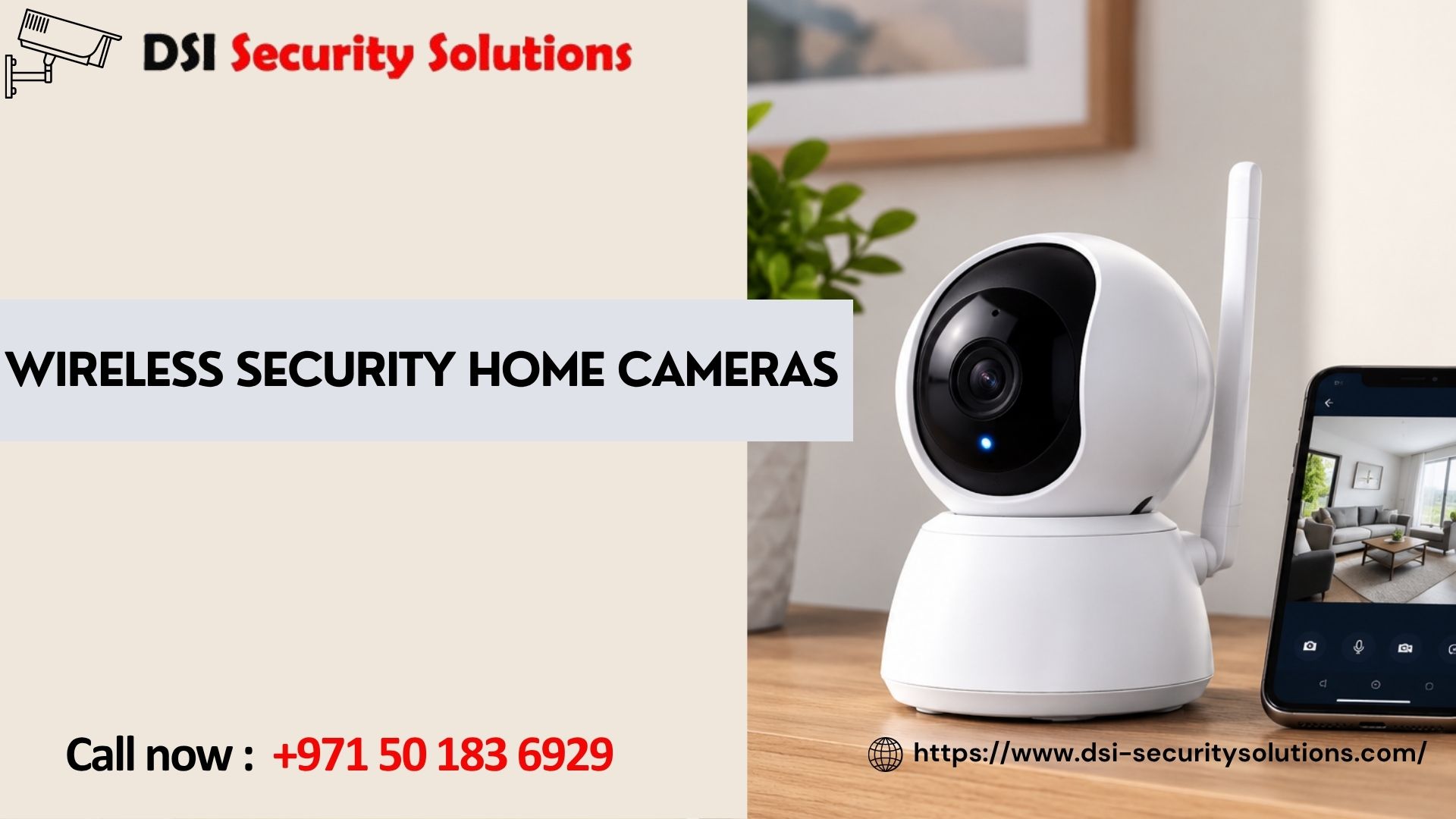
Wireless Security Home Cameras: Self-Monitored vs Professionally Monitored
Once you’ve decided to protect your home with wireless security home cameras, there’s a second decision that matters just as much as the camera hardware itself: who’s actually watching the footage, and what happens when something triggers an alert. Some homeowners are happy checking their phone when a notification comes in. Others want a professional monitoring service that can respond on their behalf, especially when they’re travelling or unavailable. This guide compares both approaches so you can choose the right level of monitoring for your home.
DSI Security Solutions supplies and installs wireless security home cameras across Dubai, and advises homeowners on whether self-monitoring, professional monitoring, or a combination of both suits their situation best.
What “Monitoring” Actually Means for Wireless Home Cameras
Every wireless security camera system captures footage and, in most cases, sends motion alerts to an app. What differs is what happens next:
- Self-monitoring: You receive the alert directly and decide what action, if any, to take.
- Professional monitoring: A monitoring service receives the alert, reviews the footage, and can take action on your behalf, such as contacting you, a neighbour, or emergency services.
Both approaches rely on the same underlying camera technology; the difference is entirely in who’s responsible for responding.
Self-Monitored Wireless Security Home Cameras
This is the most common setup for residential properties and works well for many homeowners.
How it works: Cameras send push notifications to your phone when motion is detected. You open the app, review the footage, and decide whether to take action, such as checking a doorbell camera before answering, or contacting security or police if something looks wrong.
Advantages:
- No ongoing monitoring subscription fees
- Full control over how you respond to each alert
- Straightforward setup, usually managed entirely through the camera manufacturer’s app
Limitations:
- Relies on you noticing and responding to alerts promptly
- No action is taken if you’re asleep, in a meeting, or without phone access
- Response time depends entirely on your own availability
Best suited for: Homeowners who are generally reachable, want to avoid subscription costs, and are comfortable handling alerts themselves.
Professionally Monitored Wireless Security Home Cameras
For homeowners wanting an extra layer of response, professional monitoring adds a service layer on top of the same camera hardware.
How it works: Alerts are routed to a monitoring team, who review the footage and follow an agreed response plan, which might include contacting you, a designated keyholder, or emergency services, depending on what the footage shows.
Advantages:
- Faster response even if you’re unavailable, asleep, or travelling
- Reduces the mental load of needing to check every alert personally
- Can provide an added layer of verification before contacting emergency services, reducing false alarm call-outs
Limitations:
- Involves an ongoing subscription or service fee
- Requires camera and system compatibility with a monitoring provider
- Response still depends on the specific protocol agreed with the monitoring service
Best suited for: Homeowners who travel frequently, want the fastest possible response to genuine incidents, or simply prefer not to manage alerts personally.
Hybrid Approaches
Many homeowners land somewhere in between, self-monitoring during the day when they’re generally available and reachable, while enabling additional alerts or notifications to a family member or trusted neighbour during extended absences, such as holidays. Some systems also allow you to temporarily escalate to professional monitoring for specific periods, such as while travelling, rather than committing to it permanently.
Choosing the Right Camera Features for Your Monitoring Approach
For Self-Monitoring
Prioritise a reliable, fast app with clear push notifications, smart motion detection to minimize irrelevant alerts, and two-way audio so you can respond directly to a visitor or intruder in real time.
For Professional Monitoring
Confirm the camera system is compatible with your chosen monitoring provider, check whether continuous recording or event-based recording is required for their review process, and clarify what information the monitoring team needs from you to act appropriately.
What to Ask Before Choosing a Monitoring Approach
- How quickly do I typically respond to app notifications during a normal day?
- Am I often unreachable, such as during work meetings, overnight, or travelling?
- Would I feel more at ease knowing a professional service is reviewing alerts, or do I prefer handling this myself?
- Is the additional cost of professional monitoring justified by my risk level and property value?
- Does my chosen camera system support integration with a monitoring service if I want to add it later?
Installation Considerations for Both Approaches
Regardless of which monitoring approach you choose, the underlying camera installation should follow the same good practices:
- Proper placement covering entrances, driveways and perimeter areas, avoiding glare and blind spots
- Reliable Wi-Fi coverage at every camera location, since both self-monitoring and professional monitoring depend on a stable connection
- Correct storage configuration, ensuring footage is retained long enough to be reviewed, whether by you or a monitoring service
- Secure account setup, with strong passwords and two-factor authentication, since monitored or not, an insecure camera system is a liability rather than a protection
Why Professional Installation Still Matters
Whether you choose self-monitoring or a professional service, how well the cameras are installed determines how useful the footage actually is. A professional installer will:
- Position cameras to capture clear, usable footage rather than vague movement
- Test Wi-Fi signal strength to avoid dropped connections during critical moments
- Configure motion zones to reduce false alerts, which matters even more if a monitoring service is reviewing every notification
- Set up the system correctly from day one, whether or not you add monitoring later
Our Approach to Wireless Security Home Cameras
Free consultation. We discuss your lifestyle, travel patterns and comfort level with handling alerts yourself before recommending an approach.
Camera and system selection. We recommend equipment compatible with your preferred monitoring setup, whether self-monitored or professional.
Professional installation. Reliable placement and Wi-Fi configuration across your property.
Guidance on monitoring options. We explain what’s available, including self-monitoring best practices and professional monitoring services, so you can choose confidently.
Ongoing support. Help adjusting your setup if your monitoring needs change over time, such as adding monitoring before an extended trip.
Frequently Asked Questions
What’s the difference between self-monitored and professionally monitored wireless cameras?
Self-monitored systems send alerts directly to your phone for you to review and act on, while professionally monitored systems route alerts to a monitoring service that reviews footage and can respond on your behalf.
Do I need professional monitoring for my wireless security home cameras?
Not necessarily. Many homeowners manage perfectly well with self-monitoring, particularly if they’re generally reachable. Professional monitoring adds value mainly for those who travel often or want faster response during periods they’re unavailable.
Can I switch between self-monitoring and professional monitoring later?
In many cases, yes, particularly if your camera system is compatible with a monitoring provider. It’s worth confirming this compatibility when choosing your initial camera system.
Does professional monitoring guarantee police or emergency response?
Not automatically. Monitoring services generally verify an incident first and then follow an agreed protocol, which may include contacting you, a keyholder, or emergency services depending on the situation and your specific agreement with the provider.
Is self-monitoring reliable enough for home security?
For many homeowners, yes, particularly when paired with reliable notifications and reasonable attentiveness. The main limitation is response time during periods when you’re unavailable or unreachable.
Do all wireless security home cameras support professional monitoring?
No, not all do. It’s important to check compatibility with your chosen or preferred monitoring provider before purchasing, if professional monitoring is something you want to use, even if not immediately.
How much does professional monitoring typically add to the cost of a camera system?
This varies by provider and service level, generally involving an ongoing monthly or annual fee in addition to the initial camera equipment and installation cost.
Can family members also receive alerts from my wireless security cameras?
Yes, most systems allow multiple users to be added to the same app, so family members or trusted contacts can also receive and respond to alerts if needed.
Choose the Right Monitoring Approach for Your Home
Whether you prefer handling alerts yourself or want the added reassurance of professional monitoring, the right wireless security home camera setup starts with understanding your own habits and needs. Contact DSI Security Solutions today for a free consultation.