
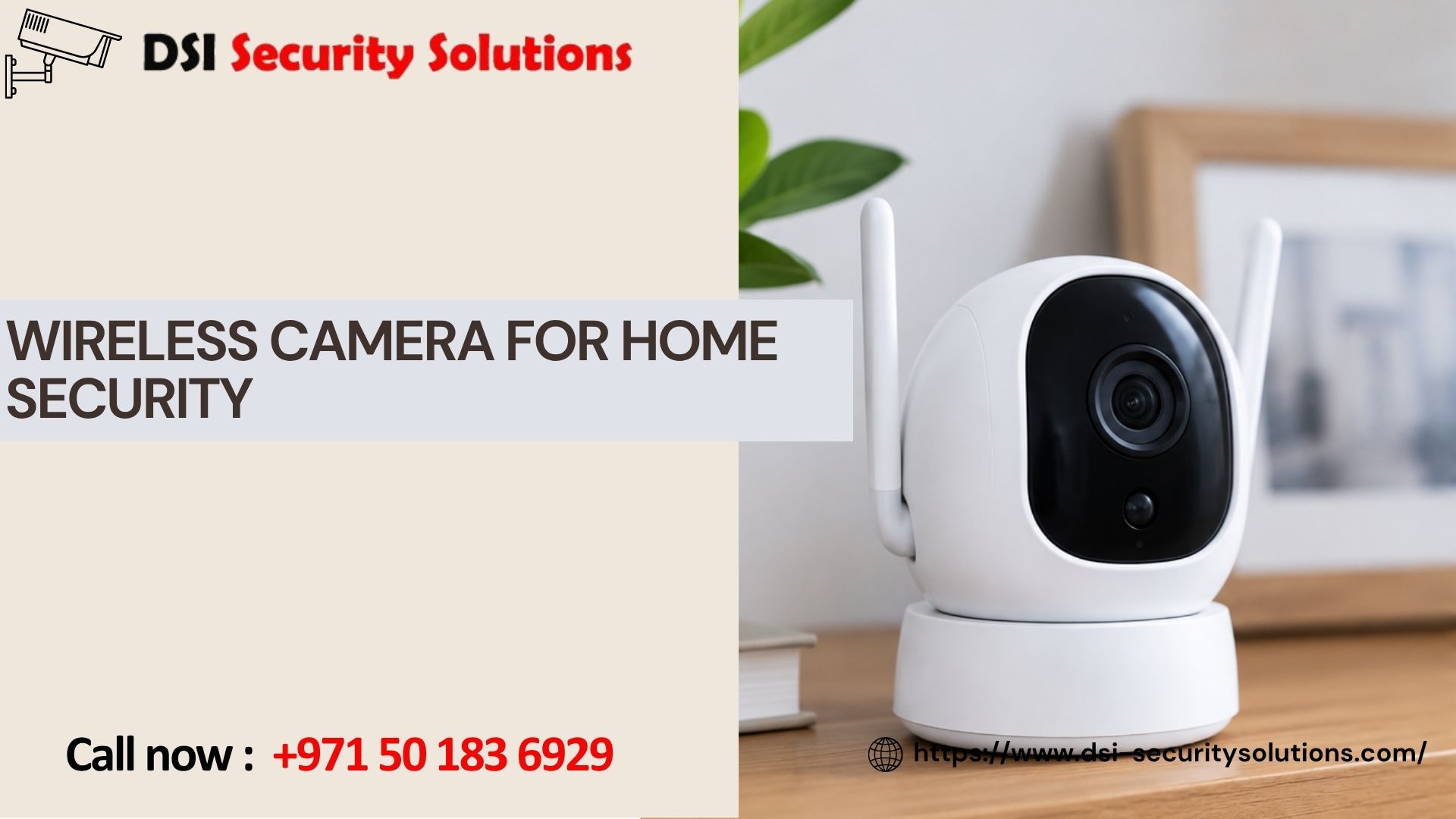
Why a Wireless Camera for Home Security Is the Smart Choice for Modern Homeowners
If you’ve been searching for a wireless camera for home security, you’re likely looking for a way to protect your property without tearing into walls, running cables, or hiring an electrician. The good news is that today’s wireless home security cameras deliver professional-grade protection with a fraction of the installation hassle — and in many cases, better features than traditional wired systems.
At DSI Security Solutions, we help homeowners choose, install, and maintain security systems that actually fit their lives. In this guide, we’ll walk through everything you need to know about wireless security cameras: how they work, what to look for, where to place them, and how to avoid common mistakes that leave homes vulnerable.
What Is a Wireless Home Security Camera?
A wireless security camera transmits video footage over Wi-Fi rather than through a physical cable connected to a recording device. Most models still require a power source (either a plug or a rechargeable battery), but they eliminate the need for video cables, making them far easier to install in almost any location — indoors, outdoors, near entry points, or in hard-to-reach corners of your property.
This is different from a “wire-free” camera, which runs entirely on battery power with no cords at all. Both fall under the umbrella of wireless home security cameras, but it’s worth understanding the distinction when comparing products, since battery life and maintenance needs vary significantly between the two.
Key Benefits of Wireless Security Cameras
1. Easy, Flexible Installation
Because there’s no need to run cables through walls or ceilings, you can mount a wireless camera almost anywhere: above a garage door, on a back fence, near a nursery window, or facing your driveway. Most homeowners can complete installation themselves in under 30 minutes per camera.
2. Remote Monitoring From Anywhere
Nearly every wireless camera on the market today pairs with a smartphone app, letting you view live footage, receive motion alerts, and review recorded clips whether you’re at work, on vacation, or just in another room.
3. Scalability
Need to add another camera to cover a new blind spot? With a wireless system, expansion is simple — no rewiring required. This makes wireless setups ideal for homeowners who want to start small and build out full home coverage over time.
4. Discreet Placement and Deterrence
Visible cameras alone can deter break-ins. A well-placed wireless camera at your front door, side entrance, or backyard acts as both a monitoring tool and a visual warning to would-be intruders.
5. Integration With Smart Home Systems
Many wireless cameras now integrate with smart home ecosystems like Amazon Alexa, Google Home, or dedicated security hubs, allowing you to combine video monitoring with smart locks, lighting, and alarm systems for a fully connected home security setup.
What to Look for When Choosing a Wireless Camera for Home Security
Not all wireless cameras are created equal. Here are the features that matter most:
Video Resolution: Look for at least 1080p HD resolution; 2K or 4K options provide sharper detail for identifying faces or license plates.
Night Vision: Since a large percentage of break-ins occur after dark, infrared or color night vision is essential for round-the-clock protection.
Motion Detection and Smart Alerts: Advanced models use AI-based detection to distinguish between people, vehicles, and animals, reducing false alarms and notification fatigue.
Two-Way Audio: This lets you speak directly through the camera — useful for greeting a delivery driver or warning off a trespasser.
Weather Resistance: For outdoor cameras, check the IP rating (IP65 or higher is ideal) to ensure durability against rain, dust, and temperature extremes.
Storage Options: Wireless cameras typically offer local storage (microSD card), cloud storage (subscription-based), or both. Consider your budget and how much footage history you want retained.
Battery Life or Power Source: Battery-powered models offer flexibility but require periodic recharging; plug-in wireless cameras offer continuous power without cable-run complications.
Field of View: A wider field of view (130–160 degrees) covers more area with fewer cameras, which is especially useful for driveways, backyards, and open living spaces.
Best Placement Strategies for Wireless Security Cameras
Where you install your cameras matters just as much as which cameras you choose. Consider these high-priority locations:
- Front door and entryway — the most common entry point for both visitors and intruders
- Back door and side entrances — often overlooked but frequently targeted
- Driveway and garage — protects vehicles and deters package theft
- First-floor windows — a common access point for break-ins
- Backyard and perimeter fencing — extends your security perimeter beyond the house itself
Aim to position cameras at 8–10 feet high, angled slightly downward, to capture faces clearly while staying out of easy reach.
Wireless vs. Wired Security Cameras: Which Is Right for You?
Many homeowners weigh wireless vs wired security cameras before making a decision. Wired systems can offer more consistent connectivity and don’t rely on battery life, but they require professional installation and are far less flexible once installed. Wireless systems, on the other hand, offer faster setup, easier relocation, and simpler scalability — making them the preferred choice for most residential properties, especially rentals or homes where drilling and wiring aren’t practical.
For homeowners who want the reliability of a wired system with the flexibility of wireless monitoring, hybrid setups are increasingly popular, combining a wired video doorbell with wireless cameras throughout the rest of the property.
Common Mistakes to Avoid With Wireless Home Security Cameras
- Weak Wi-Fi coverage: Cameras placed too far from your router can suffer dropped connections or delayed alerts. Consider a mesh Wi-Fi system or Wi-Fi extender for larger properties.
- Ignoring firmware updates: Manufacturers regularly release updates that patch security vulnerabilities — skipping these leaves your system exposed.
- Overlooking privacy settings: Always use strong, unique passwords and enable two-factor authentication on your camera app to prevent unauthorized access.
- Poor camera placement: Aiming cameras at reflective surfaces, direct sunlight, or obstructed angles reduces footage quality when you need it most.
- Choosing storage without a plan: Relying solely on cloud storage without checking subscription costs can lead to unexpected fees or gaps in coverage if you cancel.
How DSI Security Solutions Can Help
Choosing the right wireless camera for home security is only half the equation — proper installation, network setup, and system integration make the real difference in performance and reliability. At DSI Security Solutions, our team helps homeowners select the right equipment for their property, ensures optimal camera placement for maximum coverage, and integrates your cameras with broader home security systems including alarms, smart locks, and monitoring services.
Whether you’re securing a single-family home, a rental property, or a larger residential complex, we tailor every installation to your specific layout and security priorities.
Frequently Asked Questions
Are wireless security cameras as reliable as wired cameras?
Yes, modern wireless cameras are highly reliable when paired with a strong Wi-Fi signal. While they depend on network connectivity and, in some cases, battery life, advancements in compression technology and battery efficiency have made them nearly comparable to wired systems in day-to-day performance.
Do wireless cameras still need power?
Most wireless cameras still need a power source — either a wall outlet or a rechargeable/replaceable battery. “Wireless” typically refers to the elimination of video cables, not necessarily power cords. Fully battery-operated models are often called “wire-free” cameras.
How long does the battery last on a wireless security camera?
Battery life varies by model, usage, and settings, but most battery-powered wireless cameras last anywhere from one to six months per charge under normal use. Frequent motion alerts, night vision usage, and cold weather can shorten battery life.
Can wireless cameras work without internet?
Wireless cameras can record locally to a microSD card without an internet connection, but you won’t be able to access live streaming, remote viewing, or cloud storage features without Wi-Fi.
Is it hard to install a wireless home security camera myself?
No — most wireless cameras are designed for straightforward DIY installation, typically involving mounting the camera and connecting it to your home Wi-Fi network through a smartphone app. However, professional installation ensures optimal placement, network configuration, and integration with existing security systems.
How many wireless cameras do I need for full home coverage?
Most homes benefit from four to six cameras covering the front door, back door, driveway, and backyard. Larger properties or homes with multiple entry points may require additional coverage for blind spots.
Are wireless security cameras vulnerable to hacking?
Like any connected device, wireless cameras can be vulnerable if not properly secured. Using strong passwords, enabling two-factor authentication, and keeping firmware updated significantly reduces the risk of unauthorized access.