
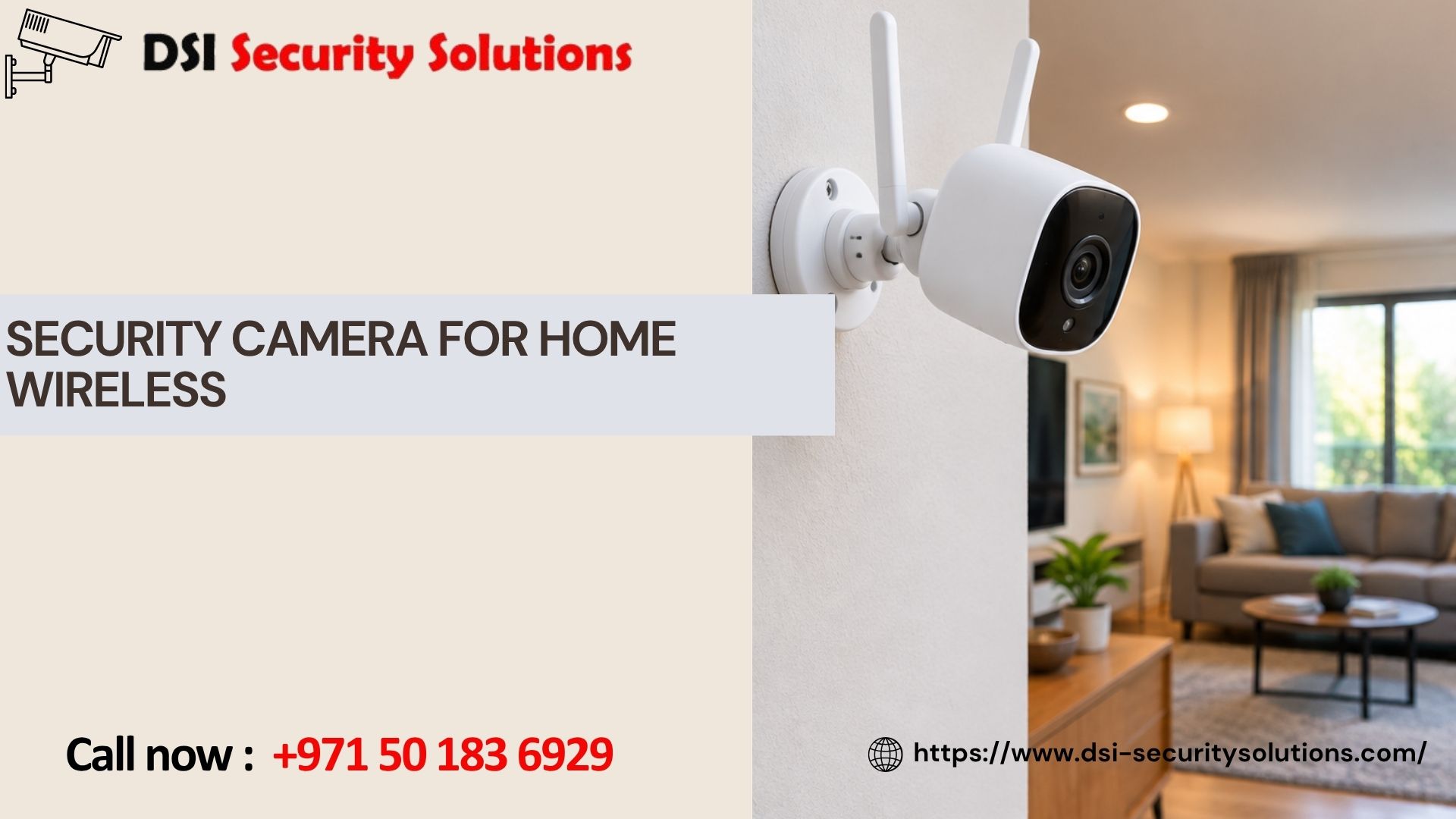
Security Cameras for Home Wireless
Not every home is easy to wire. Rental properties, apartments with strict maintenance rules, older villas with finished walls, and homes where you simply don’t want cables running along the ceiling all have one thing in common — wireless security cameras are usually the more practical choice. At DSI Security Solutions, we help homeowners choose and install wireless security cameras that are properly placed, correctly configured, and connected to a stable network, so they perform reliably instead of dropping footage or losing connection at the worst possible time.
This guide covers how wireless home security cameras actually work, what to consider before buying, and how professional installation differs from a DIY setup out of the box.
What “Wireless” Actually Means for a Security Camera
The term “wireless” gets used a little loosely in the security camera market, and it’s worth clarifying before you buy, because it affects both installation and long-term reliability.
Most wireless security cameras for home use are Wi-Fi cameras — they still need a power source (either a plug or a rechargeable battery), but they transmit video to your recorder or app over your home Wi-Fi network instead of through a physical cable. Some are fully wireless / battery-powered, meaning no cable at all, which makes them extremely flexible to place but requires periodic battery charging or replacement. Others are plug-in wireless, needing a nearby power outlet but skipping the video cable entirely, which is usually the more reliable middle ground for homeowners who want easy installation without worrying about battery life.
Understanding which type you’re looking at matters, because “wireless” affects installation flexibility, but it doesn’t remove every practical consideration — network strength, battery life, and storage still need to be planned properly for the system to work well long-term.
Why Homeowners Choose Wireless Security Cameras
Wireless cameras have become the default choice for a lot of homes, and for good reason. Installation is far less invasive — no fishing cables through walls, ceilings, or conduit, which matters a lot for rented properties or homes where you don’t want visible cable runs. Placement is more flexible — since there’s no cable tying the camera to a fixed route, you can position cameras exactly where they’re most useful, and move them later if needed. Setup is faster, often completed in a fraction of the time a wired system takes. They integrate easily with smart home systems, working alongside video doorbells, smart locks, and voice assistants for a more connected home security setup. And most models come with strong mobile app support, giving you live viewing, motion alerts, and two-way audio directly on your phone with minimal extra configuration.
For homeowners who want solid coverage without a major installation project, wireless cameras hit a practical balance between protection and convenience.
Things to Consider Before Choosing Wireless
Wireless isn’t automatically the right answer for every home or every camera position, and a few factors are worth thinking through first.
Wi-Fi Coverage and Signal Strength A wireless camera is only as reliable as the network it connects to. Cameras placed too far from the router, or blocked by thick walls, can suffer from dropped connections or delayed alerts. In larger villas, a mesh Wi-Fi system or a dedicated access point near outdoor cameras often makes a noticeable difference.
Battery Life (for Fully Wireless Cameras) Battery-powered cameras need periodic charging or battery swaps — anywhere from a few weeks to a few months depending on usage and settings. This is worth factoring in for cameras placed somewhere hard to reach, like a high wall or roofline.
Storage: Local vs. Cloud Wireless cameras typically rely on cloud storage subscriptions or a local storage card, unlike wired systems that usually connect to a central NVR/DVR. It’s worth understanding the storage plan and cost before committing to a specific brand.
Interference and Range Thick walls, metal doors, and distance from the router can all affect signal reliability. A site assessment before installation helps identify where signal strength might be a problem and how to solve it — whether that’s camera placement, a Wi-Fi extender, or choosing a plug-in model over a fully battery-powered one.
Weatherproofing for Outdoor Use Not all wireless cameras are built the same for outdoor conditions. For homes in hot, dusty, or humid climates, it’s important to choose cameras genuinely rated for those conditions rather than an indoor model placed outside.
Types of Wireless Cameras We Install
- Wi-Fi Outdoor Cameras – Weatherproof cameras for entrances, driveways, and perimeters that connect over your home network.
- Battery-Powered Cameras – Fully cordless cameras, ideal for spots without easy access to power, such as a side gate or garden wall.
- Plug-In Wireless Cameras – No video cable needed, but powered via a standard outlet, offering a good balance of easy installation and consistent uptime.
- Wireless Doorbell Cameras – Let you see and speak to visitors at the door from your phone, whether you’re home or away.
- Indoor Wireless Cameras – Compact cameras for hallways, living areas, or nurseries, easy to reposition as needed.
- Solar-Powered Wireless Cameras – Battery cameras paired with a small solar panel, reducing how often batteries need charging for outdoor locations with good sun exposure.
Our Wireless Camera Installation Process
1. Free Home Consultation We assess your property, Wi-Fi coverage, and the specific areas you want monitored — entrances, driveway, garden, or indoor spaces.
2. Network and Placement Planning We check signal strength at proposed camera locations and recommend adjustments where needed, such as a mesh extender for outdoor cameras placed farther from the router.
3. Camera Selection Based on the consultation, we recommend the right mix of battery-powered, plug-in, or Wi-Fi outdoor cameras for your specific home layout.
4. Mounting and Setup Our technicians mount each camera securely, connect it to your network, and configure motion detection, night vision, and alert settings.
5. Mobile App Configuration We set up the companion app on your phone (and any other family members’ devices), so you can view live footage, check recordings, and manage alerts from anywhere.
6. Testing and Walkthrough We test signal strength, recording quality, and notifications at every camera location before finishing, and walk you through daily use, battery care, and app features.
7. Ongoing Support We offer maintenance and troubleshooting support, including help with battery replacement schedules, firmware updates, and network adjustments if signal issues come up later.
What Affects the Cost of Wireless Home Security Cameras
- Number of cameras – More coverage points increase the total equipment cost.
- Camera type – Battery-powered, plug-in, and doorbell cameras vary in price, with solar options typically costing more upfront.
- Storage plan – Cloud storage subscriptions add an ongoing cost beyond the initial camera purchase; local storage cards are usually a one-time cost.
- Network upgrades – Homes with weak Wi-Fi coverage in outdoor areas may need a mesh system or access point, adding to the overall setup cost.
- Additional features – Two-way audio, AI-based person/vehicle detection, and higher resolution models tend to cost more.
A free home consultation is the best way to get an accurate estimate, since it accounts for your actual Wi-Fi coverage and property layout rather than a generic online estimate.
Why Choose DSI Security Solutions
- Free consultation that includes checking Wi-Fi signal strength at proposed camera locations, not just counting entry points.
- Honest recommendations — we’ll tell you if a wired camera or network upgrade makes more sense for a specific spot rather than forcing a wireless-only setup.
- Experienced installation that avoids the common pitfalls of DIY wireless setups, like poor placement or weak signal.
- Support after installation, including help with battery schedules, app setup, and troubleshooting connectivity issues.
- Equipment rated for local outdoor conditions, so cameras keep performing through heat, dust, and humidity.
Our goal is a wireless camera system that actually stays connected and keeps recording when it matters, not one that looks simple on the box but struggles once it’s mounted on your wall.
Frequently Asked Questions
1. Do wireless security cameras still need a power source? Most do. Fully wireless cameras run on rechargeable batteries that need periodic charging, while plug-in wireless cameras need a nearby power outlet but skip the video cable entirely. “Wireless” typically refers to how the camera transmits video, not necessarily how it’s powered.
2. How reliable is a wireless camera compared to a wired one? Wireless cameras can be very reliable when the Wi-Fi signal at their location is strong. Wired cameras generally have an edge in stability since they’re not dependent on network signal strength, which is why a mix of both is sometimes recommended for larger properties.
3. How long do the batteries last on wireless cameras? Battery life varies by model and usage, typically ranging from a few weeks to a few months depending on how often the camera detects motion and records. Solar-powered options can reduce how often batteries need charging for outdoor cameras with good sun exposure.
4. Where is footage stored on a wireless camera? Most wireless cameras store footage either through a cloud subscription service or on a local storage card, depending on the brand and model. We help you choose a storage option based on how much footage you need to retain and your budget for ongoing costs.
5. Will a wireless camera work if my Wi-Fi signal is weak in that area? Not reliably. Weak Wi-Fi signal can cause delayed alerts, choppy footage, or dropped connections. During our consultation, we check signal strength at proposed camera locations and recommend solutions such as a mesh extender or a plug-in camera closer to the router if needed.
6. Can wireless cameras be used outdoors? Yes, as long as the specific camera model is rated for outdoor conditions, including heat, dust, and humidity. We help select cameras genuinely suited for outdoor placement rather than indoor models used outside.
7. Can I add more wireless cameras to my system later? In most cases, yes. Wireless systems are generally easy to expand since there’s no cabling tying you to a fixed layout, making it simple to add cameras in new areas as your needs change.
8. Do you help with the mobile app setup for wireless cameras? Yes. We set up the companion app on your phone and any other devices you’d like connected, and walk you through viewing live footage, managing alerts, and adjusting settings.