
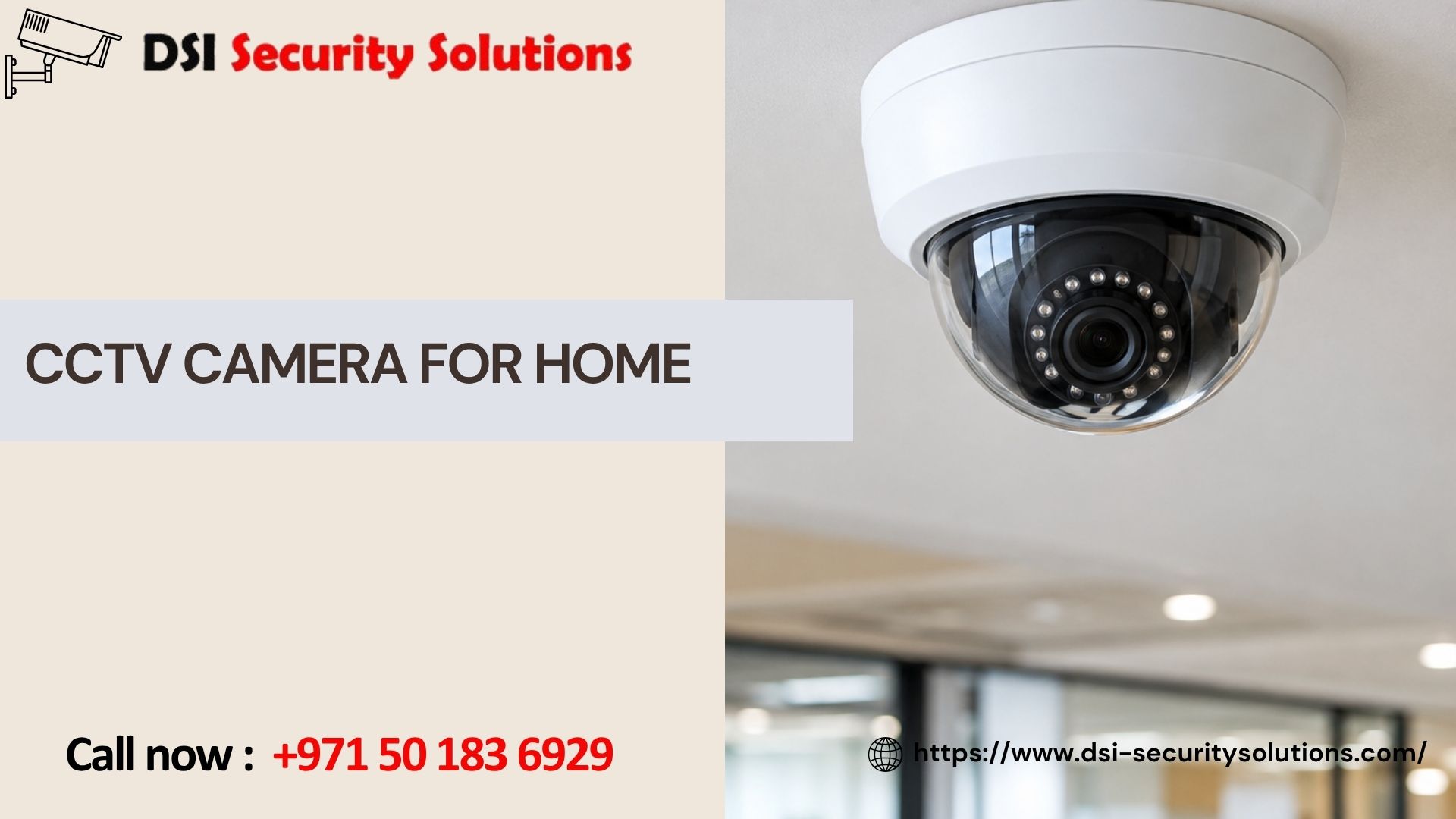
CCTV Camera for Home: A Complete Guide to Choosing the Right System
Installing a CCTV camera for home use is one of the most effective steps you can take to protect your family, deter break-ins, and keep an eye on your property when you’re not there. But CCTV for home covers a wide range of options, from a basic single-camera setup connected to a small recorder, to a full multi-camera system covering every entrance and outdoor space. Choosing the right one depends on your home’s layout, your budget, and how much coverage you actually need.
This guide walks through the practical side of choosing a home CCTV system: the types available, how many cameras a typical home needs, what affects cost, and how to avoid common mistakes. DSI Security Solutions works with homeowners to design and install systems that genuinely fit their property, rather than a generic package built for someone else’s house.
What Does CCTV for Home Actually Include?
A traditional home CCTV system typically consists of a few core components working together:
- Cameras — mounted at entry points and outdoor areas to capture video of your property
- A recorder (DVR or NVR) — stores footage locally, allowing you to review recordings later
- Cabling or wireless connectivity — connects cameras to the recorder and, often, to your home network for remote access
- A viewing app or software — lets you check live footage and browse recordings from your phone or computer
Unlike a single standalone wireless camera, a full home CCTV system is designed to give you complete, centralized coverage and recording across your entire property, rather than isolated views from individual devices.
Types of CCTV Cameras for Home Use
Home CCTV systems typically use one or a combination of the following camera types:
Dome Cameras
A discreet, rounded design often used for indoor areas or covered outdoor spaces like porches, valued for being tamper-resistant and unobtrusive.
Bullet Cameras
A more visible, cylindrical design commonly used outdoors for driveways, gardens, and entrances, where the camera’s visible presence also acts as a deterrent.
Turret Cameras
A ball-and-socket style camera offering flexible angle adjustment, popular for both indoor and outdoor use where precise aiming matters.
Wired vs. Wireless Home CCTV
Traditional CCTV systems are typically wired, connected to a DVR through coaxial or network cabling, offering stable, high-quality footage without relying on Wi-Fi strength. Wireless options are also increasingly common for home use, trading some connection stability for easier installation and more flexible camera placement.
How Many CCTV Cameras Does a Typical Home Need?
Coverage needs vary by home size and layout, but here’s a general guide based on common residential setups:
Apartments
Usually require just one to two cameras, typically covering the front door and any ground-floor windows, since shared building areas are often monitored separately by building management.
Townhouses
Generally benefit from three to four cameras, covering the front entrance, back door, and any side access points or shared walls with neighboring units.
Standalone Villas
Typically need four to six cameras or more, covering the main gate, driveway, backyard, and perimeter walls, with additional cameras for larger properties or those with detached structures like garages.
Multi-Story Homes
May require cameras at both ground-level entry points and upper-floor balconies or windows, particularly if there’s exterior access from adjacent structures or walls.
These numbers are general starting points, a proper site assessment accounts for your home’s specific layout, blind spots, and any particular areas of concern.
Key Features to Look for in a Home CCTV Camera
Not all home CCTV cameras are built the same. These features make a meaningful difference in day-to-day usefulness:
- Resolution — 1080p is generally the minimum for clear identification; 2K or 4K provides sharper detail, particularly useful for capturing faces or license plates at a distance
- Night vision — essential for outdoor cameras, with color night vision technology offering more usable footage than traditional black-and-white infrared
- Weatherproof housing — outdoor cameras need housings rated to withstand heat, dust, and rain without performance degradation
- Motion detection — triggers recording or alerts when movement is detected, helping you focus on relevant footage rather than reviewing hours of empty video
- Remote viewing — mobile app access lets you check your home’s cameras from anywhere with an internet connection
- Storage capacity — determines how many days or weeks of footage your system can retain before older recordings are overwritten
What Affects the Cost of a Home CCTV System
Several factors influence how much a home CCTV system costs:
- Number of cameras — more cameras mean more coverage, but also higher equipment and installation costs
- Camera resolution and features — higher resolution, color night vision, and advanced motion detection all add to the price
- Wired vs. wireless installation — wired systems may involve additional cabling costs, especially in larger homes
- Recorder capacity — larger storage capacity in your DVR or NVR increases upfront cost but extends footage retention
- Professional installation — labor costs vary based on home size, mounting complexity, and any additional network configuration needed
A transparent provider should be able to break down each of these costs clearly, rather than giving a single vague total that leaves you unsure what you’re actually paying for.
Benefits of Installing a CCTV Camera System at Home
Beyond basic security, a properly installed home CCTV system offers several practical advantages:
- Deterrence — visible cameras discourage potential intruders before they attempt a break-in
- Evidence collection — clear footage supports police reports and insurance claims in the event of theft or property damage
- Remote peace of mind — checking in on your home while at work or traveling reduces daily stress about your property’s safety
- Family monitoring — keeping track of when children arrive home, or checking on elderly family members or pets during the day
- Delivery and visitor monitoring — reducing package theft and confirming who’s at your door before answering
Common Mistakes When Choosing a Home CCTV System
We often see homeowners run into avoidable problems after purchasing a system without proper planning:
- Buying based on camera count alone — more cameras don’t help if they’re poorly placed or covering the wrong areas
- Ignoring storage limitations — some systems retain only a few days of footage before overwriting, which can be a problem if an incident isn’t noticed right away
- Choosing indoor-rated cameras for outdoor use — leading to premature equipment failure in heat, dust, or rain
- Skipping a proper site assessment — resulting in blind spots at exactly the entry points that matter most
- Underestimating installation complexity — larger homes or difficult mounting locations often require more planning than expected
DIY vs. Professional Home CCTV Installation
Basic single-camera kits can often be installed as a DIY project, particularly for renters or small apartments. However, professional installation typically delivers better results for:
- Multi-camera systems requiring coordinated coverage across a full property
- Villas and larger homes with more complex cabling or mounting needs
- Systems requiring reliable network configuration for remote access
- Integration with existing smart home devices, alarms, or gate access systems
Professional installation also typically includes proper testing, angle adjustment, and configuration from the start, helping you avoid the trial-and-error process that often comes with self-installation.
Our Home CCTV Installation Process
When you choose DSI Security Solutions for your home CCTV system, here’s what to expect:
- Free consultation — we discuss your home’s layout and specific security priorities
- Site assessment — a technician evaluates your property and identifies optimal camera placement
- Custom system design — we recommend the right camera types, resolution, and storage setup for your needs and budget
- Professional installation — clean cabling, secure mounting, and proper network configuration
- Testing and training — we confirm everything works and walk you through using your new system
- Ongoing support — maintenance plans to keep your system reliable for years to come
Get a Free CCTV Camera Quote for Your Home
Whether you’re installing your first home CCTV system or replacing an outdated one, DSI Security Solutions can help you choose and install a system that actually fits your home. Contact us today for a free consultation and a custom, no-obligation quote based on your property’s specific layout and needs.
Frequently Asked Questions
How many CCTV cameras do I need for my home?
It depends on your home’s size and layout. Apartments often need just one to two cameras, while villas typically require four to six or more to cover gates, driveways, and perimeter walls. A site assessment provides the most accurate recommendation.
Is CCTV better than a wireless smart camera for home security?
Both have advantages. Traditional wired CCTV systems generally offer more stable connections and consistent recording, while wireless smart cameras provide easier installation and more flexible placement. Many homeowners use a combination of both depending on the location.
Do home CCTV cameras need internet to work?
Not necessarily. Wired CCTV systems can record locally to a DVR without an internet connection. Internet access is only required for remote viewing, mobile alerts, or cloud storage features.
How long does CCTV footage typically get stored?
Storage duration depends on your recorder’s capacity and the number of cameras recording simultaneously, but most home systems retain anywhere from a few days to several weeks of footage before older recordings are overwritten.
Can I add more cameras to my home CCTV system later?
In many cases, yes, as long as your recorder has available capacity for additional camera channels. It’s worth choosing a system with some extra capacity upfront if you anticipate expanding coverage in the future.
What’s the difference between a DVR and an NVR for home CCTV?
A DVR (digital video recorder) is typically used with analog cameras connected via coaxial cable, while an NVR (network video recorder) is used with IP cameras connected over a network, generally supporting higher resolution footage.
Do outdoor home CCTV cameras need special weatherproofing?
Yes. Outdoor cameras should have weatherproof housings rated to handle heat, dust, and rain, unlike standard indoor cameras which aren’t built to withstand outdoor environmental exposure.