
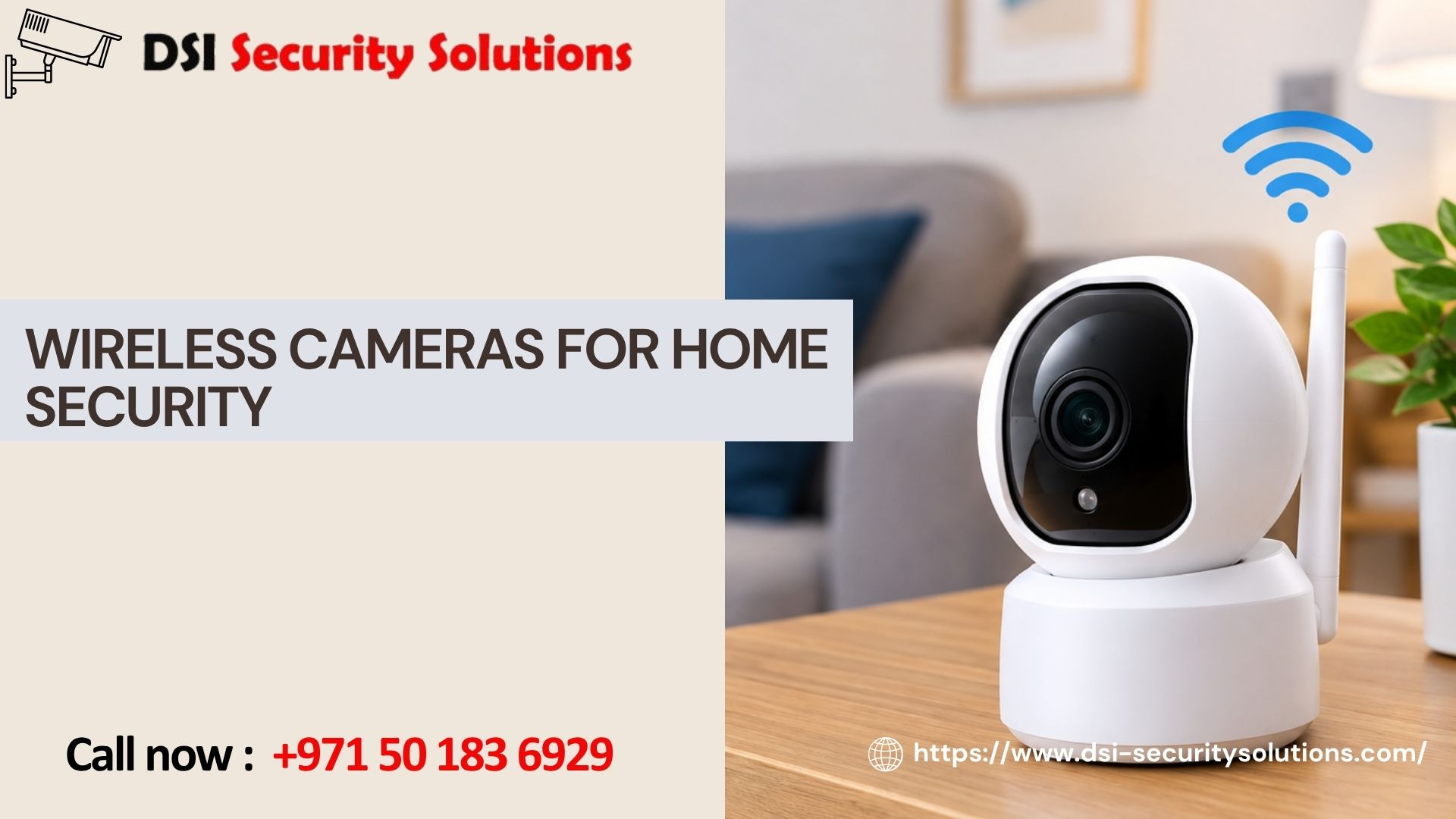
Wireless Cameras for Home Security: Choosing the Right Setup for Your Situation
Not every household needs the same home security setup. A family with young children has different priorities than a frequent traveler living alone, and an apartment renter faces different constraints than a homeowner with a large backyard. Wireless cameras for home security have become popular precisely because they’re flexible enough to adapt to these different situations, but that flexibility only pays off if you actually match the setup to your household’s real needs.
Rather than walking through generic product specs, this guide looks at wireless home security cameras through the lens of common household situations, so you can identify which setup, camera types, placement, and features, actually fits your life. DSI Security Solutions helps homeowners translate these priorities into a working system, correctly installed and configured from day one.
Why Wireless Cameras Have Become the Default Choice for Home Security
Wireless security cameras have largely replaced hardwired systems for residential use because they solve several practical problems at once:
- No need to run cables through walls, ceilings, or across yards
- Cameras can be repositioned or added easily as needs change
- Renters can install and later remove systems without permanent modifications
- Battery-powered options work in areas without nearby power outlets
- Most systems integrate directly with a mobile app for remote viewing and alerts
That said, “wireless” doesn’t mean identical, different households genuinely benefit from different combinations of camera types, placements, and features. Here’s how that plays out in practice.
Setup for Families With Children
Parents typically want a balance between security monitoring and everyday household awareness, keeping an eye on entry points while also being able to check in on kids playing in the backyard or arriving home from school.
- Front door coverage — a video doorbell camera lets you see who’s arriving, including kids coming home before you do
- Backyard and pool area cameras — wireless cameras with motion alerts help monitor outdoor play areas, particularly important for homes with swimming pools
- Two-way audio — useful for communicating with children directly through the camera if you’re not home
- Indoor cameras for common areas — some families choose to add cameras in shared living spaces, though placement should always respect household privacy expectations, particularly avoiding bedrooms and bathrooms
Families often prioritize ease of use and clear mobile alerts over advanced features like facial recognition, since day-to-day peace of mind matters more than technical sophistication.
Setup for Frequent Travelers
If you’re regularly away from home, whether for work travel or extended vacations, your priority is reliable remote monitoring and confidence that the system will alert you to genuine issues without constant false alarms.
- Full perimeter coverage — cameras at all entry points, not just the front door, since an empty home is vulnerable at any access point
- Cloud storage — footage backed up remotely ensures you don’t lose recordings if a camera is damaged or removed while you’re away
- AI-based motion detection — reduces false alerts from wind, shadows, or passing animals, so notifications you receive while traveling are more likely to be genuinely important
- Smart home integration — pairing cameras with smart locks and lighting can create the appearance of an occupied home, adding an extra layer of deterrence
Reliable Wi-Fi coverage becomes especially important for this group, since a dropped connection while traveling means losing visibility exactly when it matters most.
Setup for Pet Owners
Pet owners often want cameras for a dual purpose: home security and checking in on pets during the day.
- Indoor cameras with two-way audio — allow you to check on pets and even speak to them remotely
- Wide field-of-view cameras — capture more of a room, useful for monitoring pets who move around throughout the day
- Smart motion filtering — advanced cameras can distinguish between pets and potential intruders, reducing unnecessary alerts from normal pet movement
- Backyard cameras — useful for homes with outdoor pet access, helping monitor gates and fence lines
This group tends to prioritize picture clarity and reliable indoor Wi-Fi coverage over extensive outdoor perimeter systems, unless outdoor pet security is also a specific concern.
Setup for Renters and Apartment Residents
Renters face a unique challenge: wanting reliable security without making permanent changes to a property they don’t own.
- Battery-powered cameras — avoid the need for wiring or outlet access changes, and can be taken with you when you move
- Portable door and window sensors — often paired with wireless cameras for a more complete, easily removable security setup
- Video doorbell alternatives — some renters use compact indoor cameras aimed at the front door instead of a hardwired doorbell replacement
- Compact indoor cameras — apartments generally need fewer cameras than houses, often just entry points and any ground-floor windows
For apartment residents, checking building policies on exterior-facing cameras or common-area installations is worthwhile before setup, since shared spaces sometimes have specific rules.
Setup for Homeowners With Large Properties
Bigger properties, larger yards, multiple entry points, detached garages, or additional structures like sheds, require broader coverage planning.
- Extended Wi-Fi coverage — mesh network systems or dedicated access points ensure cameras placed far from the router maintain a stable connection
- Solar-powered cameras — useful for locations far from both power outlets and reliable Wi-Fi range, such as detached structures or property perimeters
- Multiple camera zones — dividing the property into zones (front, back, side access, detached buildings) helps ensure no area is overlooked
- Local storage backup — for larger systems, local NVR storage alongside cloud backup provides redundancy in case of connectivity issues
Larger properties typically benefit most from professional installation, since coverage planning and network configuration become more complex with distance and multiple structures involved.
Setup for Package Theft Prevention
With online shopping delivery volumes higher than ever, package theft has become one of the most common reasons homeowners install a wireless camera in the first place.
- Video doorbell camera — captures delivery drivers and any subsequent activity at the front door
- Motion-activated alerts — immediate notification when a delivery, or anyone else, arrives at your entrance
- Two-way audio — allows you to speak to a delivery driver remotely, or deter a potential thief in real time
- Wide-angle coverage — ensures the camera captures the full porch or entryway area, not just a narrow view of the door itself
This is often the simplest and most affordable wireless camera setup, sometimes requiring just a single well-placed camera at the front entrance.
Common Factors That Apply Across All Setups
Regardless of your specific household situation, a few considerations apply universally when setting up wireless cameras for home security:
- Wi-Fi strength at each camera location — weak signal leads to lag, delayed alerts, or dropped footage
- Storage strategy — deciding between cloud subscriptions and local SD card or NVR storage based on budget and retention needs
- Battery maintenance — for battery-powered cameras, a charging routine prevents gaps in coverage
- Account security — strong, unique passwords and two-factor authentication protect your camera feeds from unauthorized access
- Placement height and angle — cameras positioned too low are vulnerable to tampering; too high, and facial detail is lost
DIY vs. Professional Installation for Wireless Home Cameras
Basic single-camera setups are often manageable as a DIY project. However, professional installation adds significant value for:
- Multi-camera systems requiring coordinated coverage planning
- Properties with weak or inconsistent Wi-Fi coverage in key areas
- Integration with existing smart home devices, locks, or alarm systems
- Secure network configuration to protect against unauthorized access
- Larger properties where camera placement significantly affects overall system effectiveness
A professional consultation also helps you avoid buying more (or less) camera than your household actually needs, since recommendations are based on your specific property rather than generic marketing packages.
Why Homeowners Work With DSI Security Solutions
We help households translate their specific situation, family needs, travel schedules, pets, property size, into a wireless camera setup that actually performs. Our services include:
- Free consultations to assess your household’s specific security priorities
- Expert camera placement based on real coverage needs, not guesswork
- Wi-Fi and network optimization for dependable performance
- Integration support for smart locks, doorbells, and existing security devices
- Ongoing troubleshooting and maintenance support after installation
Get a Free Consultation for Your Home
Whether you’re a busy parent, a frequent traveler, a pet owner, or simply tired of package theft, DSI Security Solutions can help you design a wireless camera setup that actually fits your household. Contact us today for a free consultation and a custom recommendation built around your specific situation.
Frequently Asked Questions
How many wireless cameras do I need for basic home security?
For basic coverage, most homes benefit from at least three to four cameras: front door, back door, and any additional vulnerable entry points like a garage or side gate. Larger properties or more comprehensive coverage may require more.
Can wireless cameras work well in homes with weak Wi-Fi?
They can, but performance may suffer without improvements like a mesh network system or dedicated access points near camera locations. A professional assessment can identify whether your current Wi-Fi setup needs upgrading before installation.
Do I need different cameras for indoor and outdoor use?
Yes. Outdoor cameras require weatherproof housings to withstand rain, heat, and dust, while indoor cameras can prioritize features like two-way audio and compact design without weatherproofing requirements.
Are battery-powered cameras reliable for full-time home security?
They can be, but require a regular charging routine to avoid coverage gaps. Households that prefer not to manage battery maintenance often choose plug-in wireless cameras for full-time monitoring locations instead.
Can wireless cameras integrate with existing smart home devices?
Many modern wireless cameras integrate with smart locks, lighting, and voice assistants, creating a more connected home security experience. Compatibility varies by brand, so it’s worth confirming integration options before purchasing.
What’s the most affordable way to start with home security cameras?
A single video doorbell camera or entry-point camera is often the most affordable starting point, particularly for addressing common concerns like package theft, before expanding to a more complete system over time.
Should I choose cloud storage or local storage for my wireless cameras?
It depends on your priorities. Cloud storage offers off-site backup and remote accessibility but involves ongoing subscription fees. Local storage, such as an SD card or NVR, is typically a one-time cost but is vulnerable if the physical device is damaged or removed.